6600 Product manual
Operator Manual
:
Adjust the relative position of the Mosaic between images. Determine the
moving direction of the image, select the corresponding function key, and set the step size
when moving. Click the button once, and the local image will be moved by a step size
according to the operation on the button.
6.5.2 Parameter settings
6.5.2.1 Photography
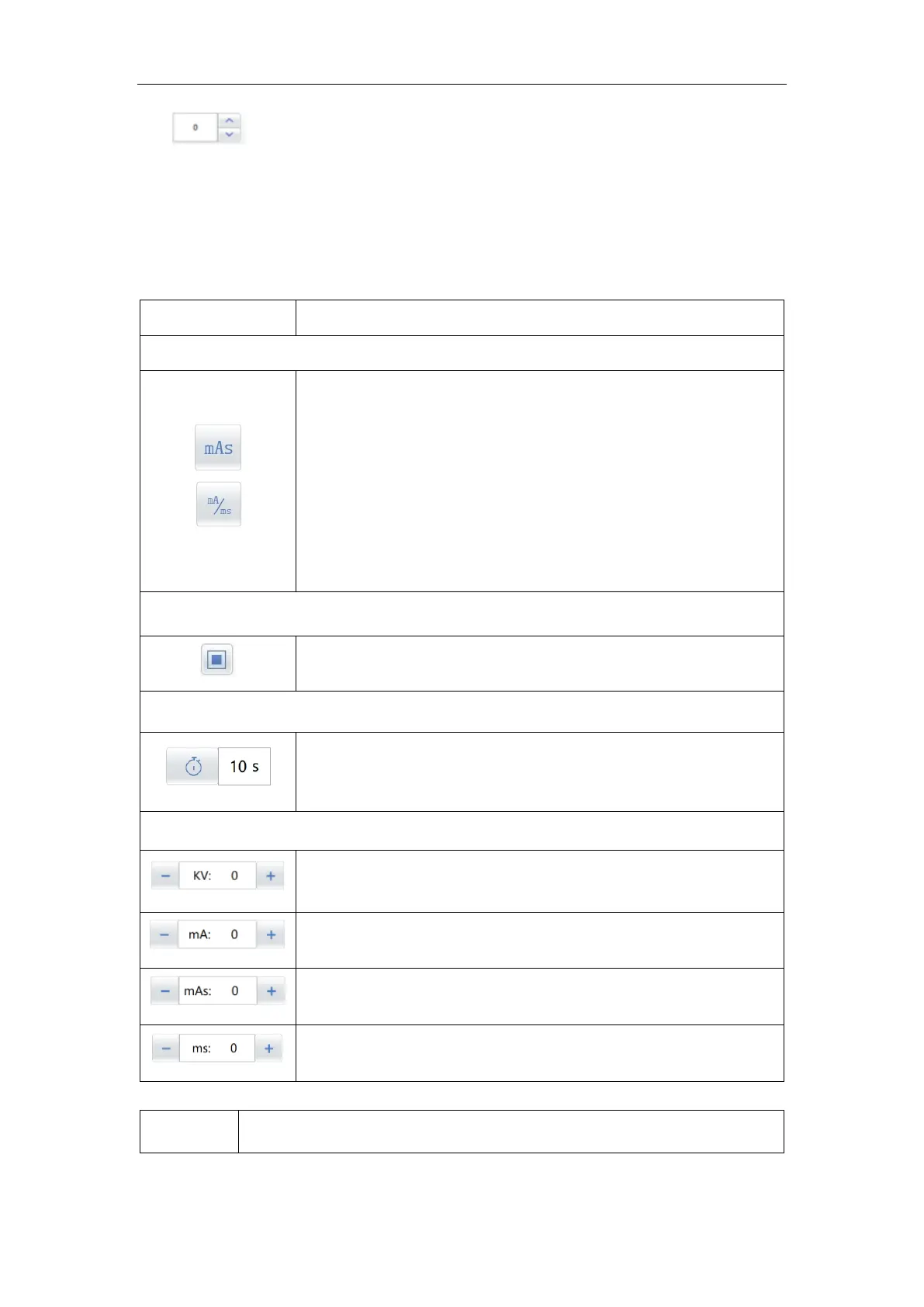
Photographic parameter selection mode
Select the generator mode, click the appropriate button. Lighter
button color indicate the generator work as the select mode:
mAs:generator control exposure through kV、mAs; In this case,
only kV, mAs need toset.
mA/ms:generator control exposure through kV、mA and exposure
time. only kV, mA and ms need to set.
Countdown: click the icon to start timing after writing the planned
exposure time, and the system enters the timing exposure state.
Tube voltage set and display
Tube electric current set and display.
Exposure mAs set and display.
Exposure time set and display, milliseconds.



 To Next Page