6600 Product Manual
Operator Manual
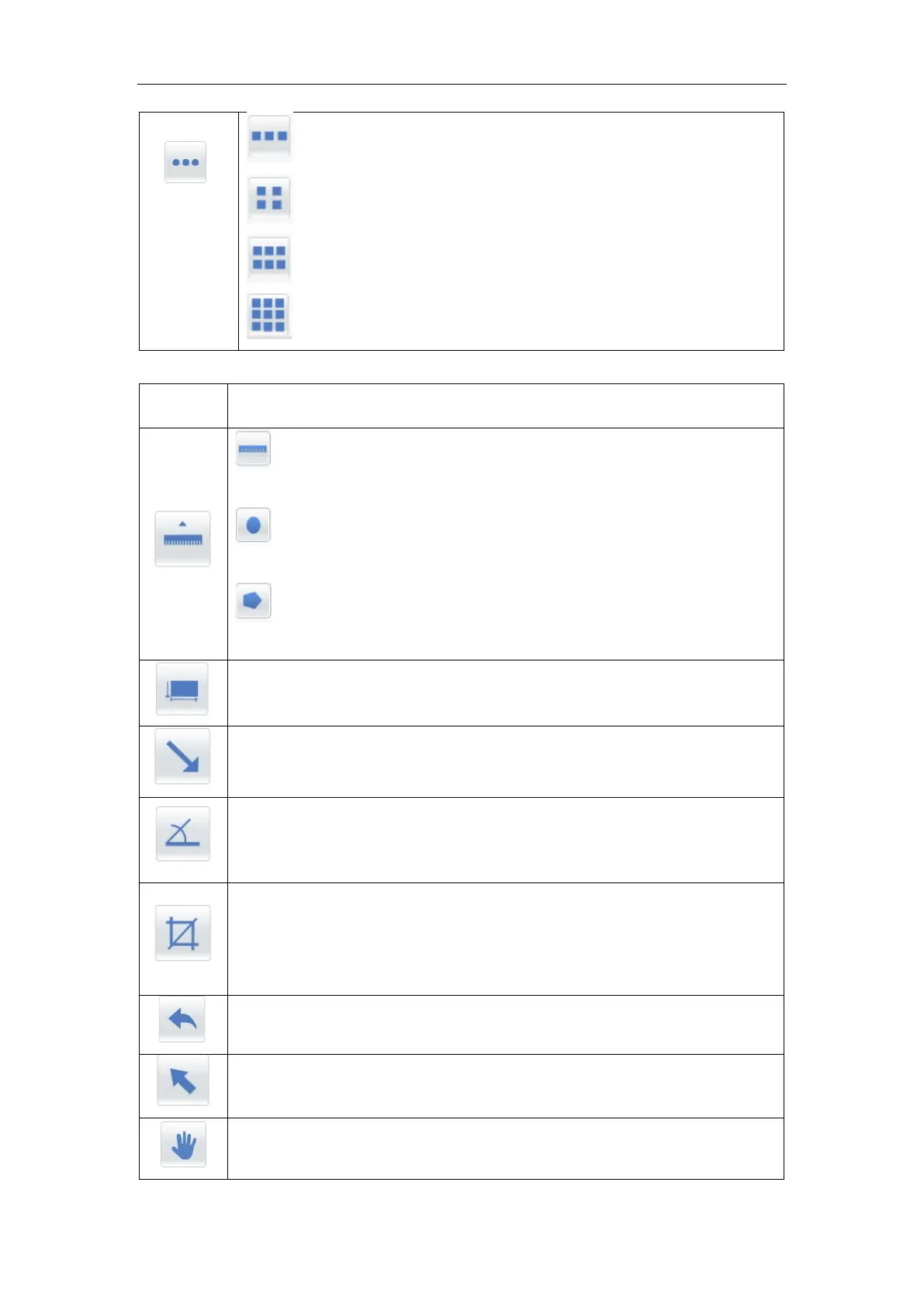
The image display area shows the layout is 1×3
;
The image display area shows the layout is 2×2
;
The image display area shows the layout is 2×3
;
The image display area shows the layout is 3×3
;
Line measurement: draw a line on the image and automatically
measure the length of the line.
Graph measurement: draw a curve on the image and the program
automatically measures the length of the curve.
Polyline Measurement: a polyline is drawn on the image and the
program automatically measures the length of the polyline.
Draw a rectangular region on the image, the program automatically
measures the area of the region, SNR, mean, variance, etc
Click the icon to indicate the arrow on the image.
Click the icon, click the mouse on the image to determine the location of the
vertex, then determine the location of the two sides, and the system
automatically measures the size of the Angle.
The clipping tool cuts out the rectangular image area as required.
Click the icon, hold down the left mouse button on the image and drag out
a rectangular box. The mouse is close to the edge of the clipping box. The
mouse icon turns into the up and down arrow mark
Select click the button to select various annotation contents in the image
display area
Move click on the icon to move the image



 To Next Page