6.7.2.5 Import function
:
Use the "import and export" operation to import the disk files into the
workstation for saving.
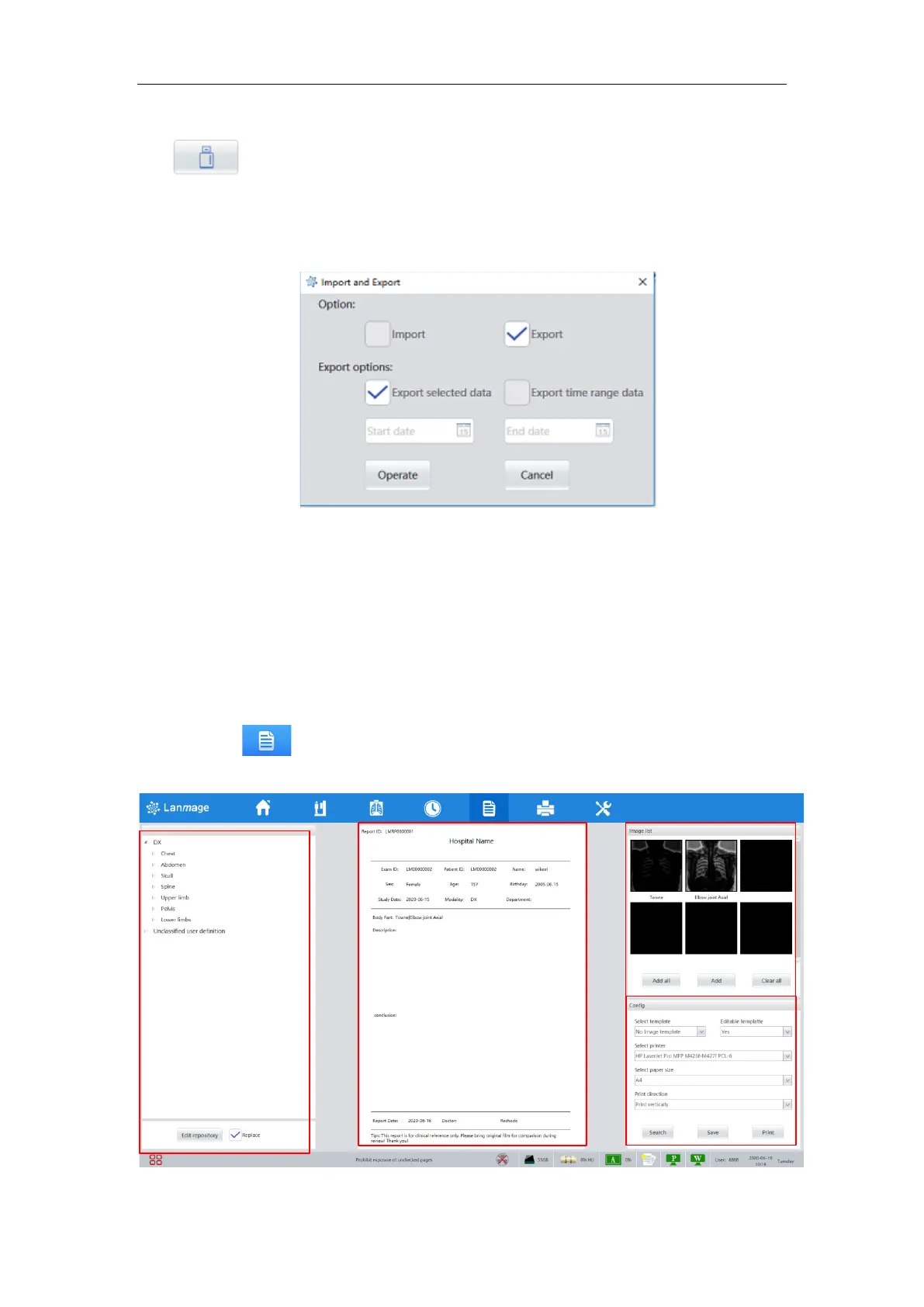
Using the "export" operation, the current inspection image can be exported to the
local place or exported according to the time period, as shown below:
Figure 6-14
6.7.3 History list
Information section: The basic information of patient such as ID, name, Sex and so on.
6.7.4 Thumbnails
Thumbnails: display the thumbnails of captured image, double click the thumbnails to
view the image.
6.8 Report function
Click the button in the navigation menu area to enter the medical record report
writing interface of the examined patients, as shown below:



 To Next Page