as flat panel according to the message on the driver load screen.
Password error
:
if the input password is incorrect, the following dialog will be pop-up.
Then click the “OK” button and re-enter the password.
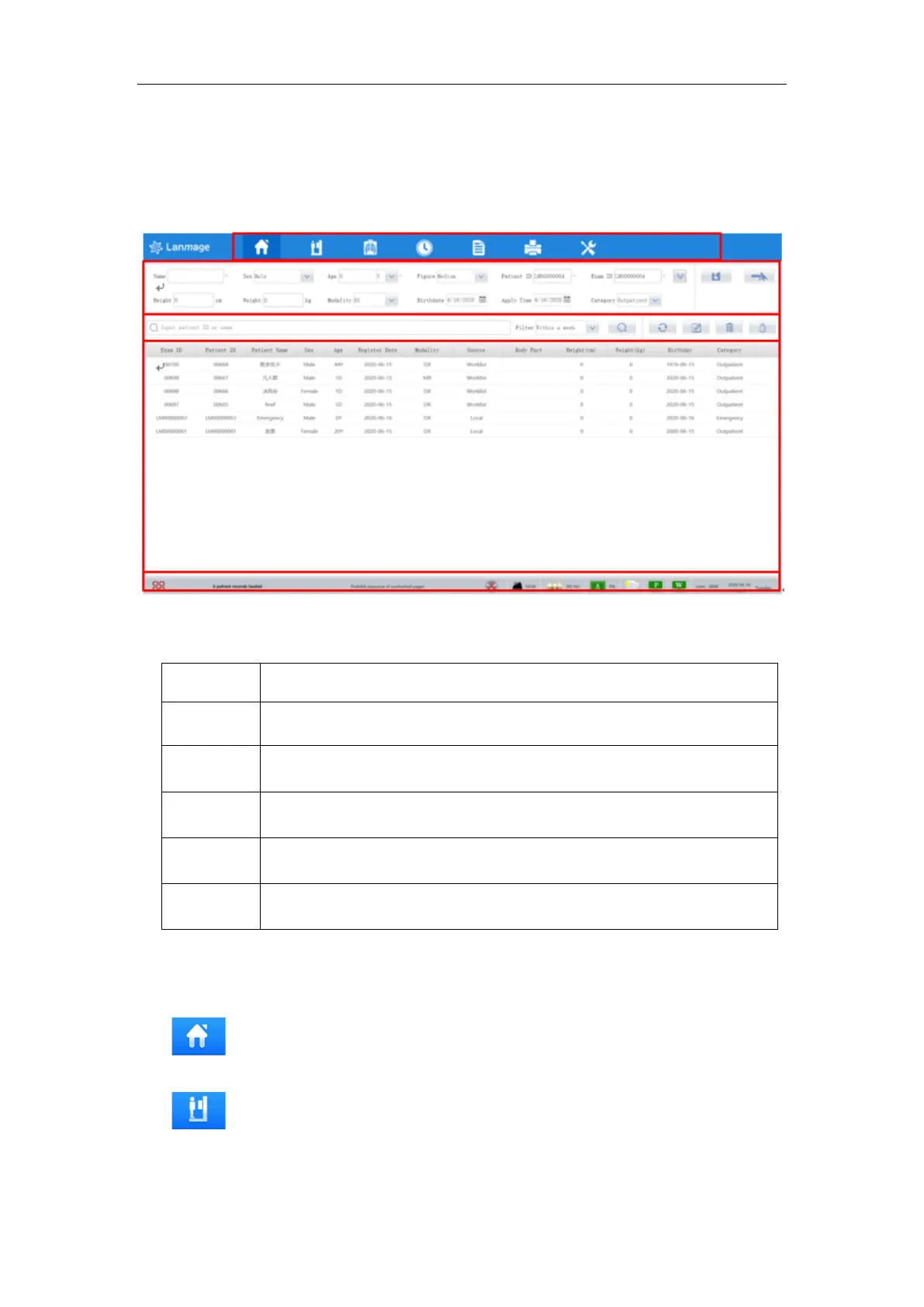
6.4 Checked interface
Figure 6-4
The main interface includes the following parts:
6.4.1 Navigation menu
Navigation menu switches screen between different interfaces. Unless something
specified, the following icon has the same function in different interface:
Patient management, the default main interface, you can edit and manage
patient information here.
Study management. Select a patient record in the patient list, input patient
information and click “register” button or click “Emergency” button to enter the study
management interface.



 To Next Page