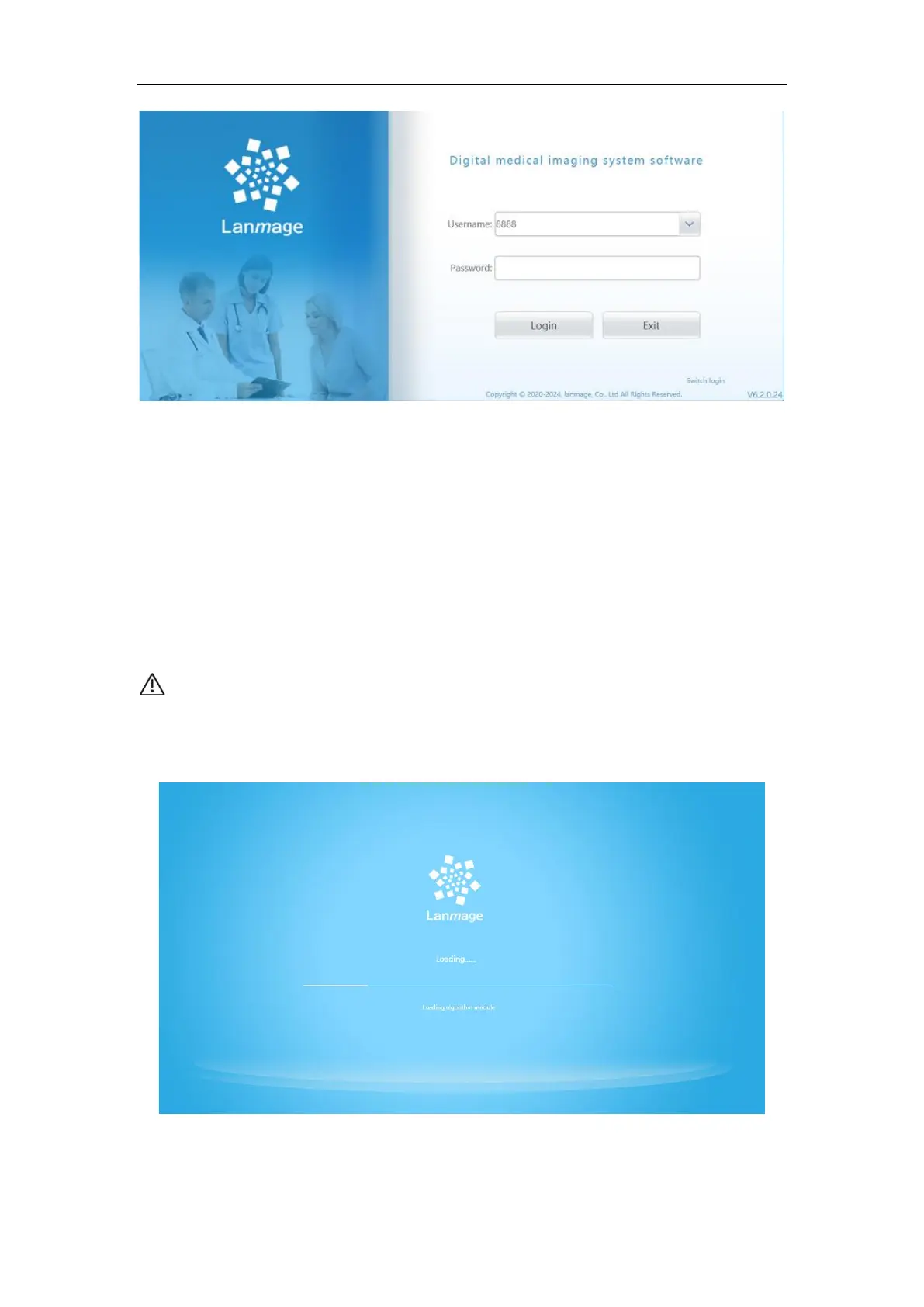
Figure 6-2
Then, DR control software automatically start and check whether the dongle is inserted
well:
1. If there is no dongle ,a notice dialog box will be pop up as the following figure.
In this case, you can only use the register screen, image view screen and checked
screen, and the check screen, image processing screen print screen are not allowed to be
used.
2. If the dongle has been correctly installed, the control software will enter the main
interface after the normal loading.
NOTE:If you insert the dongle to USB port when the control software is being
used and want to check the dongle, switch the user account back to login screen
or exit and restart the control software.
Driver successfully loaded screen is like the following figure:
Figure 6-3
If driver load is failed, check the work status and connection of the components such



 To Next Page