6600 Product Manual
Operator Manual
State bar displays the disk capacity and usage state.
The state bar will be green when disk free space more than 20G
The state bar will be yellow when disk free space less than 20G ;
If disk free space is less than 5G, The state bar will be red and the
system will pop out warning dialog and prohibit exposure.
Message bar Displays hitch, exceptions, warnings and other
information of the whole system
:
Check for errors. Display the current system status information.
:
Normal
:
Warning
:
Error
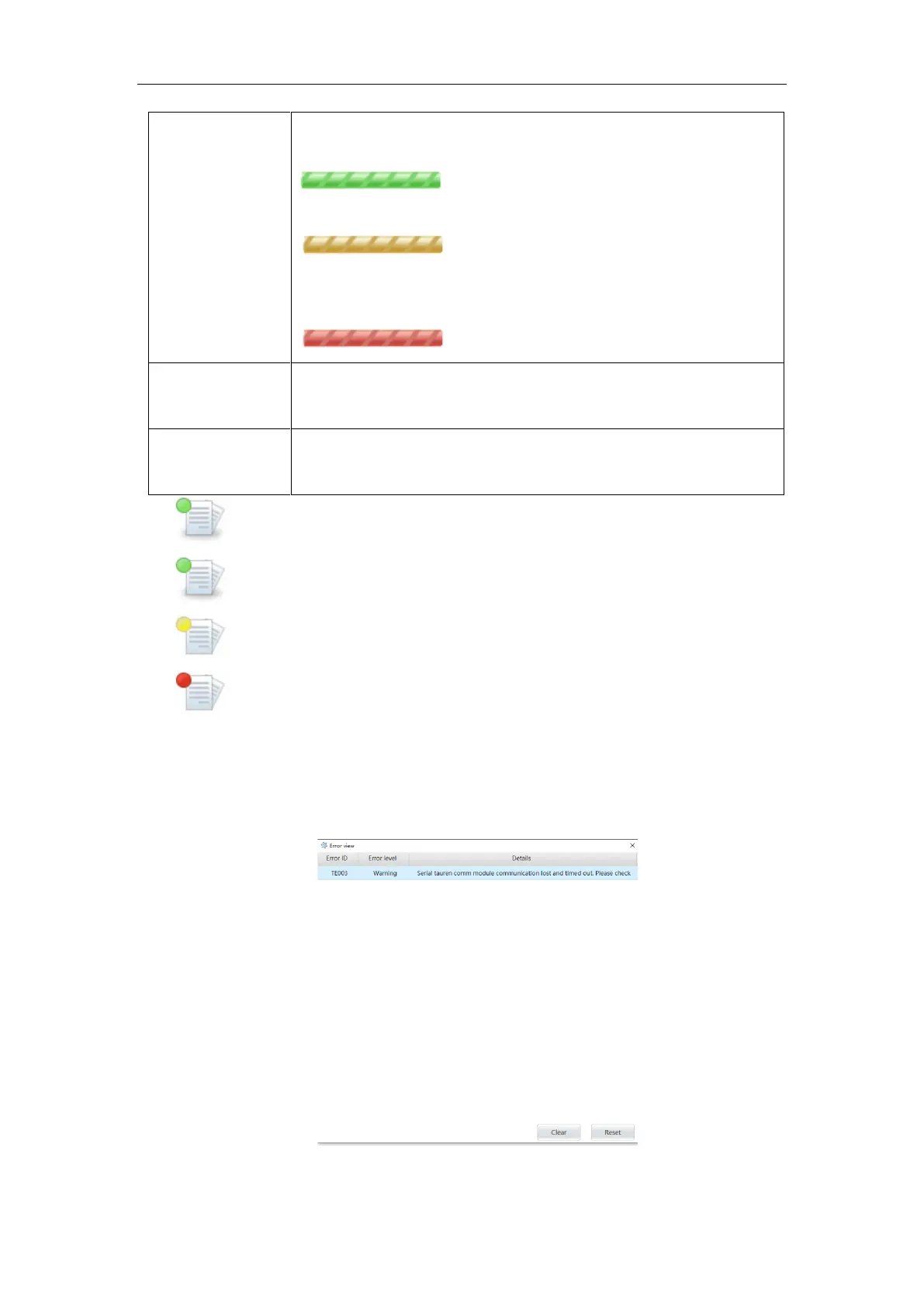
Display the current system status information, record the detector error report, high
voltage error report, CAN communication error report and other information, when there is
an error icon will display red, click the icon will enter the error view interface, you can see
the error ID, error level and error report details.
Figure 6-7



 To Next Page