186
067556 AM5851M2
H4671M2 LN4671M2
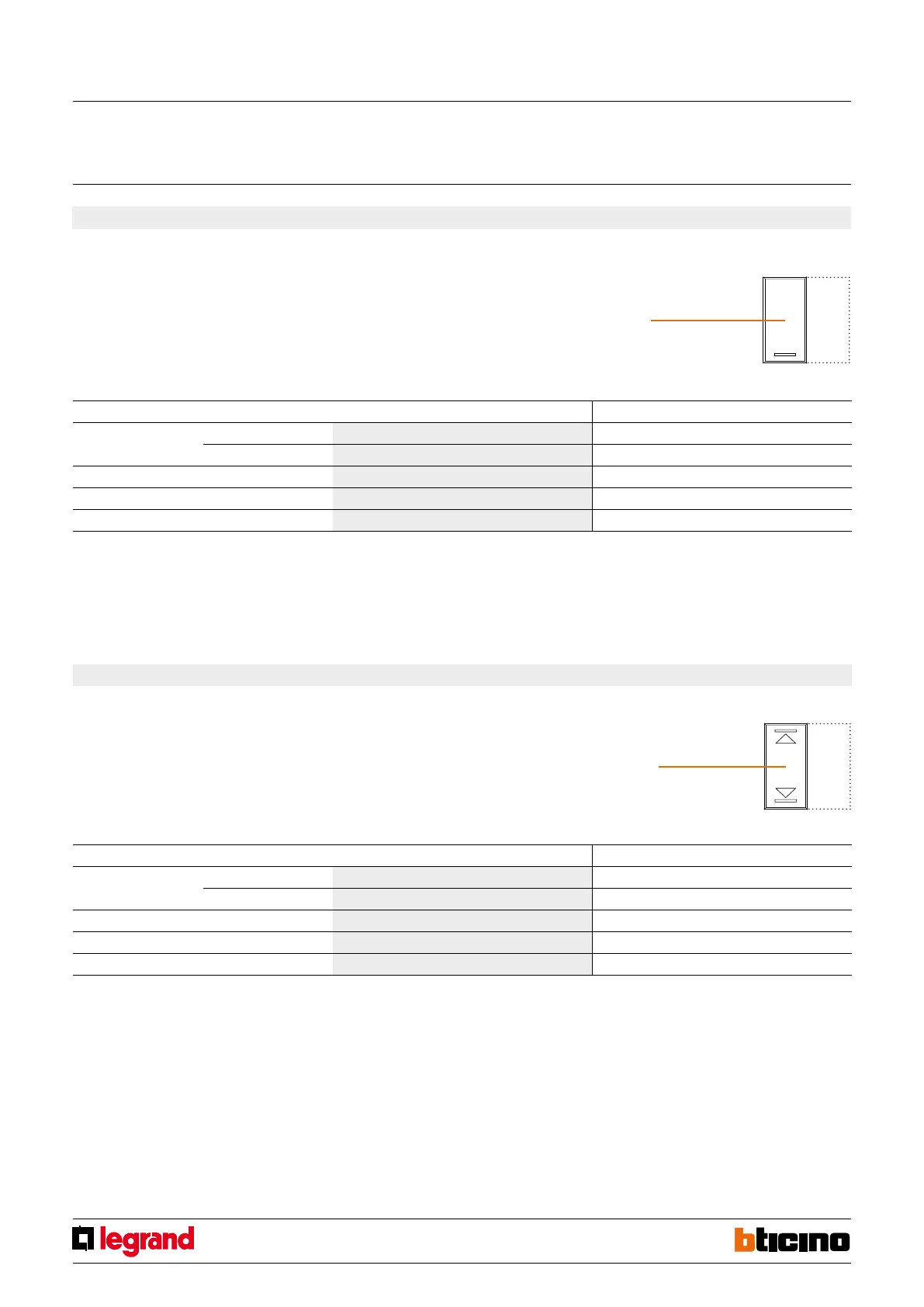
4. Actuator for 1 load (shutters automation) with local control by the left button and remote actuator or scenario control by the right button
4.1 Addressing
Address type Virtual configuration (MYHOME_Suite) Physical configuration
Point-to-point Room 0-10 A2=1-9
Lighting point 0-15 PL2=1-9
Room 0-10 A2=AMB, PL2=1-9
Group 1-255 A2=GR, PL2=1-9
General General A2=GEN
To configure the reference addresses for the Room and the Light Point of an actuator use MYHOME_Suite virtual configuration.
3.2 Mode of operation of the remote control
See chapter 5.
Control/actuator
MQ00411-e-EN 19/06/2014
3.1 Addressing
Address type Virtual configuration (MYHOME_Suite) Physical configuration
Point-to-point Room 0-10 A2=1-9
Lighting point 0-15 PL2=1-9
Room 0-10 A2=AMB, PL2=1-9
Group 1-255 A2=GR, PL2=1-9
General General A2=GEN
3. Actuator for 1 load (lighting) with local control by the left button and remote actuator or scenario control by the right button
Configure A1, M1 and PL1 to define the local actuator address and mode of operation (con-
trolled by the left button) as specified in paragraphs 1.1 and 1.2.
Configure A2 PL2 to define the address of the remote actuator to be managed, according
to the following table:
Configure A1, M1 and PL1 to define the local actuator address and mode of operation (con-
trolled by the left button) as specified in paragraphs 1.1 and 1.3.
Configure A2 PL2 to define the address of the remote actuator to be managed, according
to the following table:
4.2 Mode of operation of the remote control
See chapter 5.
Rolling shutter
management “actuator”
button cover
Light management “actuator”
button cover



 To Next Page