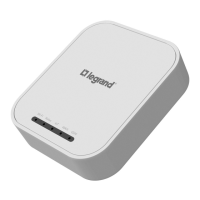
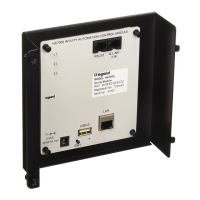
195
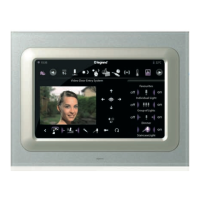
L4680
574503
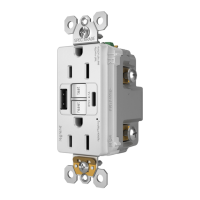
N4680
573902
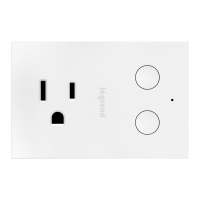
NT4680
573903
HD4680
067217
HC4680
067218
HS4680
574504
Scenario control
MQ00288-c-EN 09/06/2014
Value of configurator M Button 1 (T1) Button 2 (T2) Button 3 (T3) Button 4 (T4)
1 scenario 1 scenario 2 scenario 3 scenario 4
2 scenario 5 scenario 6 scenario 7 scenario 8
3 scenario 9 scenario 10 scenario 11 scenario 12
4 scenario 13 scenario 14 scenario 15 scenario 16
Virtual configuration (MYHOME_Suite) Physical configuration
Function Parameter / setting
Delay activation
Top button delay 0, 1-60s , 90s, 2-10m, 15m DEL=0-9, N=0-5
*)
Bottom button delay 0, 1-60s , 90s, 2-10m, 15m DEL=0-9, N=0-5
*)
Selecting scenarios to delay
1.2.1 Defining scenario activation delay
It is possible to set a delay to be assigned to one or all the scenarios before actuation is
performed:
NOTE *:
The Configurator in the DEL position determines the scenario activation delay.
Value of configurator DEL Delay
0 No delay
1 1 minute
2
2 minutes
3 3 minutes
4
4 minutes
5 5 minutes
6
10 minutes
7
15 minutes
8
15 seconds
9
30 seconds
Value of configurator N Button 1 (T1) Button 2 (T2) Button 3 (T3) Button 4 (T4)
0 None None None None
1 Delay ON None None None
2
None Delay ON None None
3 None None Delay ON None
4
None None None Delay ON
5 Delay ON Delay ON Delay ON Delay ON
2. Programmed scenario activation
Virtual configuration (MYHOME_Suite) Physical configuration
Addressing type
Room 0-10 A=1-9
Lighting point 0-15 PL=1-9
In this mode, pressing a button activates a scenario stored in the scenario programmer
MH200N.
2.1 Addressing


 To Next Page