12
24/09/2013
+ =
0883 27
3576
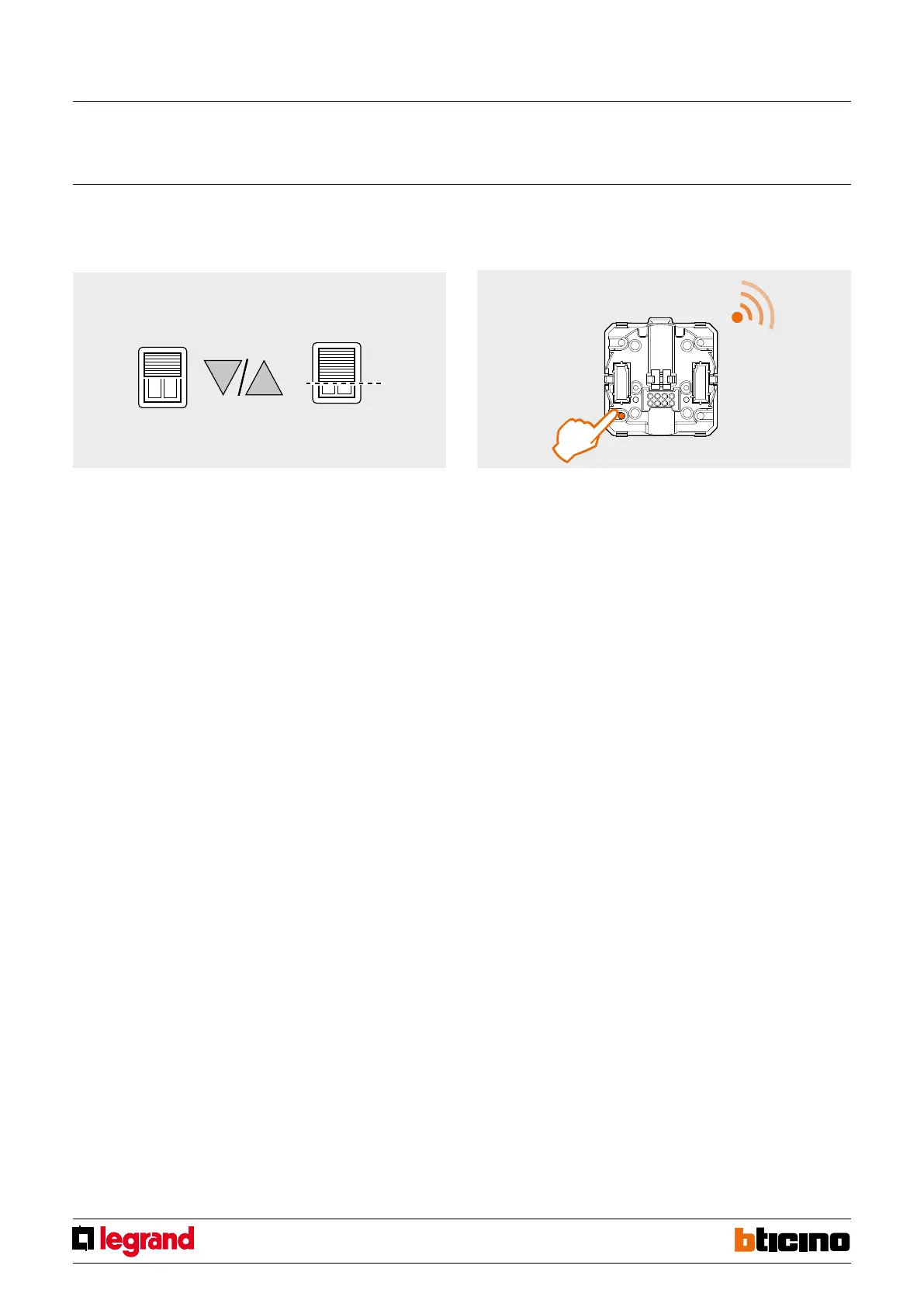
Saving the rolling shutter position:
1. Operate the UP and DOWN PUShbuttons of the radio control to move the rolling
shutter to the desired position.
2. To save the desired position press the Preset pushbutton of the rolling shutter radio
control for more than 10 seconds.
3. From now on, irrespective of its position, when the Preset pushbutton of the
control device is pressed the rolling shutter will move to the previously saved
position.
>10 sec.
Individual roller blind controller RF ZigBee for mounting in
technical compartment
MQ00491-c-EN



 To Next Page