446
391657-391658-391659
391661-391662-391663
BT00679-a-EN
TECHNICAL SHEETS
Conguration
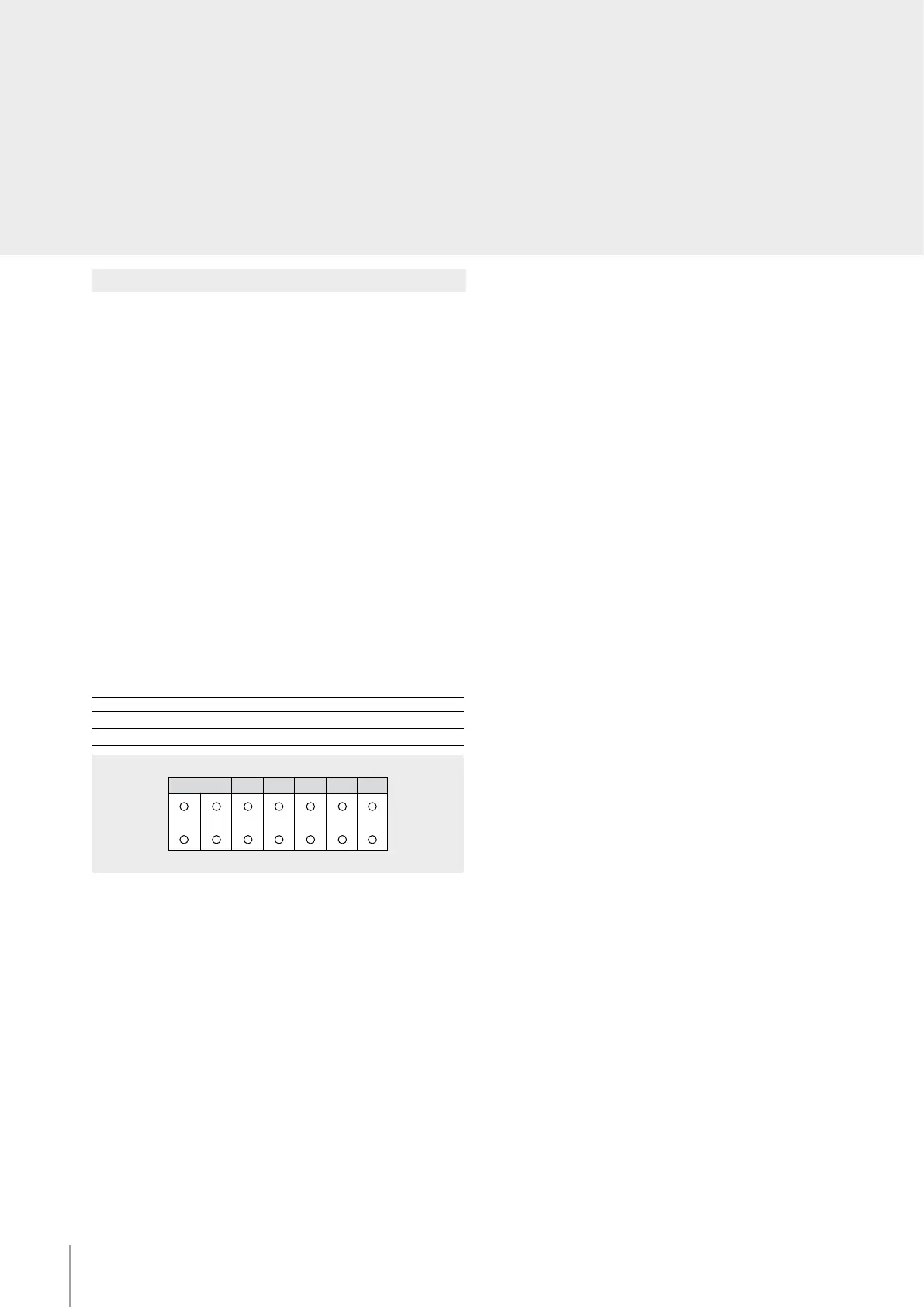
The device must be physically congured in terms of:
P – Camera address
The congurator assigns to the camera the address inside the apartment.
NOTE (*) : connect an OFF congurator here to disable the microphone
(function available for cameras congured from 0 to 9, for other cameras the
microphone cannot be excluded).
N – Address of the handset called in case of alarm
Z – Zone of the alarm system the camera is associated to
M – Mode of operation when a camera is switched on
Each time a camera is switched on (call, selfswitching on, alarm) the MY HOME
actuator and the scenario congured in A and PL are activated. When the camera is
switched o, the associated actuator also switches o, while the scenario remains
active.
If an actuator used by the automation system is also associated to the camera, the
actuator will switch itself o when the camera is switched o, even if it was already
on when the camera came on. To avoid this problem, the load should be activated
using an actuator item F411/2, conguring dierent PL and setting the contacts
with parallel connection.
P N Z M A PL
*
M A/PL
M = 0 Address of the SCS control device associated to the camera
M = 1 - 9 Address of the scenarios module associated to the camera



 To Next Page