Group 7 Data Entry Page 77
Release 3.00 Leibinger-Jet 2 se
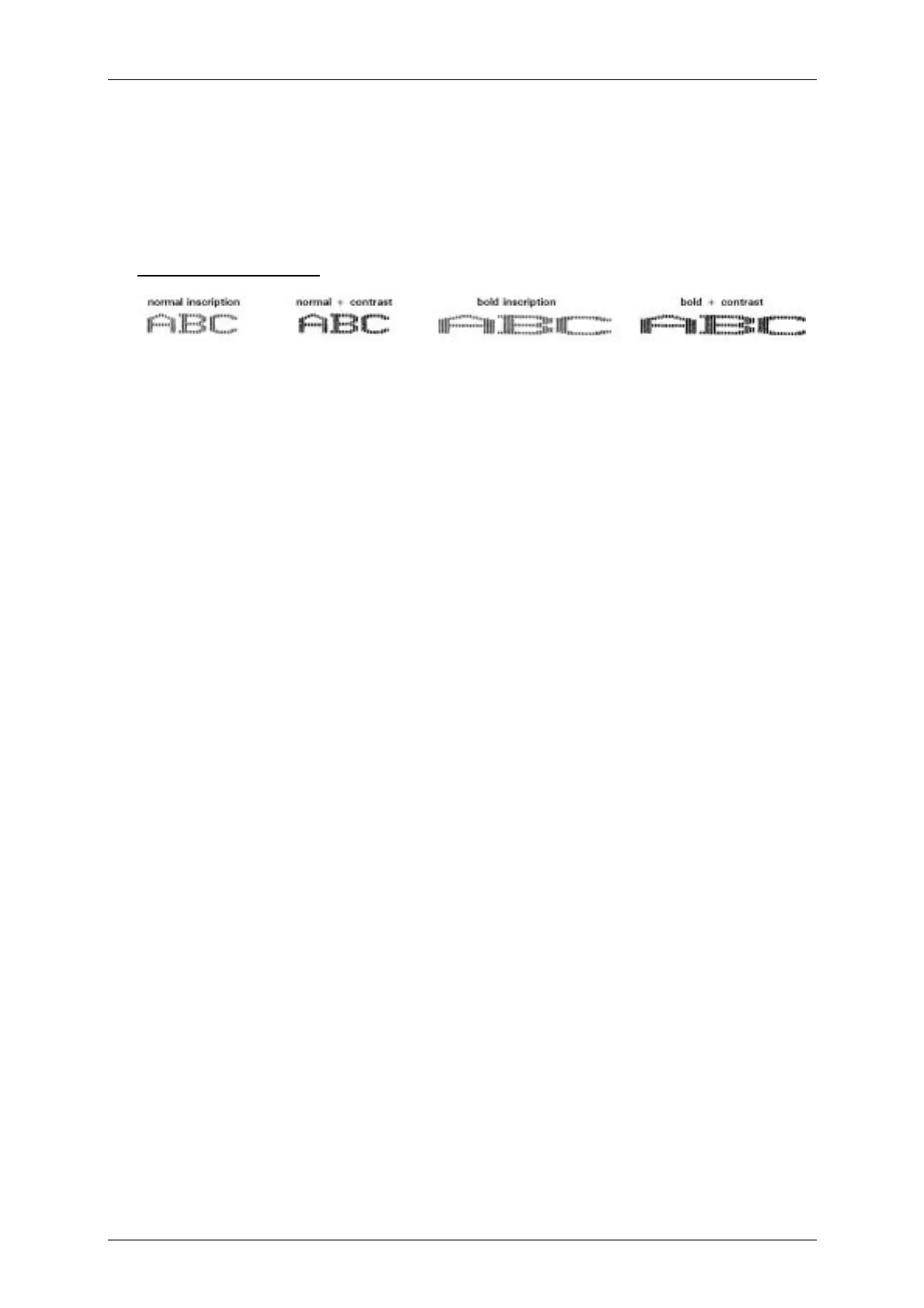
Touch field <contrast value> (31): Selection of the font contrast from 0 - 7.
To reach an increase of the contrast of the print-out several drops will be placed on top
of each other, that means e.g. if the contrast value is set to „1“ on the print-out 2 drops
will be placed on top of each other.
Description examples:
Touch field <ICG> (32): Selection of the gap between the individual characters from 0 –
7 (calculated in single drops).
With the touch fields <pos1> (33) and <pos2> (34) the items of the first and second
lines can be defined. This function is only available if the option <1 or 2 lines free
position> has been selected in the line menu <E15>. For the first line graphics or text
can be selected, in the second line only text can be entered.
In all selection fields the current status or the current values are shown simultaneously!



 To Next Page