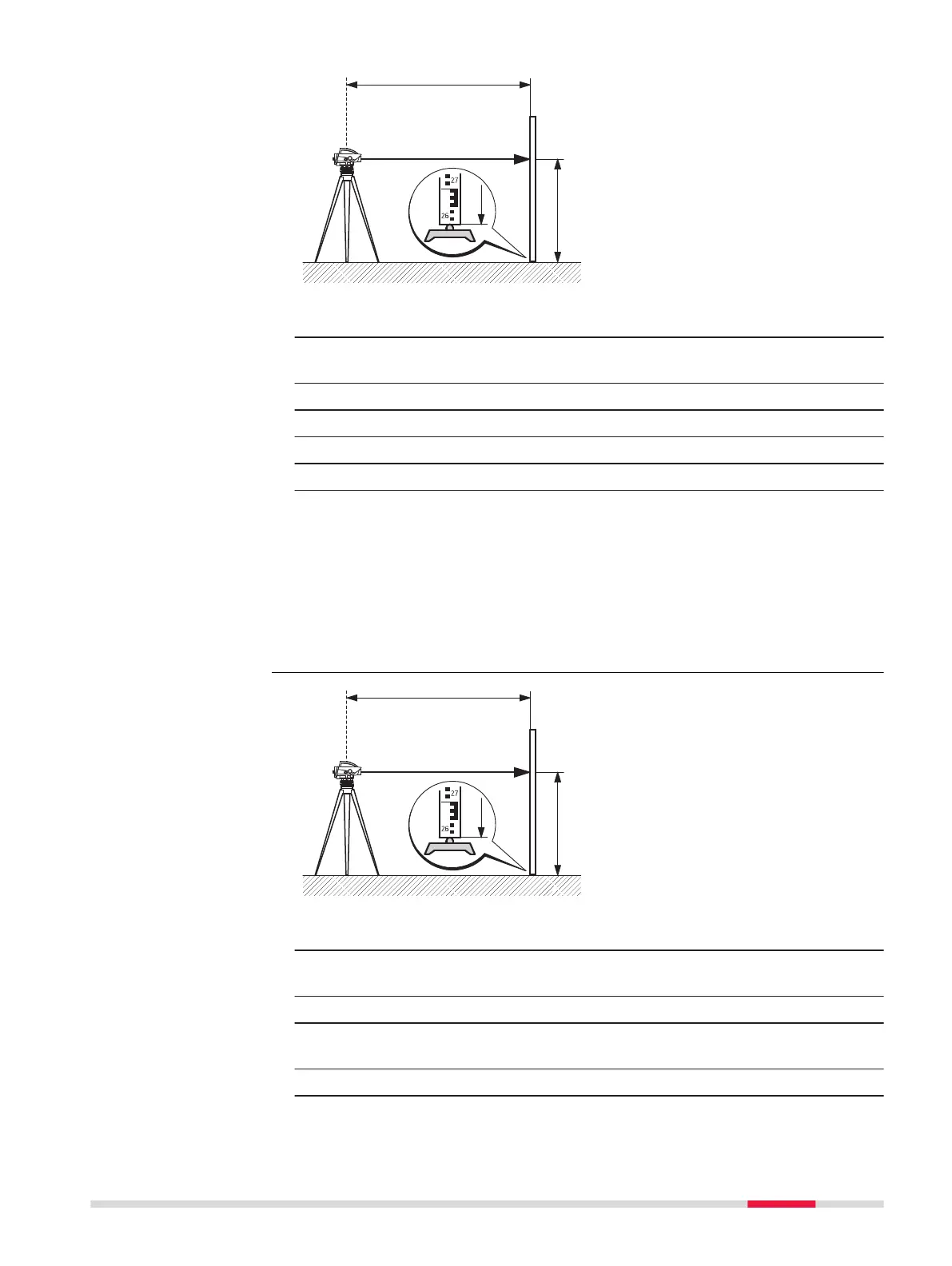
1. Set up the instrument, level it and focus the reticle.
2. Set up levelling staff vertically with the bar code turned toward the
instrument.
3. Coarsely aim at staff.
4. Focus with focussing drive.
5. Fine aim with horizontal drive.
6. Check if the bubble of the circular level is centred.
7. Open a levelling application and press the trigger key to take a
measurement.
☞
In some cases you may not be able to perform an electronic height
reading, e.g. if there are obstacles in the line of sight or if there is no
or not enough overhead clearance for the staff. In such cases, you
can take an optical height reading and add it to the levelling line. For
more details, refer to 5.4 Manual Input Screen for Optical Height
Reading.
1. Set up the instrument, level it and focus the reticle.
2. Set up levelling staff vertically with the bar code turned toward the
instrument.
Coarsely aim at staff.
3. Access Q-Level and level the instrument using the digital level
buble.
Check if the bubble of the circular level is centred.
Digital height reading
with LS10 instrument
Digital height reading
with LS15 instrument
Measurement Guidelines 35



 To Next Page