Field Description
To Destination of the exported data:
•
Internal Memory
•
USB Stick
•
Interface (RS232, Bluetooth)
Data Type Data type to be transferred:
To Internal Memory, USB Stick or Interface: Measure-
ments, Fixpoints, Meas.& Fixpoints
Only to USB Stick: Code, Format, Backup
Job Select whether to export all job-related data or a single job
data le.
Select Job Displays the selected job.
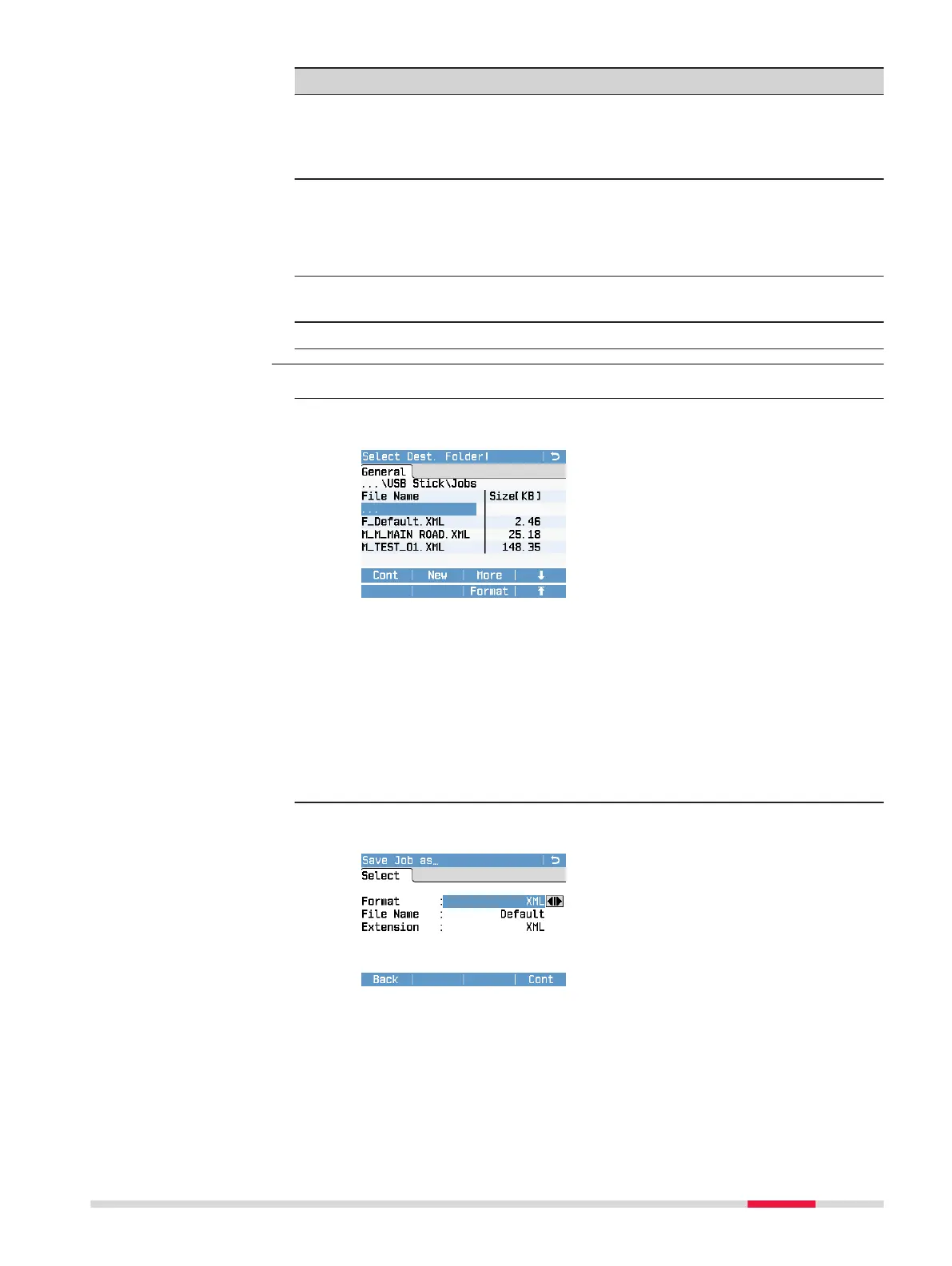
1. Select the export details in the Export screen and press Cont.
2. If the export destination is a USB memory stick or the internal
memory, select the desired le location.
Cont
To display the Save ... as screen.
New
To create a folder.
More
To display additional information: creation date, creation time and
le size.
Format
Only available if you select USB Stick as export destination. To
delete all data on the USB stick.
3. Within the Save ... as screen, select the data format and enter the
le name.
Data Formats:
XML: Extensible Markup Language. XML is a recommendation
of the World Wide Web Consortium. Fixed format.
Export data step-by-
step
Data Management 89



 To Next Page