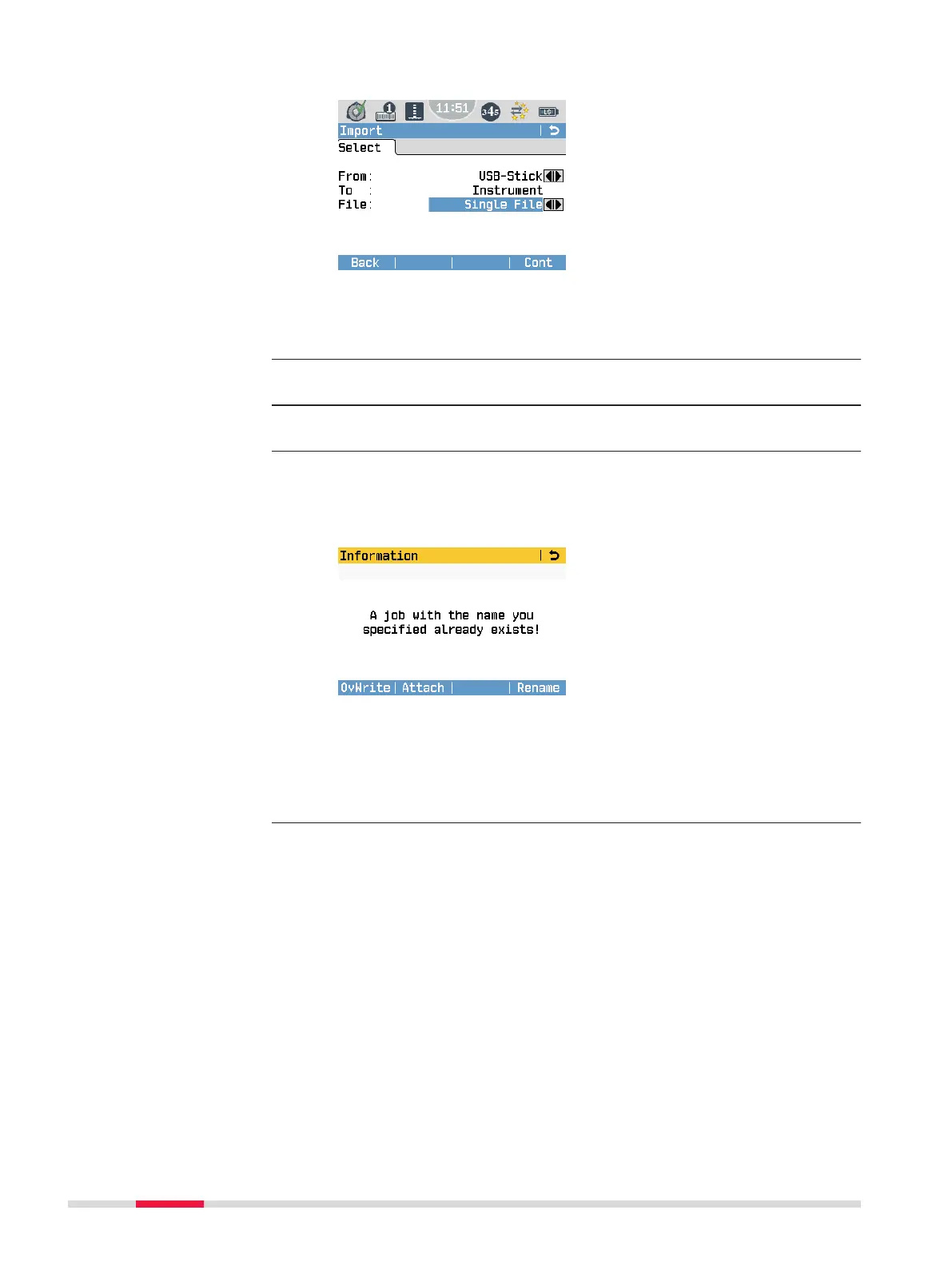
1. Choose the desired settings in the Import screen:
From:
USB stick or Internal Memory
File:
Import a single le or a backup folder.
2. Press Cont in the Import screen to proceed to the USB memory
stick le directory.
3. Select the le or backup folder on the USB memory stick to be
imported and press Cont.
4. For a le:
Dene a job name for the imported le. Press Cont to import.
If a job with the same name already exists in the internal memory,
an information message is displayed:
OvWrite
To overwrite the existing job.
Attach
To attach the new points to the current job.
Rename
To rename the job.
Import data step-by-
step
92 Data Management



 To Next Page