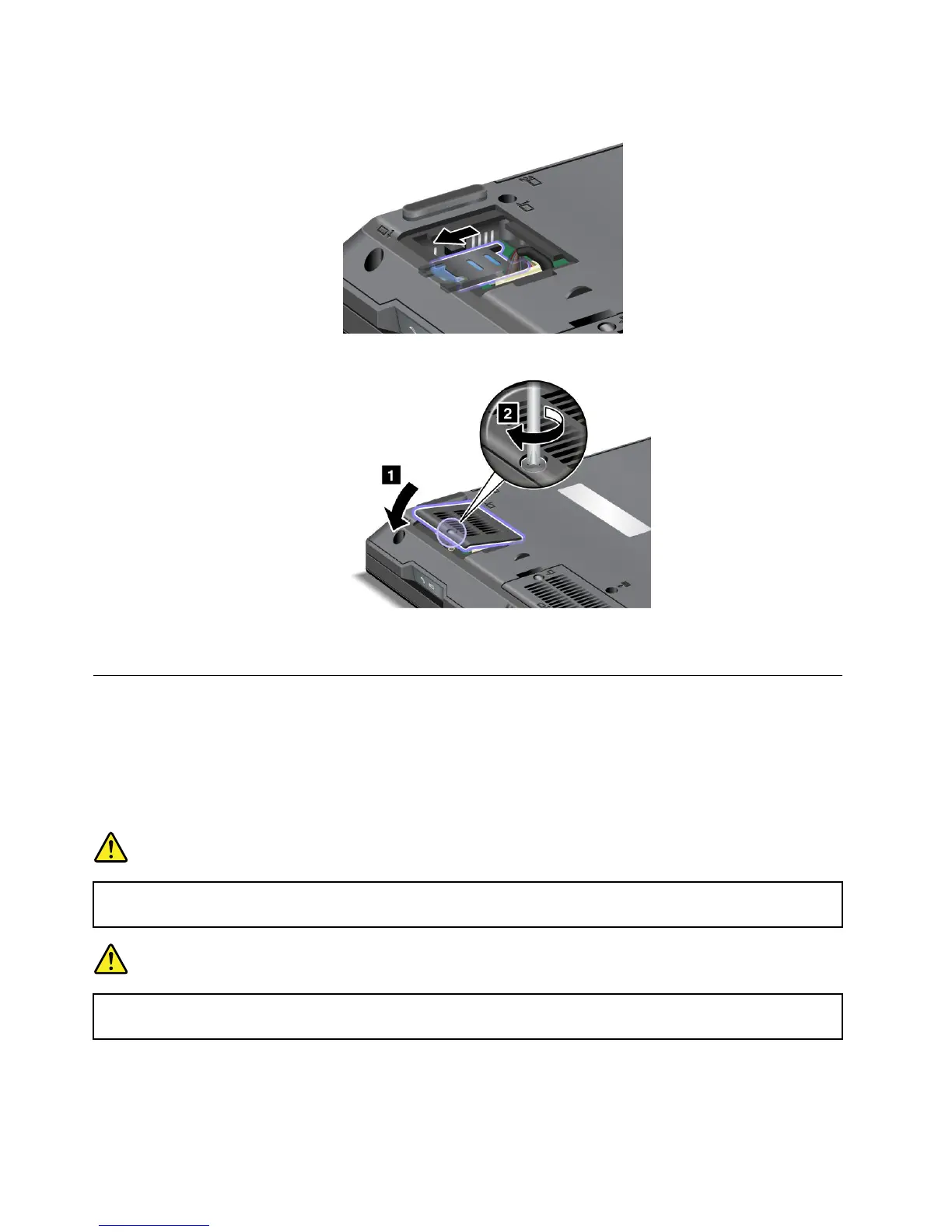
8.Tolockthecardholder,slideitasshowninthedrawing.
9.Reinstalltheslotcover.
10.Reinstallthebatteryandturnthecomputeroveragain.Thenreconnecttheacpoweradapterand
thecables.
Replacingthepalmrest
Beforeyoustart,printtheseinstructions.
ToremovesomeofthePCIExpressCards,youmayneedtoremovethepalmrestrst.Readthefollowing
prerequisitesandthentheinstruction.
Prerequisitesfortheprocedure
DANGER
Duringelectricalstorms,donotconnectthecabletoordisconnectitfromthetelephoneoutlet
onthewall.
DANGER
Electriccurrentfrompower,telephone,andcommunicationcablesishazardous.T oavoidshock
hazard,disconnectthecablesbeforeopeningthecoverofthisslot.
Removingthepalmrest
Toremovethepalmrest,dothefollowing:
106UserGuide















 To Next Page