Specialkeysandbuttons
Yourcomputerhasseveralspecialkeysandbuttons.
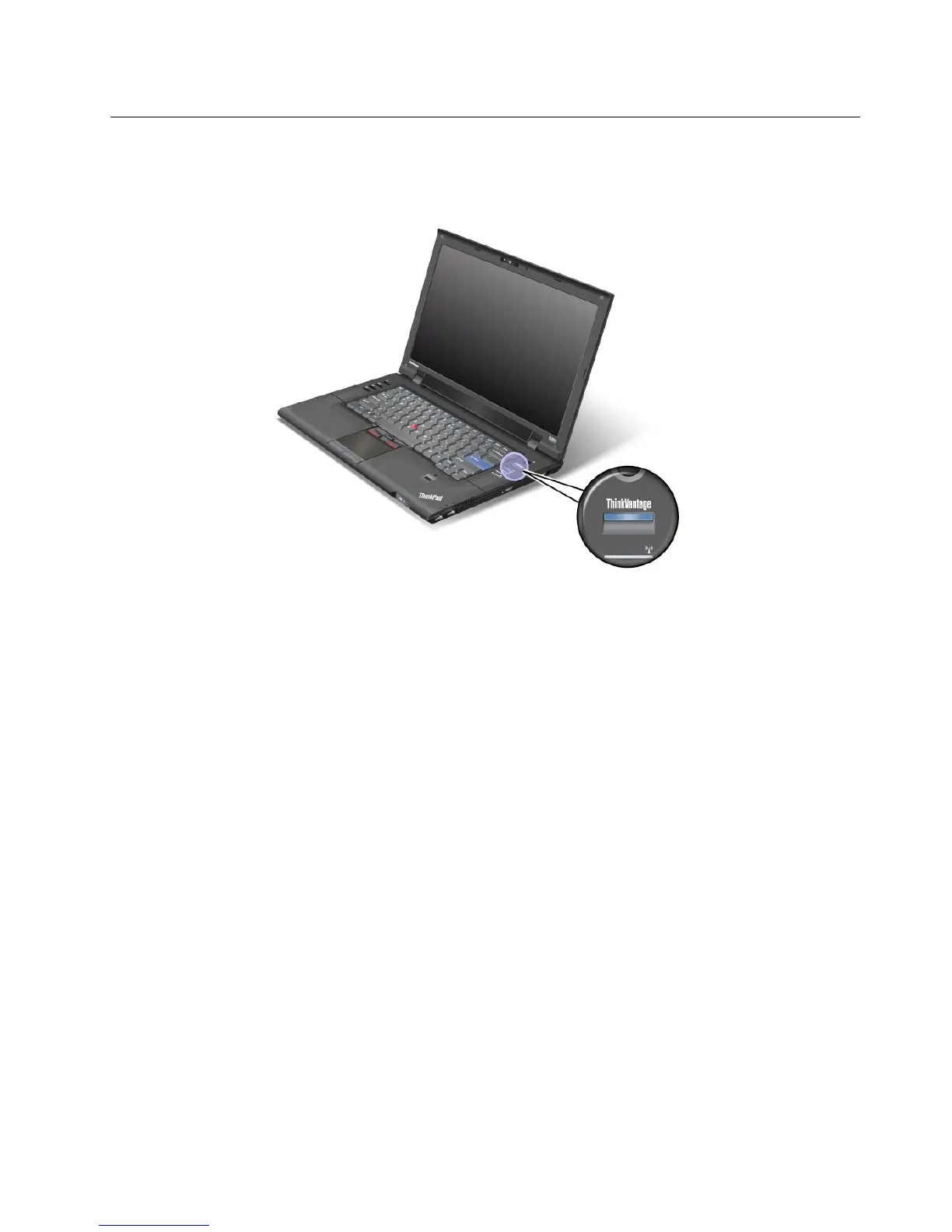
ThinkVantagebutton
YoucanusetheThinkVantagebuttontointerruptthestartupsequenceofyourcomputerandstartthe
RescueandRecoveryworkspace,whichrunsindependentlyoftheWindowsoperatingsystemandishidden
fromit.IfWindowsisnotrunningproperly,youmayneedtodothefollowing:
•Getthecurrentsysteminformation.
•RescuealefromyourWindowsenvironmentorrestoreback-uples,providedyouhavemadebackups
byuseoftheRescueandRecoveryprogram.
•CongureyourcomputerorstarttheBIOSSetupUtility.
AllthiscanbeachievedfromtheRescueandRecoveryworkspace.Turnonthecomputer,then,whilethe
“Tointerruptnormalstartup,presstheblueThinkVantagebutton”messageisdisplayedatthelower-leftof
thescreen,presstheThinkVantagebutton.TheRescueandRecoveryscreenopens.
Numerickeypad
Thekeyboardhaskeysthat,whenenabled,workasa10-keynumerickeypad.
Toenableordisablethenumerickeypad,pressandholdShiftorFnandthenpressNmLk(F10).
Chapter2.Usingyourcomputer25















 To Next Page