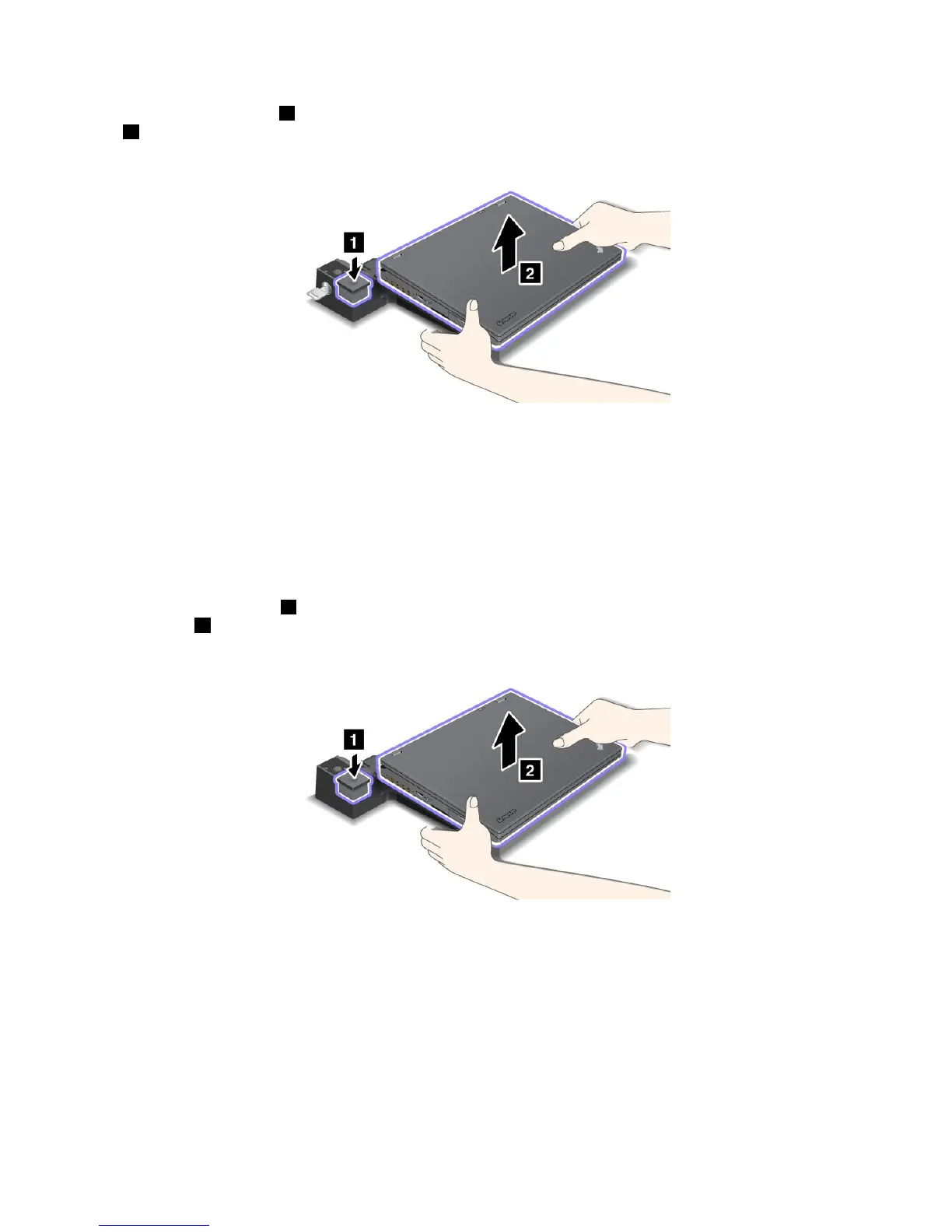
3.Presstheejectbutton1untilthecomputermovesup,then,graspingbothsides,removethecomputer
2.
TodetachyourcomputerfromtheThinkPadPortReplicatorSeries3,dothefollowing:
Notes:
•Ifyourcomputerisoperating,makesurethatithasnishedoperationsinvolvingdevicesthatare
connectedtotheUSBconnector.AlsomakesurethatanyconnectiontoanEthernetisstopped.
•Makesurethatthebatterypackisfullycharged.
1.MakesurethatallejectabledevicesconnectedtotheThinkPadPortReplicatorSeries3arestopped.
2.Presstheejectbutton1untilthecomputermovesup,then,graspingbothsidesandremovethe
computer
2.
Securityfeature
TheThinkPadPortReplicatorSeries3,theThinkPadMiniDockSeries3,ortheThinkPadMiniDockPlus
Series3hasasecuritykeyholeforamechanicallock.Byattachingamechanicallockwithcablethere,you
cansecuretheThinkPadPortReplicatorSeries3,theThinkPadMiniDockSeries3,ortheThinkPadMini
DockPlusSeries3toaheavyobject,suchasadesk.
IfyouusetheThinkPadPortReplicatorSeries3,andattachamechanicallockwiththeejectbuttonlocked,
thecomputercannotbedetachedfromtheThinkPadPortReplicatorSeries3.
128UserGuide















 To Next Page