Electrical connection
Leuze electronic GmbH + Co. KG BPS 348i 53
7.5.4
Service USB
NOTICE
PC connection!
Ä The service USB interface of the BPS can be connected to the USB interface on the PC with
a standard USB cable (plug combination - Mini-B type / Type A).
Ä If possible, use the specific USB service cable from Leuze (see chapter 14.3 "Cables acces-
sories").
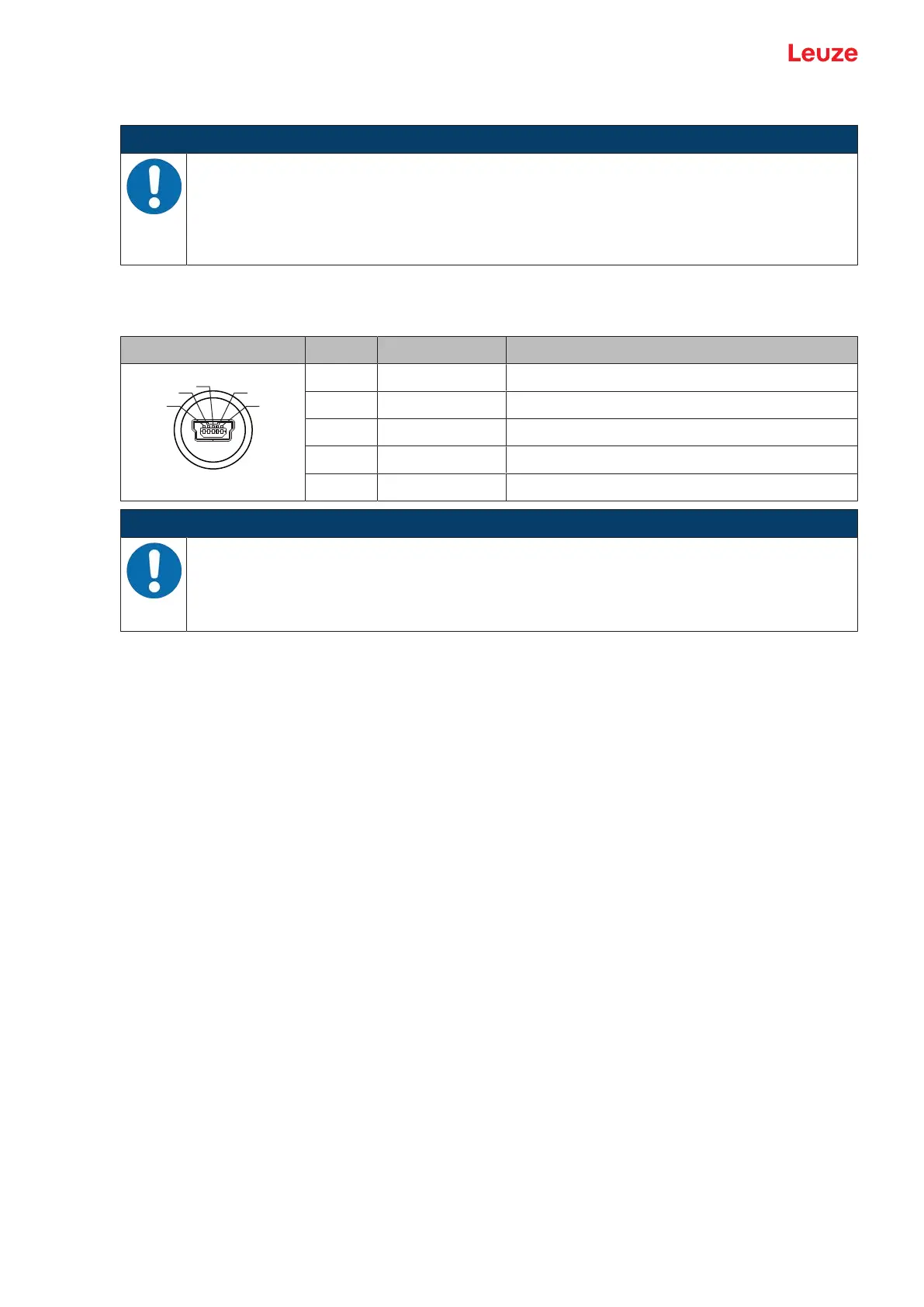
5-pin, Mini-B plug for connecting to the service USB.
Tab.7.4: Service USB pin assignment
Pin Designation Assignment
1 VB Sense input
2 D- Data -
3 D+ Data +
4 ID Not connected
5 GND Ground
NOTICE
Self-configured cables!
Ä The entire USB interconnection cable must absolutely be shielded acc. to the USB specifi-
cations.
Ä The maximum cable length of 3m must not be exceeded.
7.6 PROFINET topologies
7.6.1
Star topology
The BPS can be operated as a single device (standalone) with individual device name in a PROFINET -
star topology. The control must communicate this device name to the participant during the "device nam-
ing" (see chapter 8.3 "Configuring for the Siemens SIMATIC-S7 control").


 To Next Page