Starting up the device – webConfig tool
Leuze electronic GmbH + Co. KG BPS 348i 96
• DIAGNOSIS (see chapter 9.3.5 "DIAGNOSIS function")
• Event logging of warnings and errors.
• MAINTENANCE (see chapter 9.3.6 "MAINTENANCE function")
• Firmware update
• User management
• Backup/Restore
9.3.2
PROCESS function
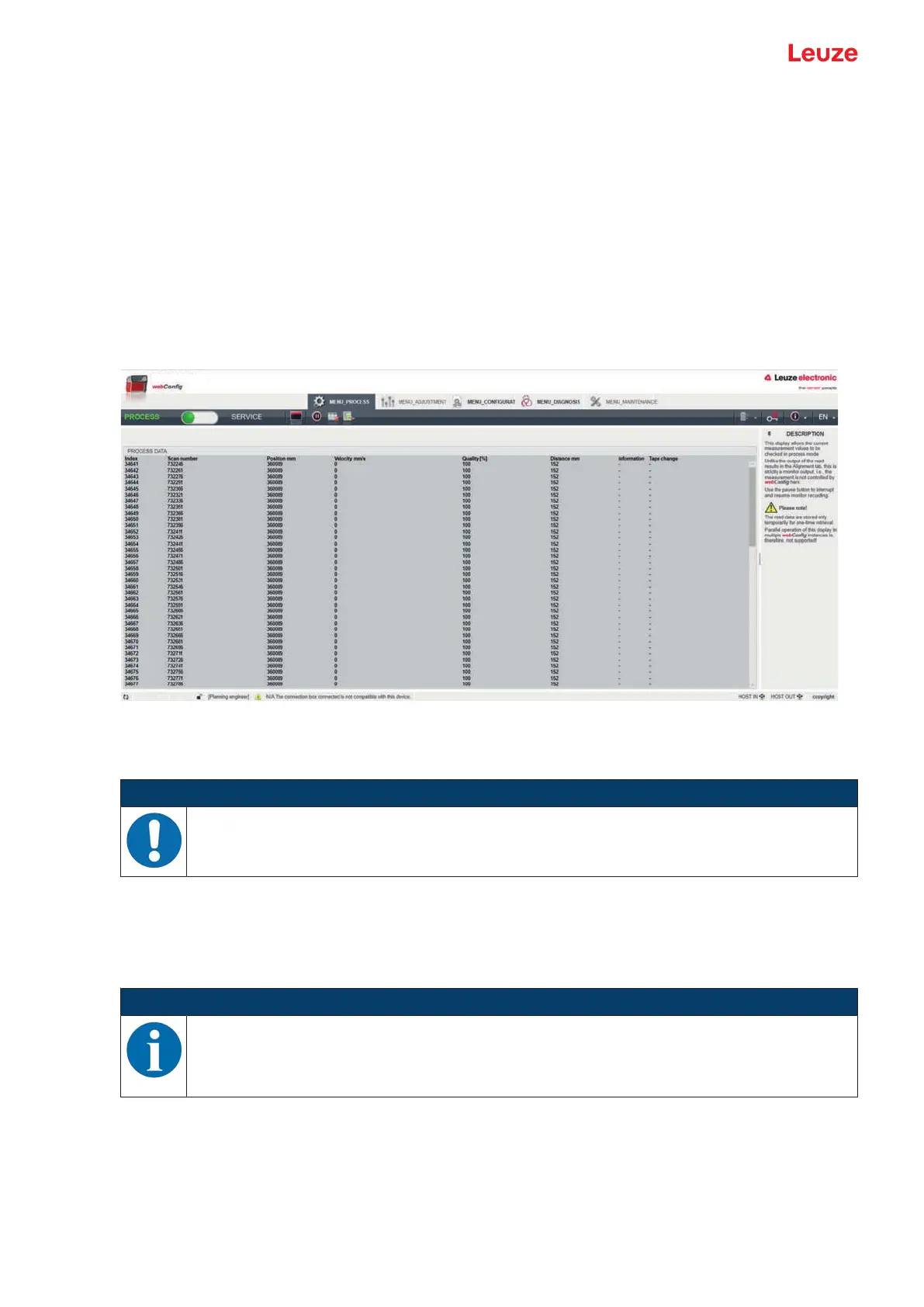
The PROCESS function serves to control the current measurement data in the Process operating mode.
The measurement results are output in tabular form – strictly as monitor output.
The Pause/Start icon can be used to interrupt and resume monitor recording.
Fig.9.2: PROCESS webConfig function
9.3.3
ALIGNMENT function
NOTICE
ALIGNMENT function only in the Service operating mode!
Ä The BPS can only be aligned using the ALIGNMENT function in the Service operating
mode.
The ALIGNMENT function serves to simplify mounting and alignment of the BPS. The laser is to be acti-
vated via the Start icon so that the function can monitor and directly display the measurement values for
position and speed and determine the optimum installation location.
In addition, reading quality (in%), working distance and the number of labels in the scanning beam can be
displayed. Using this information, it is possible to assess how well the BPS is aligned with the BCB.
NOTICE
During output of the measurement results, the BPS is controlled by the webConfig tool.


 To Next Page