112
Archiving Files As a CD/DVD Image
This chapter describes how to build CD image from My Container into a NAS Server. Please follow
the steps below.
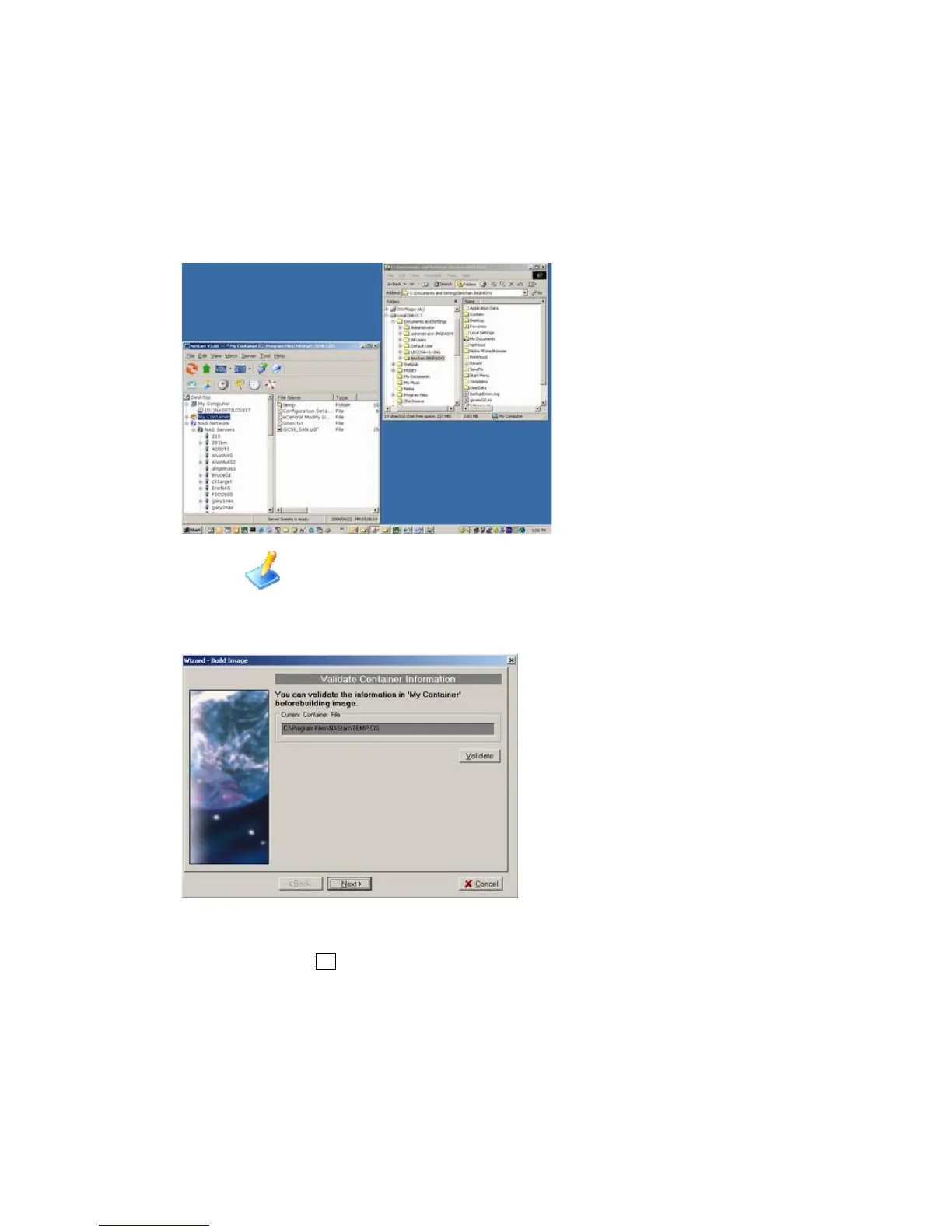
1. The first thing to build a CD/DVD image is to collect files.
Open Windows Explorer and drag & drop files into My Container.
2. Click the "Build Image" icon on the tool-bar to bring up the "Build Image" wizard. You can click the
Validate button to check if the file/folder information in My Container is correct. If not, you can choose to update
My Container.
3. Choose one or more servers as the destination. Select a server in the Target & File Path list-box, select Smart
mode for redundancy check of the CD image or select Force mode to allow a second copy of the same CD
image. Then, click the >> button. You can see the task being added to the right-hand pane. Click the Next
button to go to next page.



 To Next Page