30
4.9 Email Settings
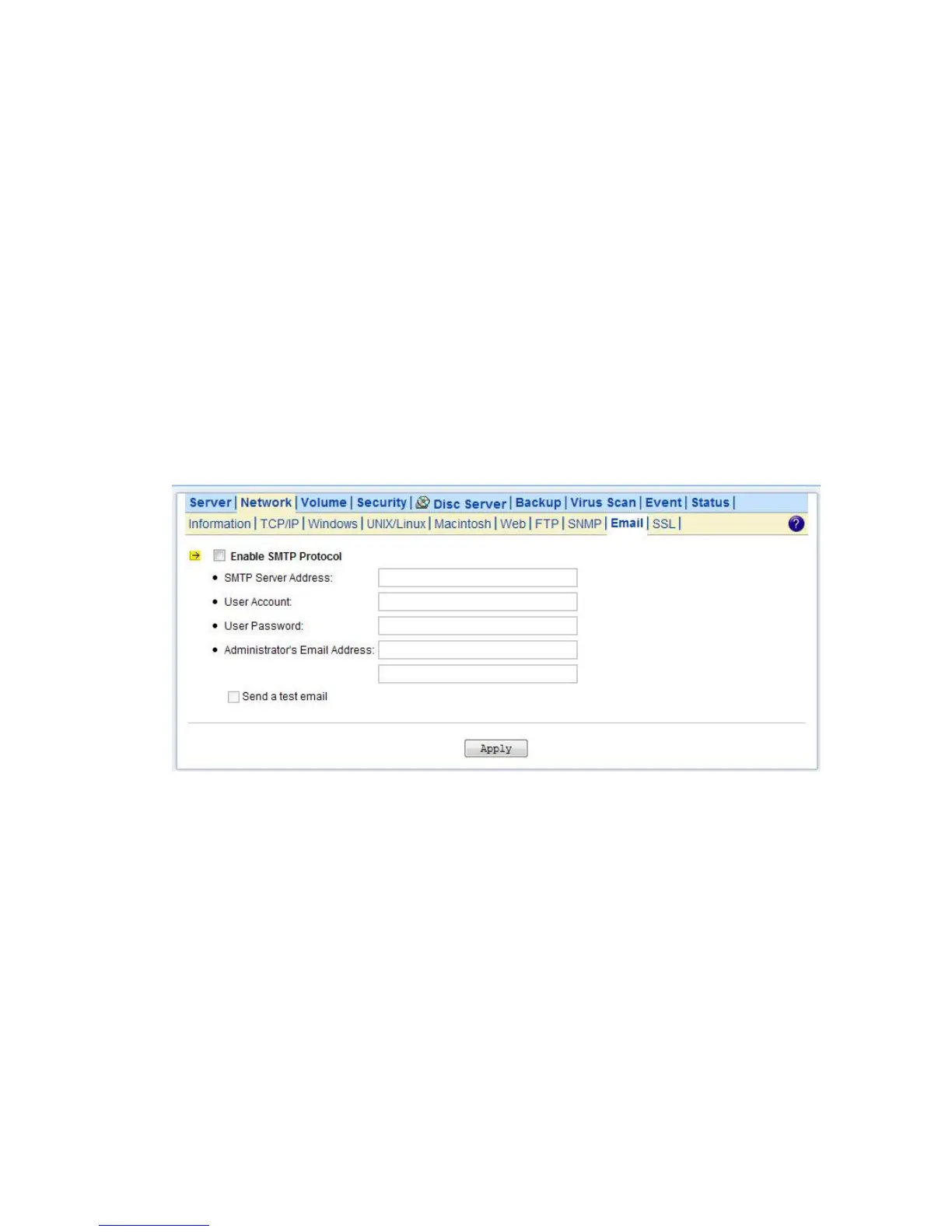
You can configure email notification to notify you when there is an event occurred to the NAS server.
Enter the information of the SMTP server on your network in this menu; you can configure what kind
of event should trigger the email notification process in the Event→Configuration→Advance menu.
Configuring Email Settings
1. Click the Enable SMTP Protocol checkbox to enable SMTP protocol.
2. Enter the SMTP Server Address.
3. Enter an existing user account name of the SMTP server.
4. Enter the password of the account.
5. Enter up to two email addresses you want to send email notification to when event occurred.
6. Click the Send a test email checkbox if you want to send out a test email to validate your email
setting.
7. Click Apply to save the setting.
4.10 SSL Settings
The NAS server enables secure web access by supporting SSL 3.0, both for the user homepage and
the administration homepage. To use SSL 3.0, the NAS server will generate a server certificate for
authentication and data encryption. By default, the server certificate is issued to the NAS server
designated by its IP address. You can also specify to use the server's full name on the server
certificate.
For clients to access server web-pages with secure connection, they have to install the CA certificate
first. First fo to the Network→SSL page.Click Download and install CA certificate hyperlink.
Choose to install the certificate when a dialog-box pops up. Once the CA certificate is installed, the
client can access all NAS server s' web pages with SSL connection. Suppose that the server IP
address is 192.168.1.10. To access the NAS system's web pages with SSL connection, please open



 To Next Page