19
3.5 Modifying the Administrator’s Password
Admin is a built-in user account for the administrator. It is like the root account in UNIX or the administrator account
in Windows 2000 or XP. Using this account, users have access to the administration homepage and all the storage
resources. By default, the password for this user account is empty. To prevent security vulnerability, it is strongly suggested
to specify the password when performing the first-time setup of the NAS server.
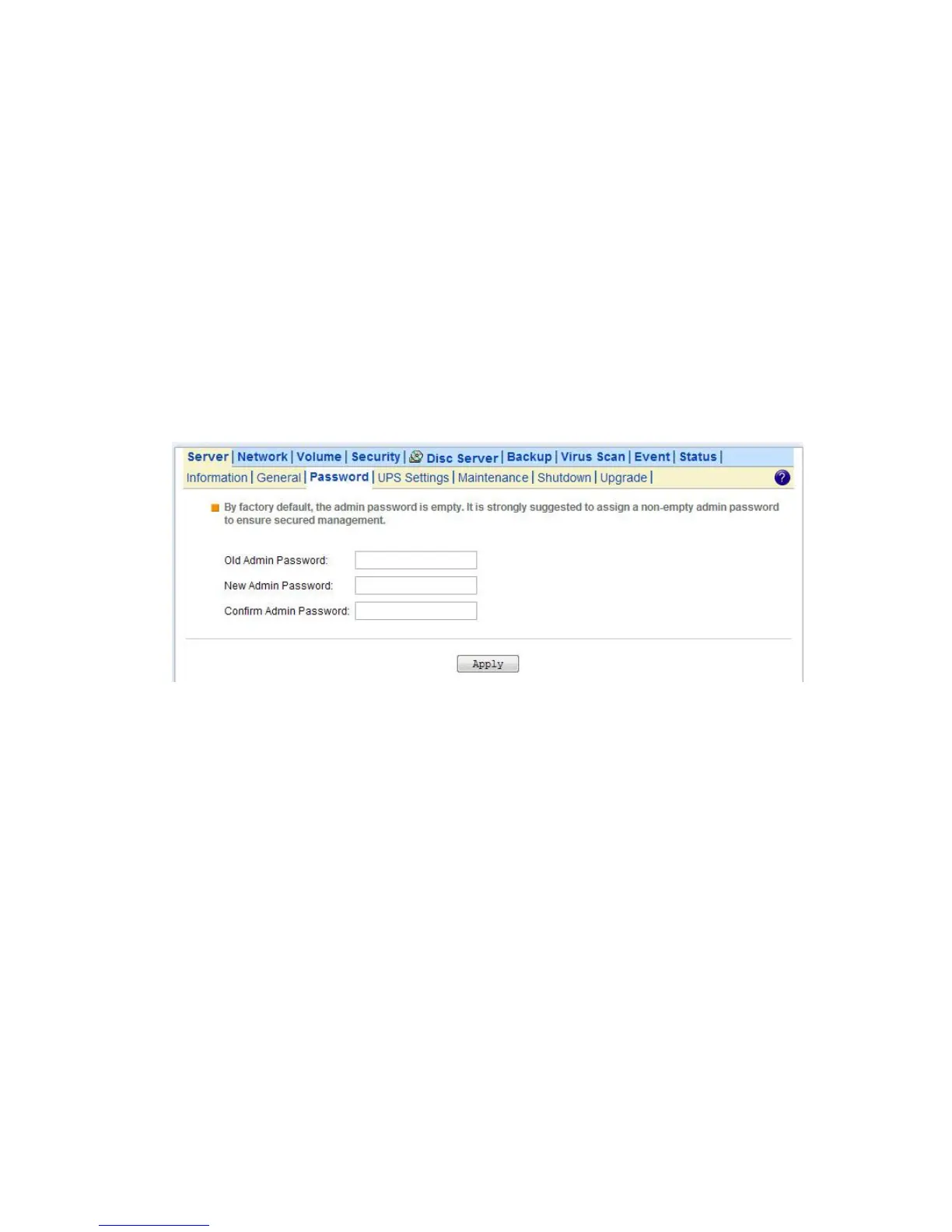
To specify or modify the administrator’s password, please select the Server→Password menu on the administration
homepage. Input the current admin password in the Old Admin Password field, and the new password in the New
Admin Password and Confirm Admin Password fields. Then click Apply.
The administrator can delegate the administrator’s privilege to other users by including them into the Admins built-in
group. Please select the Security→Account menu. Select Admins* in the Local User/Group window and click
Property. Specify the users to have the privilege and click Apply.



 To Next Page