43
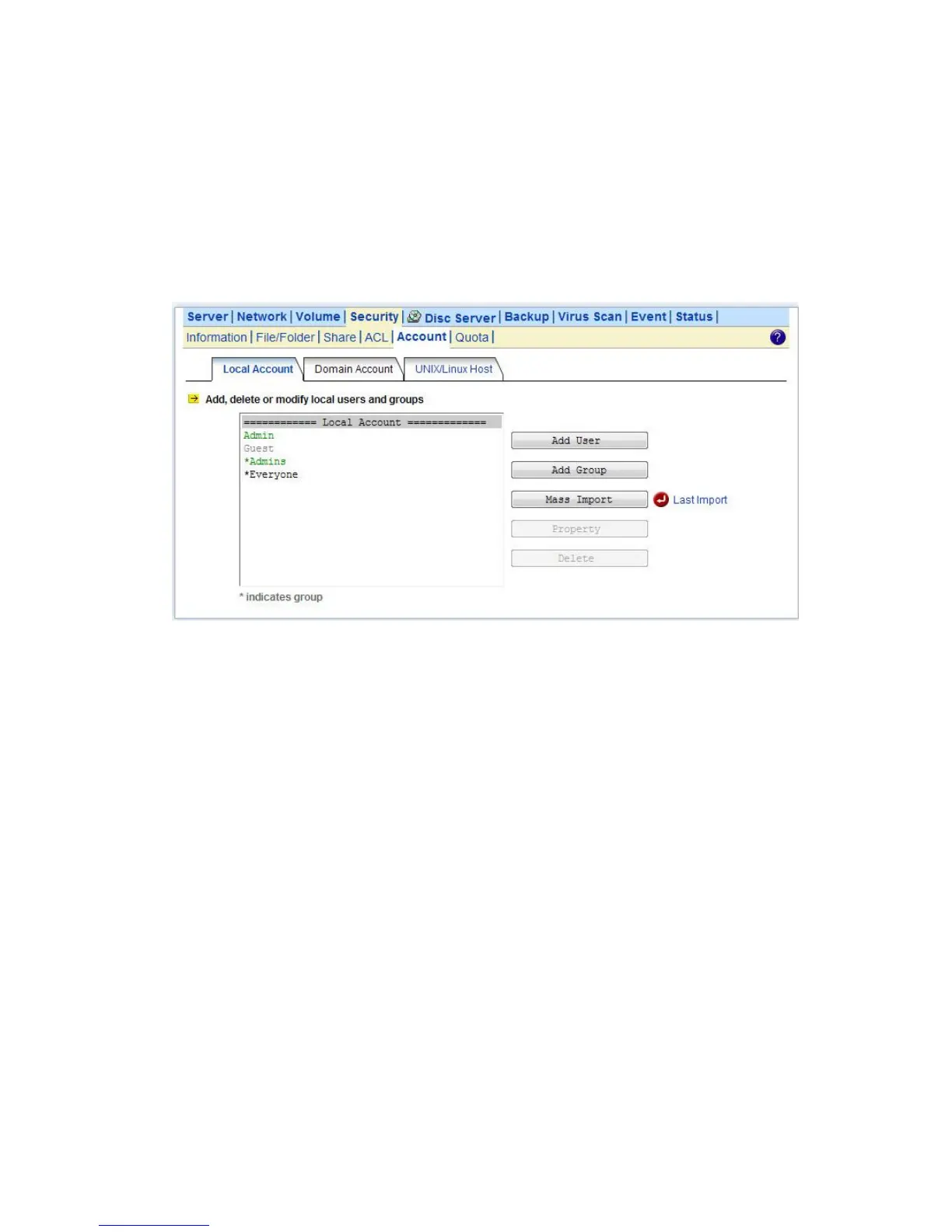
1. Go to Security→Account→Local Account menu.
2. Click the Mass Import button.
3. Select a file to import.
4. Click the Apply button.
5. If there are any errors, it will be displayed in the pop-up window after clicking the Last Import
hyperlink.
6.3 Caching Windows Domain User Accounts
Domain users and groups are managed by your network administrator. Windows network use a
domain controller to store the information of all the domain users and groups. When the Windows
Network is set to using Domain Mode in your NAS server, you need to cache domain account in the
NAS server’s local user database. By caching domain accounts, it speeds up the process of setting
permissions and quotas.
To retrieve Windows domain user/group:
1. Go to Security→Account menu.
2. Click the Domain Account tab.
7. Select the domain users or groups from domain user pool and click domain user checkbox .
8. Click Apply to save the setting.
Filter Rules:
1. User/Group: You can filter windows domain pool displays domain users or domain groups or all.
2. Domain: You can filter which one domain displays in pool or all.
3. Authorized / Unauthorized: You can filter authorized or unauthorized domain accounts or all
4. Keyword: You can filter domain accounts which you key in some keyword in field.



 To Next Page