64
9. Backup and Recovery
9.1 Loading and Writing CD/DVD Discs
Connecting a CD or DVD writer to the NAS server, you will be able to load data from CD/DVD discs or
burn files on writeable CD/DVD discs. The CD and DVD burning feature turns the NAS server into a
device that publishes data, beyond the powerful data storage function.
Loading CD/DVD Data
The Loader function copies data from a CD or DVD disc to any location inside the NAS server. This
function is useful when you try to restore the archived data on CD/DVD discs or simply copy files from
discs to the server.
Note that the NAS server recognizes only data CD or DVD, such as ISO 9660 level 1, 2, 3 (including
Romeo,Joliet and Rock-Ridge extension) ,CD HFS ,CD/DVD UDF ,High Sierra ,Hybrid (ISO+HFS)
Multi-session CD Mixed Mode CD and UDF V1.5/V2.0. Multimedia CD formats such as audio CD or
video CD are not supported.
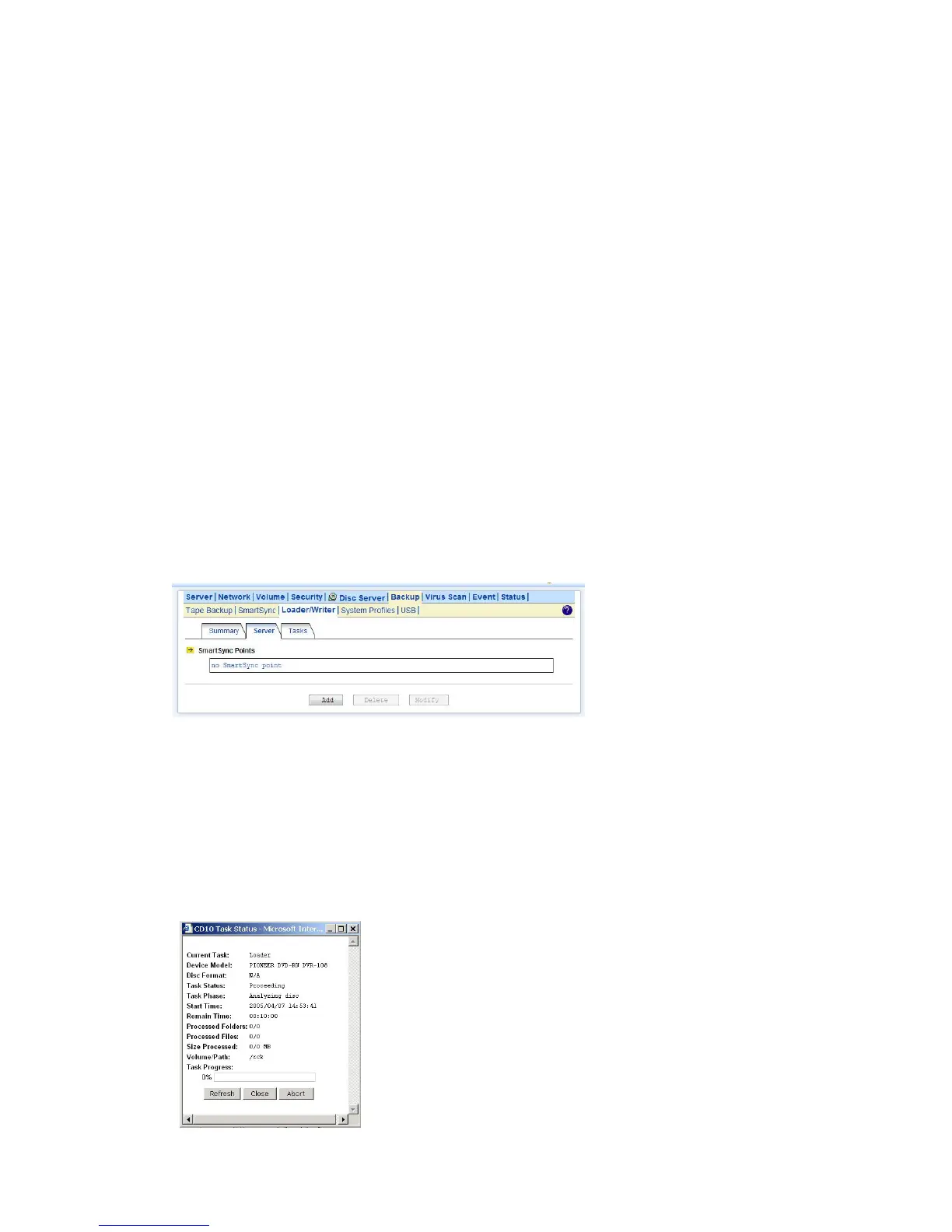
To load data from CD/DVD discs, please insert the source disc into the CD or DVD device first. Open
the Administration Page and select Backup→Loader/Writer. Then follow the steps below.
1. Select a Source Device where you insert the disc to be loaded. Above the Source Device item
you will see a device list for your reference.
2. Specify the destination. Click the Select Path hyperlink and select a target path.
3. Choose whether to overwrite the existing files. “Overwrite with newer files” means it will
overwrite the target if the files on the CD/DVD disc are newer.
4. Click Apply to start copying data.



 To Next Page