78
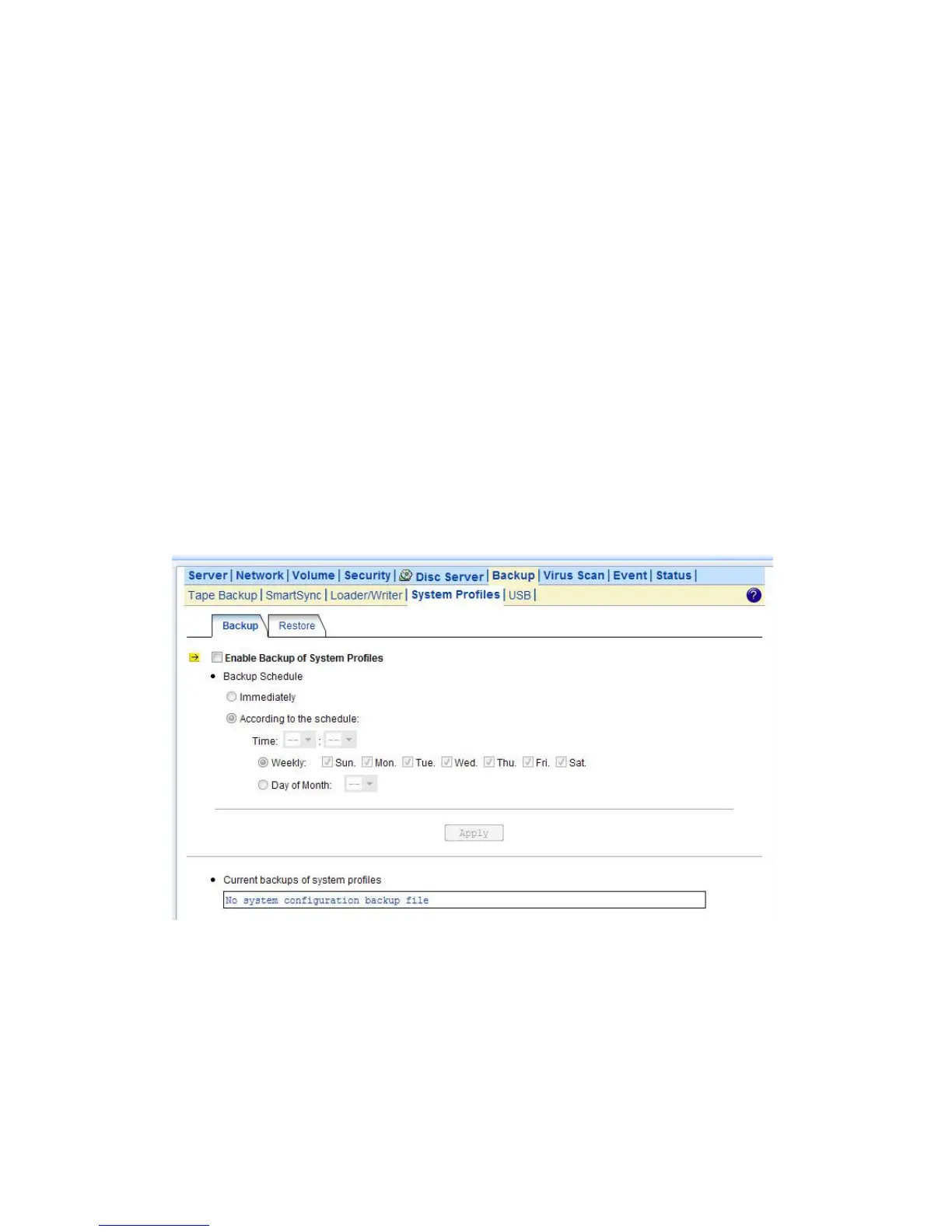
system configurations using one of the system profiles. Go to the Backup→System Profiles→
Restore page. Select a system profile and choose which part of the system settings to restore. Then
click the Apply button.
A system profile can also be created by the NAStool software. To recover from a system profile saved
by NAStool, click the An external file item and find the system profile. Specify restore options and
click the Restore button.
Restore options are:
• Server, network and backup settings – includes all settings in the Server, Network, Backup
and Event→Configuration menus. Please note that the admin password will not be restored during
the recovery.
• User accounts and quota settings – includes local accounts, current domain accounts and trust
domain accounts, together with their quota settings. User accounts will be appended to the existing
user database – local accounts with the same names will be overwritten; domain accounts with the
same SID will be overwritten; others will be added to the existing user database.
• Security Information, including network shares and ACLs – includes all network shares, share
permissions and access control lists.
9.6 Backup USB Device
NAS server supports USB pen drive and external hard disk (support FAT/FAT32 only) backup in
optional models with USB ports. The front penal will display to ask if you want to process USB backup
or not when plugging in a device. System will jump out the display without any inputs in 60 seconds.
You can also activate this function via web interface.



 To Next Page