109
Tool Bar Functions
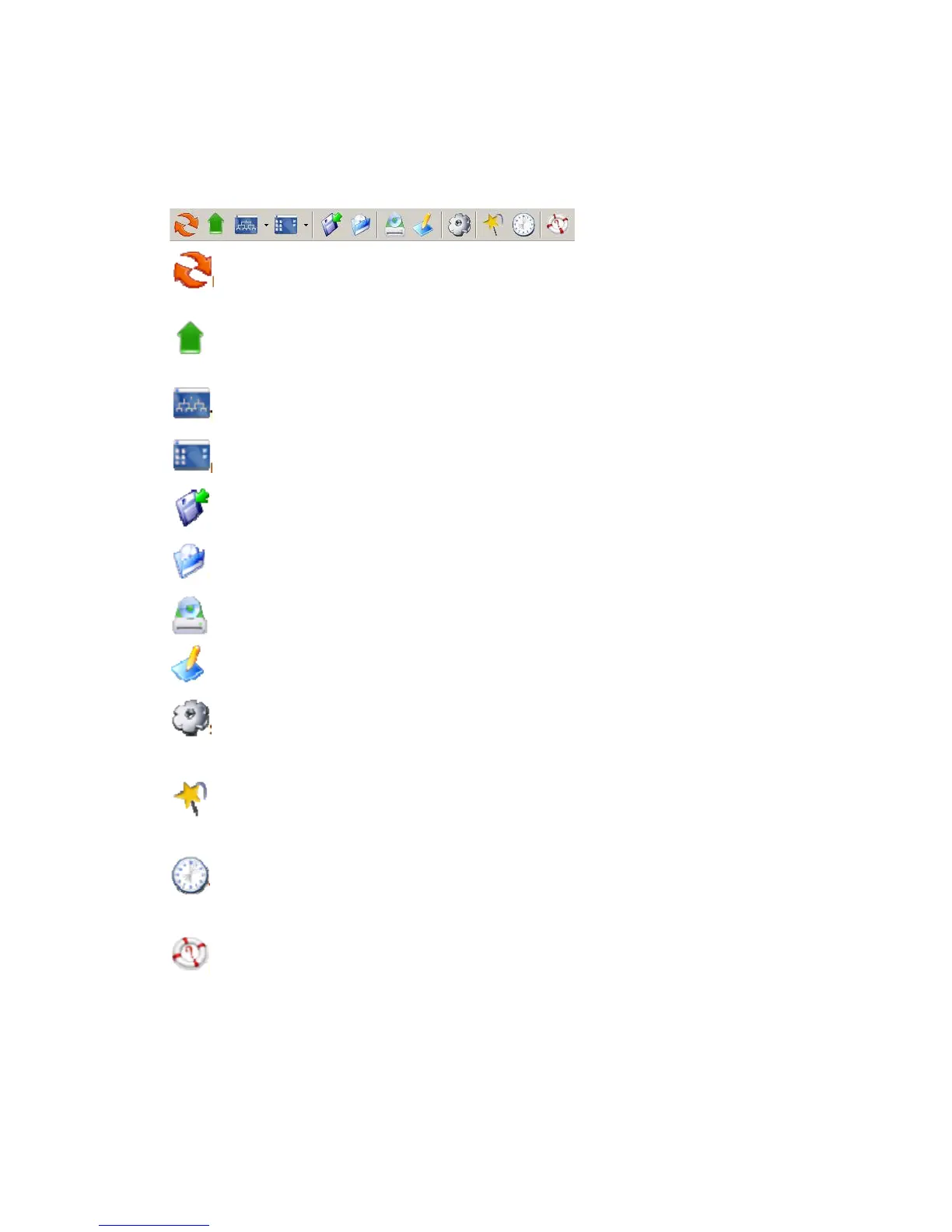
The tool-bar provides an easy access to the main functions of NAStool. The following explains what
the tool-bar icons represent.
Refresh: manually updates the directory content of My Computer or NAS Network.
Up Directory: moves the cursor one level up.
Tree View Mode: expands or shrink the directory tree in the tree view pane (to the left).
List View Mode: changes the view mode of items in the list view pane (to the right).
Save Container: saves data in My Container into a container file.
Load Container: loads a container file into My Container.
Mirror CD: starts the "Mirror CD" wizard for duplicating CD images into the NAS Server.
Build Image: starts the "Build Image" wizard to build a CD image from My Container into a NAS Server.
Server Quick Setup: configures some fundamental parameters of a selected NAS Server. You can
configure an un-initialized or initialized server.
Wizard: brings up a wizard for access to major functions: "Mirror CD", "Build Image" and "Server Quick
Setup".
Task Manager: opens a task manager window which displays and controls all ongoing and scheduled
tasks.
Help: opens the Help window for display help information.



 To Next Page