for both performance and fault tolerance. A RAID volume can still
work when a hard disk fails. RAID level 5 uses three or more
hard disks. Building a RAID-5 volume may take hours depending
on capacity.
RAID 6 (striped disks with dual parity) combines four or more
disks in a way that protects data against loss of any two disks.
RAID 1+0 (or 10) is a mirrored data set (RAID 1) which is then
striped (RAID 0), hence the "1+0" name. A RAID 1+0 array
requires a minimum of four drives – two mirrored drives to hold
half of the striped data, plus another two mirrored for the other
half of the data. In Linux, MD RAID 10 is a non-nested RAID type
like RAID 1 that only requires a minimum of two drives and may
give read performance on the level of RAID 0.
Write-Once Volume:
When setting a Write-Once volume, you are not allowed to erase or change what you have written on this
volume. This setting CANNOT be reverted in any situation, please think it twice before you enable it.
5.3 Deleting a Volume
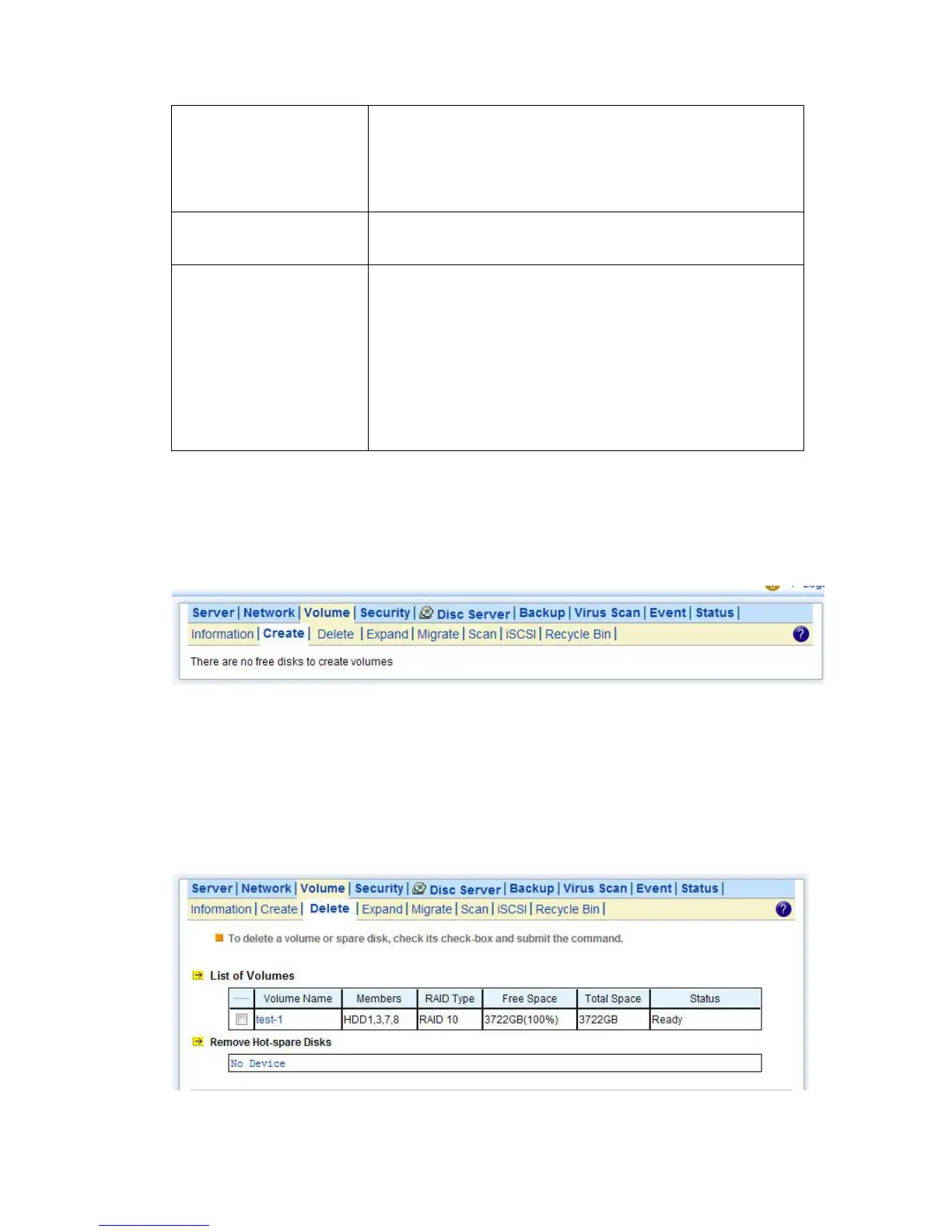
To delete a volume, go to the Volume→Delete page. Select the volume to be deleted and click the
Delete button. Please be very careful because all data in the volume will be destroyed and the RAID
configuration will be erased also. All hard disk members in this volume will become free disks after
the deletion.



 To Next Page