23
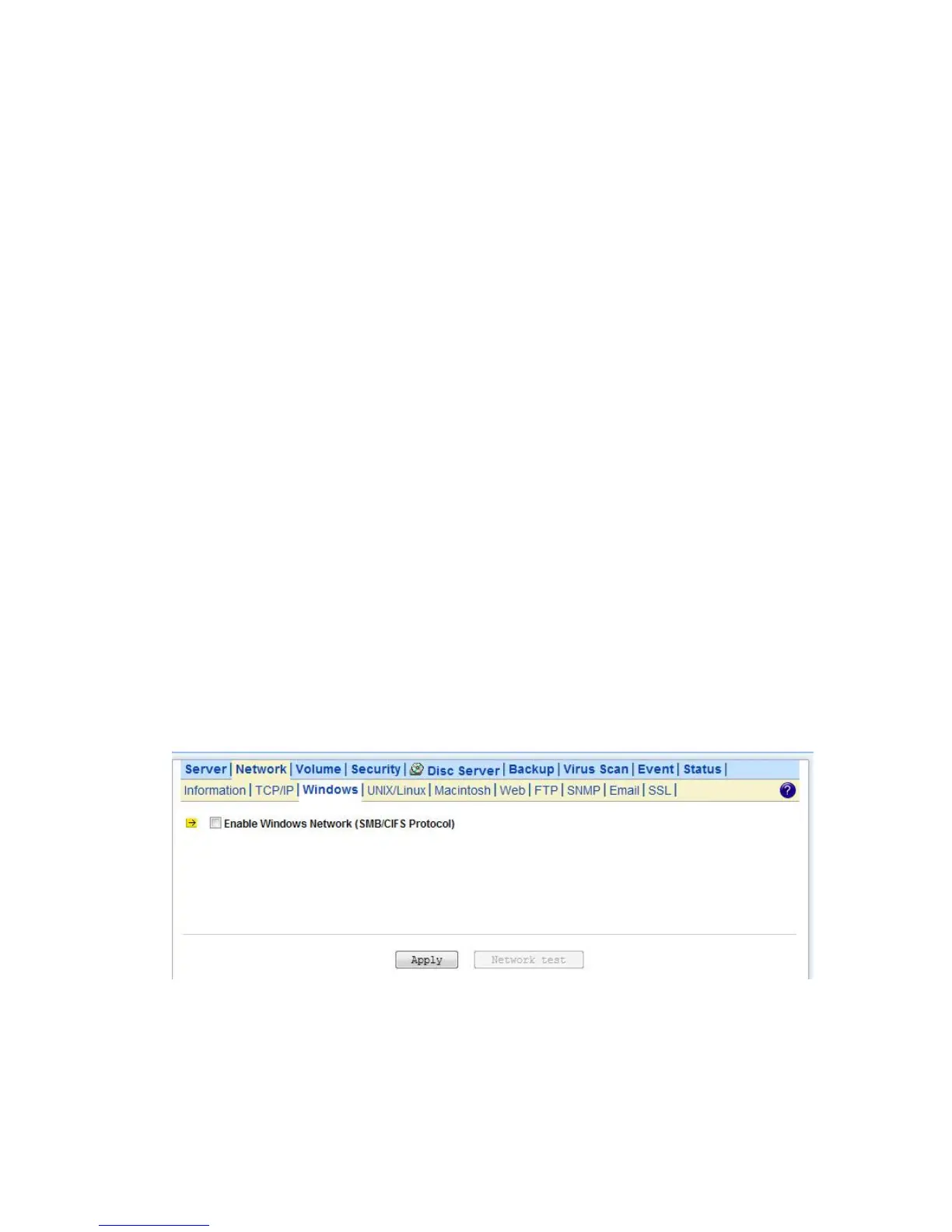
4.3 Windows Settings
NAS server using SMB/CIFS protocol- short for Server Message Block/Common Internet File System,
a protocol used by Microsoft to share files, directories and devices with the Windows client.
You can configure the Windows Network Settings using the following operating mode:
Workgroup Mode: NAS server becomes a member of a workgroup and communicates with the
clients using its internal user database for authentication and do not require other authentication
server present in the network.
Domain Mode: NAS server become member of a domain and communicates with the client using the
user database stored in an authentication server which must be present in the network Optionally,
you can register the NAS server to the domain. Once registered, the NAS server will be created as a
machine account on the domain controller. And it will use Kerberos as the authentication mechanism,
which provides better integration into the Windows network environment.
Configuring Windows Network Settings
1. Click the Enable Windows Network (SMB/CIFS Protocol) checkbox to enable access for SMB client.
2. Enter the Workgroup/Domain name. Use FQDN if you want to configure NAS server in Domain Mode Ex:
Microsoft.com
3. Click the Workgroup Mode radio button if you want to configure NAS server in Workgroup Mode.
4. Or, click the Domain Mode radio button if you want to configure NAS server in Domain Mode.
5. Input the domain manager’s user name and password (Power Users at least)
6. Select the option to disconnect idle connection automatically. Server will disconnect the
connections which have been idle for 5 minutes if this option is enabled.
7. Click Apply to save the setting.



 To Next Page