52
7. Disc Sharing and Data Archiving
Disc Server creates and manages CD and DVD disc images for easy and fast disc sharing. It relieves
the efforts of handling huge amount of discs. Thousands of discs can be kept online for user access.
To protect those disc images, all NAS servers are equipped with a robust RAID sub-system, which
features hot-spare disks and strong data protection.
7.1 Creating Disc Images
Using the local optical device to duplicate disc images
The simplest and fastest way to create a disc image is to use the CD or DVD device of NAS server to
duplicate the inserted discs. Usually a CD can be duplicated in 5 to 10 minutes.
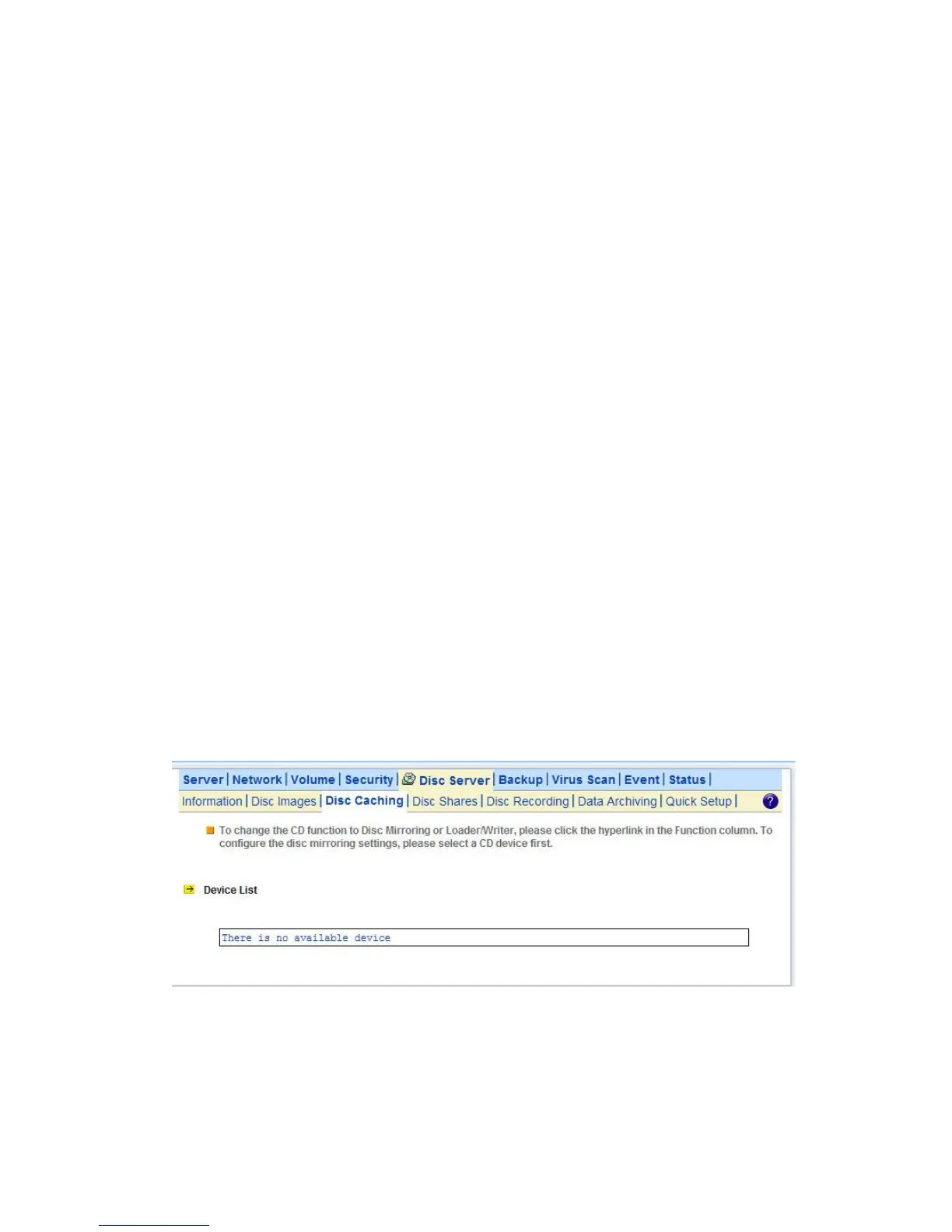
To configure a device so that it can automatically duplicate any inserted discs, please go to the Disc
Server→Disc Caching menu page of the administration page. In the Device List table, click the
hyperlink text in the CD Device’s Function column and change the CD function to Disc Mirroring.
The Disc Mirroring Settings section will appear on the page. Select a folder as the target location. The
folder is called Disc Image Folder, which is a folder especially for storing disc images. In addition to
create a new disc image, it can also replace an existing disc image with the duplicated one. If the disc
image being replaced is shared, the duplicated disc image will inherit all the share settings and
permissions. The CD replacement will happen once and it will return to the previous settings.
The disc image’s name can be either inherited from the CD label or user-defined. A user-defined
name will only apply once to the next duplicated disc image.
If you set the CD function to 'Direct Access', it will mount any disc inserted in the CD/DVD device.
The mounted disc will appear as a folder under the default CDROM share.
Copying disc images via network filing protocols or Smart Sync
The disc images are stored in the disc image folders. Administrators can also copy or sync the disc
images from one NAS server to another, using Windows Explorer, MacOS Finder or Smart Sync.
When disc images are copied to a disc image folder, the NAS server will not recognize them



 To Next Page