14
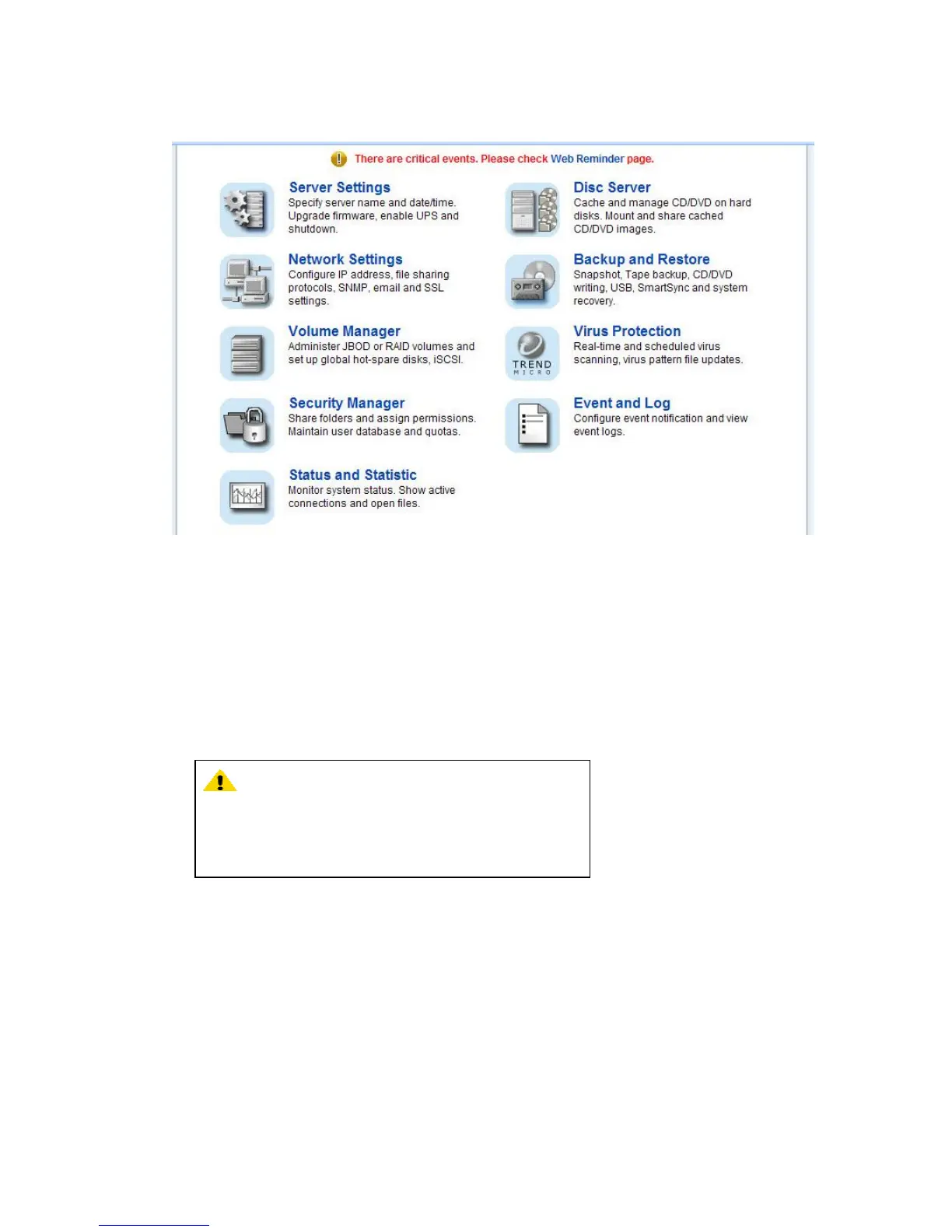
2.5 Accessing the Administration Home Page
You can configure the detail settings of your NAS server in the administration home page. To access
the administration home page of NAS server, type the URL name of your NAS server in the address
field of the web browser: http://192.168.1.254 /admin/ or run the utility NAStool provided in the
CD-ROM, right-click on a NAS server on the left-hand tree-view pane. Select Admin page item from
the right-click menu to open the administration page. It will prompt for username and password. By
factory default, the username is admin and password is admin .
Note: It is recommended that user change the admin
password immediately to keep your NAS server
secure
and to protect resources from inappropriate access
by
other users on the network.



 To Next Page