54
7.3 Sharing Discs
Administrators can choose to share a single disc, multiple discs or a disc image folder. If a single disc
is shared, its content will be shown when users open the network share. If multiple discs are shared,
the discs will appear as individual folders under the network share. The folder names are the same as
the disc names. If a disc image folder is shared, all the discs in the disc image folder will appear as
individual folders under the
network share.
To share a single disc:
To share a single disc, go to the Disc Server→Disc Images menu of the administration page. Click
the Create hyperlink in the Share column. Click Apply to share the disc. Enter the Share
Permissions tab to assign user permissions if you want to restrict user access. The Unix/Linux
Setting tab is for configuring NFS security settings. Please refer to section 6.5 - Creating Share and
Assigning Share Permissions for the details of share permissions and NFS security settings.
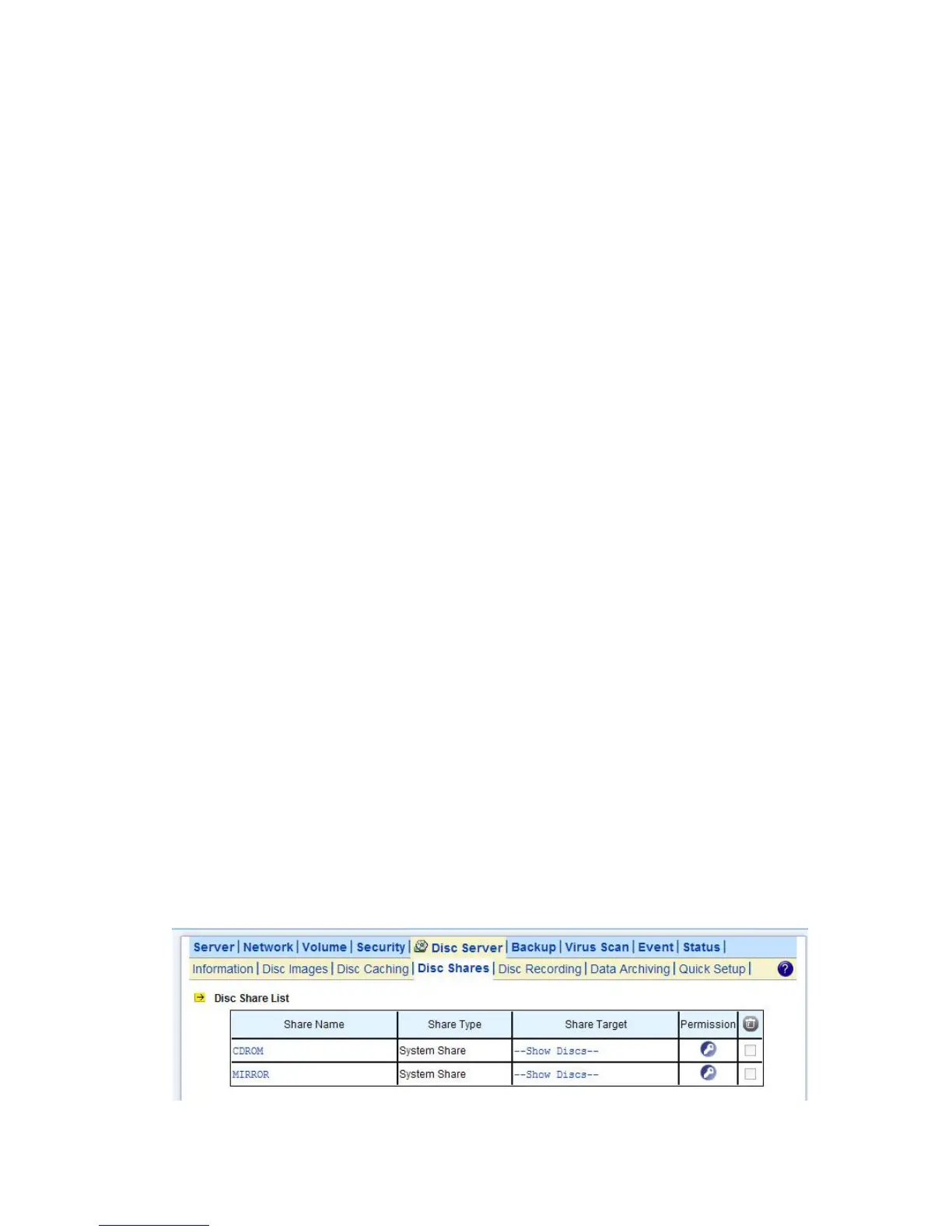
You can also go to the Disc Server→Disc Shares page to share a single disc. Click the Create Disc
Share button. Specify the share name and click Apply to create the share. Select the disc to share in
the Share Target tab and click Apply.
To share multiple discs:
To share multiple discs, go to the Disc Server→Disc Shares page. Click the Create Group Share
button. Specify the share name and click Apply to save settings. Select the discs to share in the
Share Target tab and click Apply. Use the Share Permissions tab or the Unix/Linux Setting tab if
you want to restrict user access.
To share a disc image folder:
To share a disc image folder, go to the Disc Server→Disc Images→Disc Image Folder menu of the
administration page. Click the Create hyperlink in the Share column. Specify the share name and
click Apply. Use the Share Permissions tab or the Unix/Linux Setting tab if you want to restrict
user access.
You can also go to the Disc Server→Disc Shares page to share a disc image folder. Click the
Create Disc Folder Share button. Specify the share name and click Apply to create the share.
Select the disc image folder to share in the Share Target tab and click Apply.



 To Next Page