73
column. Click a hyperlink to watch task progress and details. It shows Idle with no hyperlinks if there
is no running task.
After a backup or restoring task finishes, it will keep summary logs in the system folder. On the
Summary page you will see the summary logs. They keep records of the execution summary
information of the backup or restoring tasks. Click a hyperlink in the Task Name column to see its
details. To delete logs, please check the check-boxes to the right and click the Delete icon.
9.4 SmartSync – NAS-to-NAS Data Replication
The NAS server is integrated with the SmartSync function for NAS-to-NAS data replication. Two or
more NAS server are required, one as the SmartSync server, others as the SmartSync clients. The
SmartSync server is like an ftp server. The SmartSync clients can either replicate their data to the
SmartSync server, or copying data from the SmartSync server, depending on the task settings.
There are three operating modes of SmartSync - "mirror" for one-to-one data replication, "backup"
for disk-based backup, "distribute" for one-to-many data distribution. The following sections
describe the usage and applications of these operating modes.
Building a Mirror Site
Two NAS server are required, one as the SmartSync server, another as the SmartSync client. It will
replicate data from the SmartSync client to the SmartSync server.
On the NAS server which acts as the SmartSync server, create a sync point in it. A sync point is a
folder in the SmartSync server which is exposed to SmartSync clients for data replication. A sync
point of mirror mode receives data from a SmartSync client and builds an identical data copy in it. To
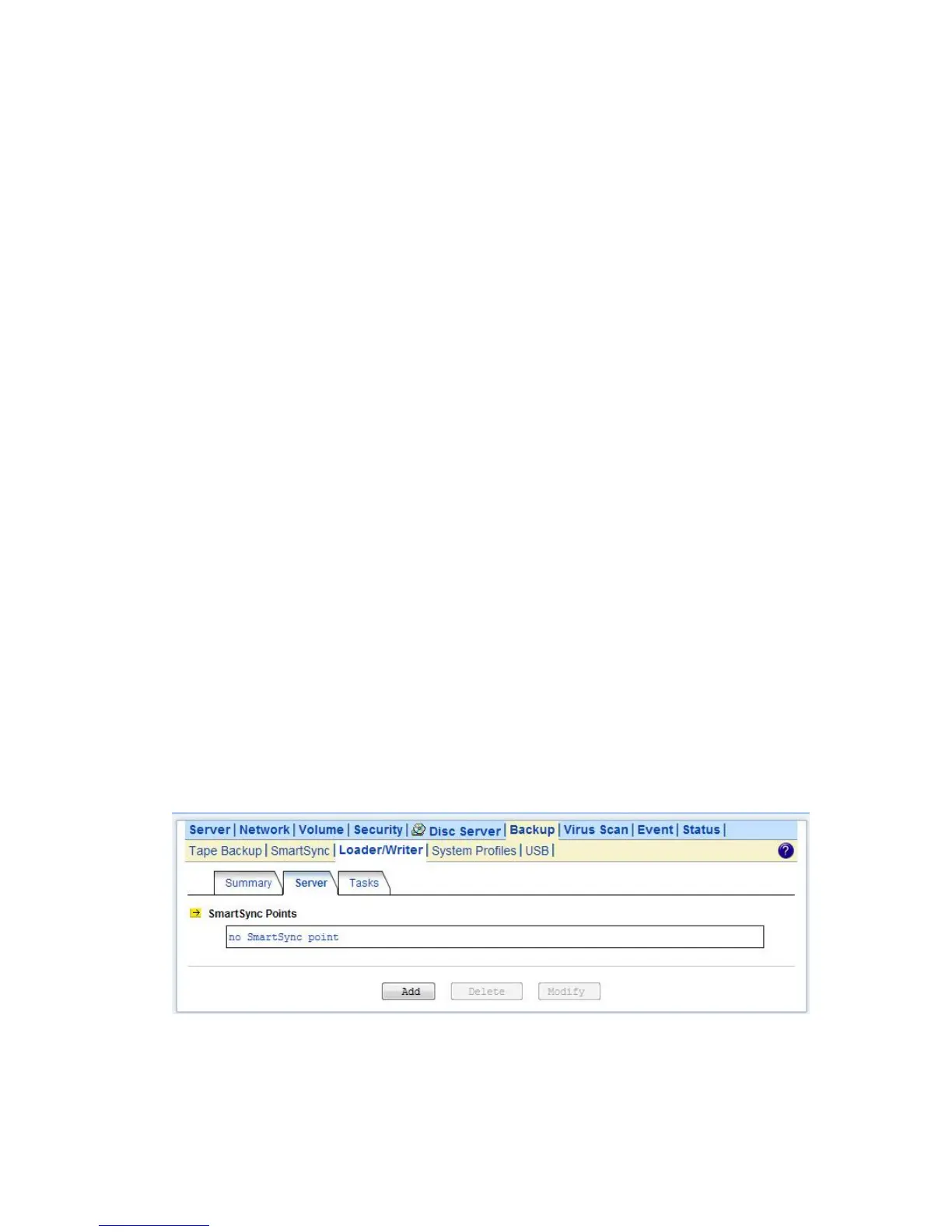
create a sync point, please go to the Backup→SmartSync →Server menu on the Administration
Page. Click the Add button to open the page below. On the page you should provide the sync point
name and specify which group is allowed to replicate data to this sync point. Set the mode to
“Mirror”.
On the NAS server which acts as the SmartSync client, set up a SmartSync task, which defines the
schedule settings and the source folder.
To set up a SmartSync task, please go to the Backup→SmartSync →Task menu on the



 To Next Page