13
2.4 Configuring the IP addresses using NAStool
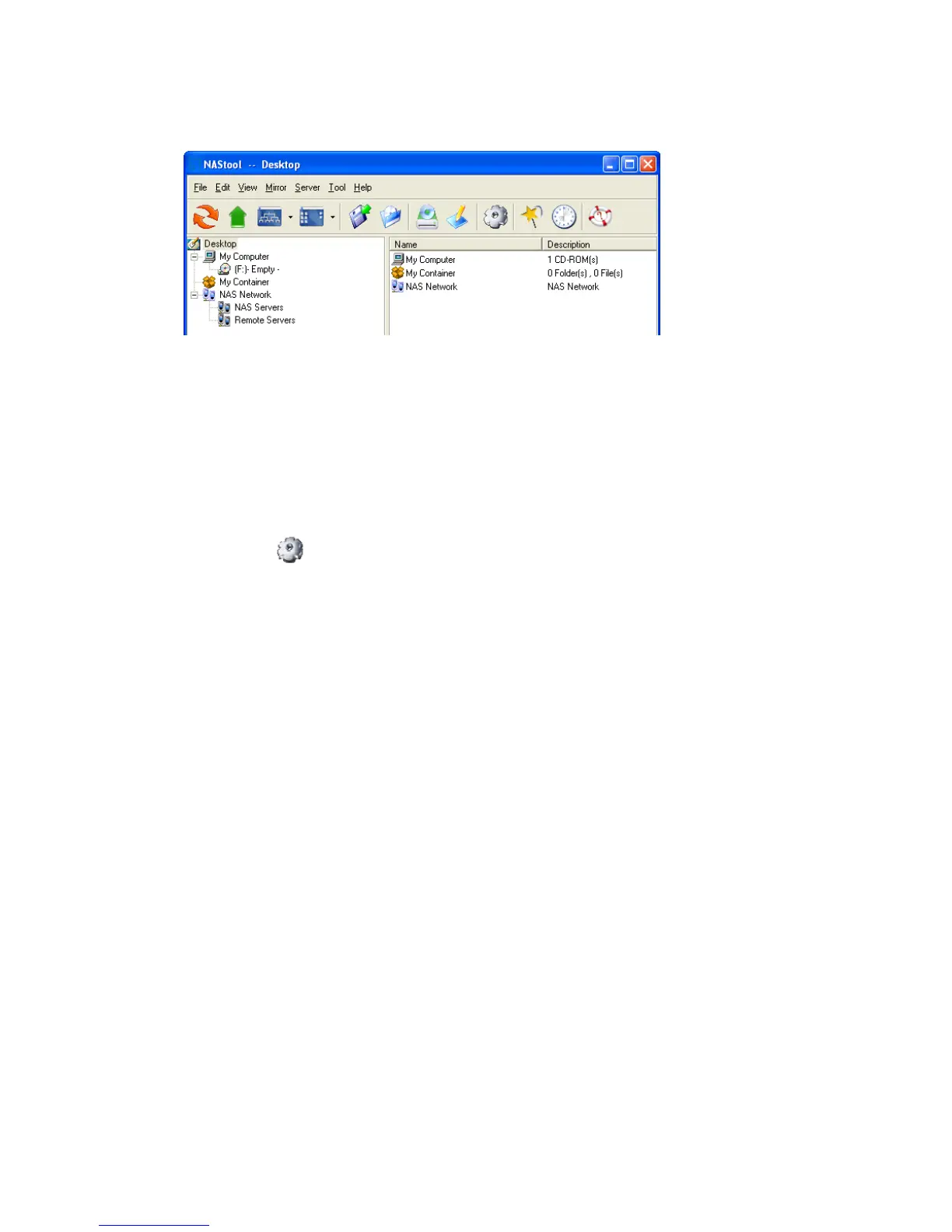
You can use the provided utility NAStool to perform the initial setup of your newly arrived NAS server.
The utility designed to perform a quick set up and put your NAS server online in just a few minutes.
During startup, NAStool begins to discover all the NAS server on the network. The default server
name would be NASxxxxxxxx, where xxxxxxxx is the last eight digits of the Ethernet address of
LAN1.
Highlight the server you want to configure from the left hand pane.
1. Click the button on the toolbar
2. Or, right click the server and select Configure…
3. Enter the Server Name, Server Comment, and Workgroup/Domain Name and select either
the Workgroup mode or Domain mode.
4. Click Next button to go to the next page.
5. Choose the Network Teaming Mode from the pull down menu. If you are not clear about this
feature, continue with the default value.
6. If you want IP settings to be assigned automatically, click Obtain IP settings automatically.
7. Or, you can specify IP settings manually.
8. Click Next button to go to the next page.
9. Change the admin password if necessary.
10. Click the Finish button to save the settings. Note that server may need to reboot for certain
parameters changes to take effect.



 To Next Page