16
3.2 Upgrading the Firmware
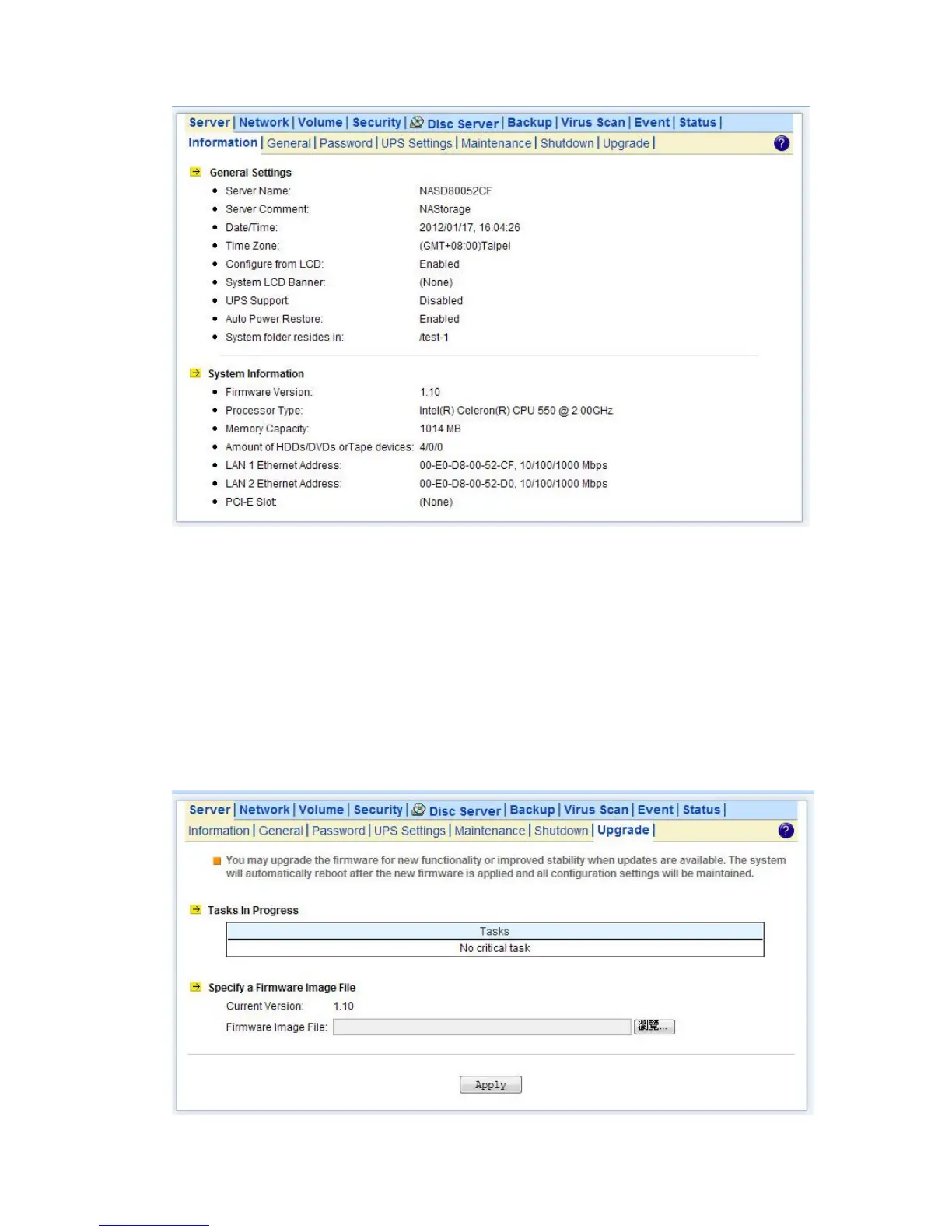
Updating OS firmware will accommodate new functions or bug-fixes. Once you get new releases of
an OS firmware image, you can upgrade the OS firmware by using the web browser. The process is
simple and fast. Once you get the image file of the new OS firmware from your vendor, open the
Administration Homepage of the NAS server and select the Server→Upgrade menu. Specify the
full path of the image file or click the Browse… button to find it. Click Apply to begin. The process
might take several minutes. The server will reboot after the firmware is upgraded.



 To Next Page