38
click Apply. The target volume will stay on-line after the data duplication.
5.8 Hot-swapping
You may have to change hard disks in some situations, such as hard disk failure, degraded RAID ,
Critical RAID or general maintenance. The NAS server supports HDD hot-swapping if used with
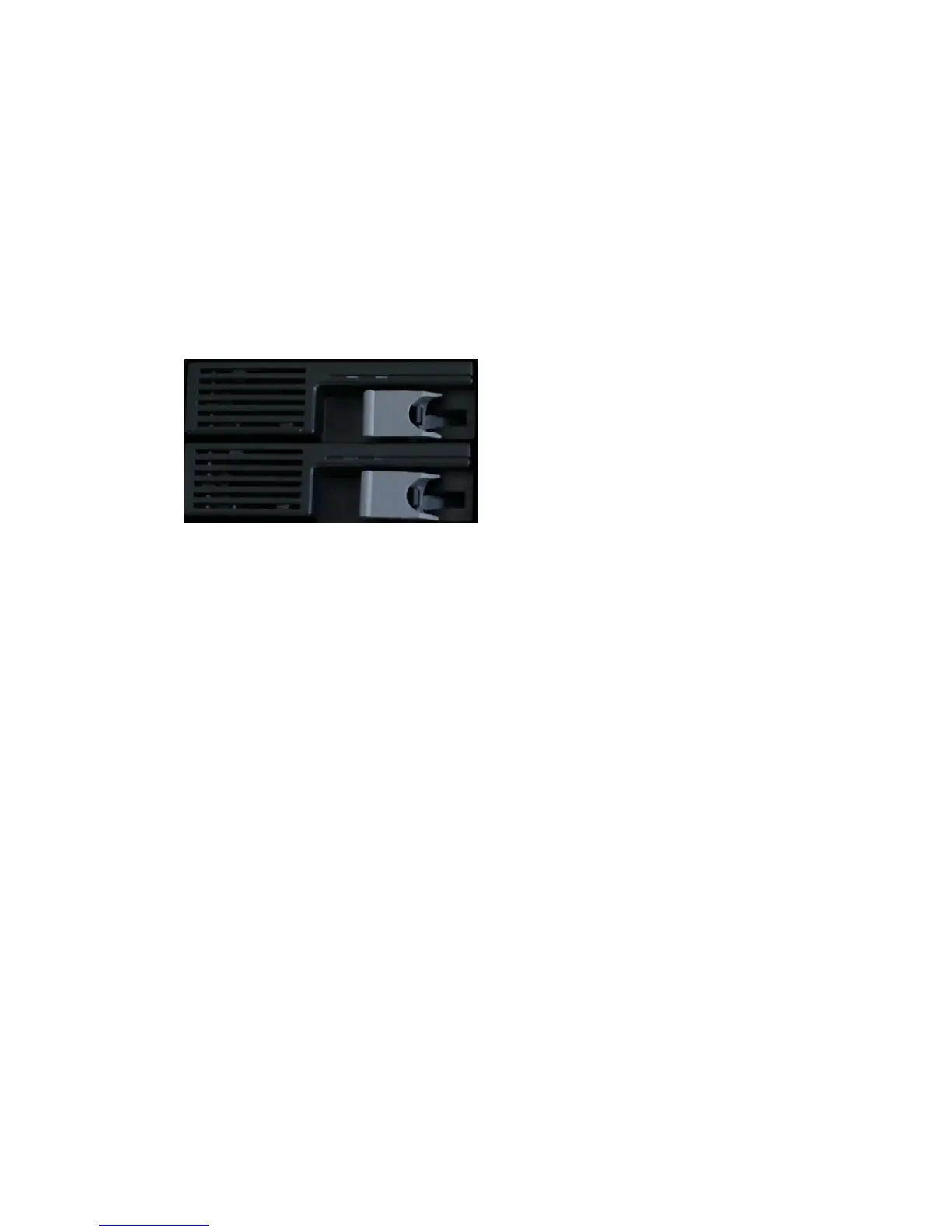
GNS-4001hot-swappable HDD module. Below are the instructions of replacing hard disks when
using the HDD module.
When using GNS-4001 hot-swappable HDD module:
1. Identify which hard disk fails. The amber LED of the HDD tray will blink to indicate hard disk failure.
2. Unplug the HDD tray and replace the HDD with a good one.
3. Plug in the HDD tray. Wait until the Green LED is steady on.
Then you are done.
When a RAID volume is degraded and there is no available hot-spare disk for rebuilding, the RAID
volume will stay in the degraded state. In this state, you can hot-unplug the failed hard disk and plug
in a good one in the same HDD tray. The RAID volume will rebuild automatically with the new hard
disk.
1. Identify which hard disk fails. The amber LED2 will blink to indicate hard disk failure.
2.Unplug the HDD tray and replace the HDD with a good one.
3. Plug in the HDD tray. Wait until the Green LED is steady on.
Then you are done.
5.9 iSCSI
iSCSI, (Internet Small Computer System Interface), an Internet Protocol (IP)-based storage
networking standard for linking data storage facilities. By carrying SCSI commands over IP networks,
iSCSI is used to facilitate data transfers over intranets and to manage storage over long distances.
iSCSI can be used to transmit data over local area networks (LANs), wide area networks (WANs), or
the Internet and can enable location-independent data storage and retrieval.
Follow the steps below to configure the iSCSI target service on the NAS server.



 To Next Page