39
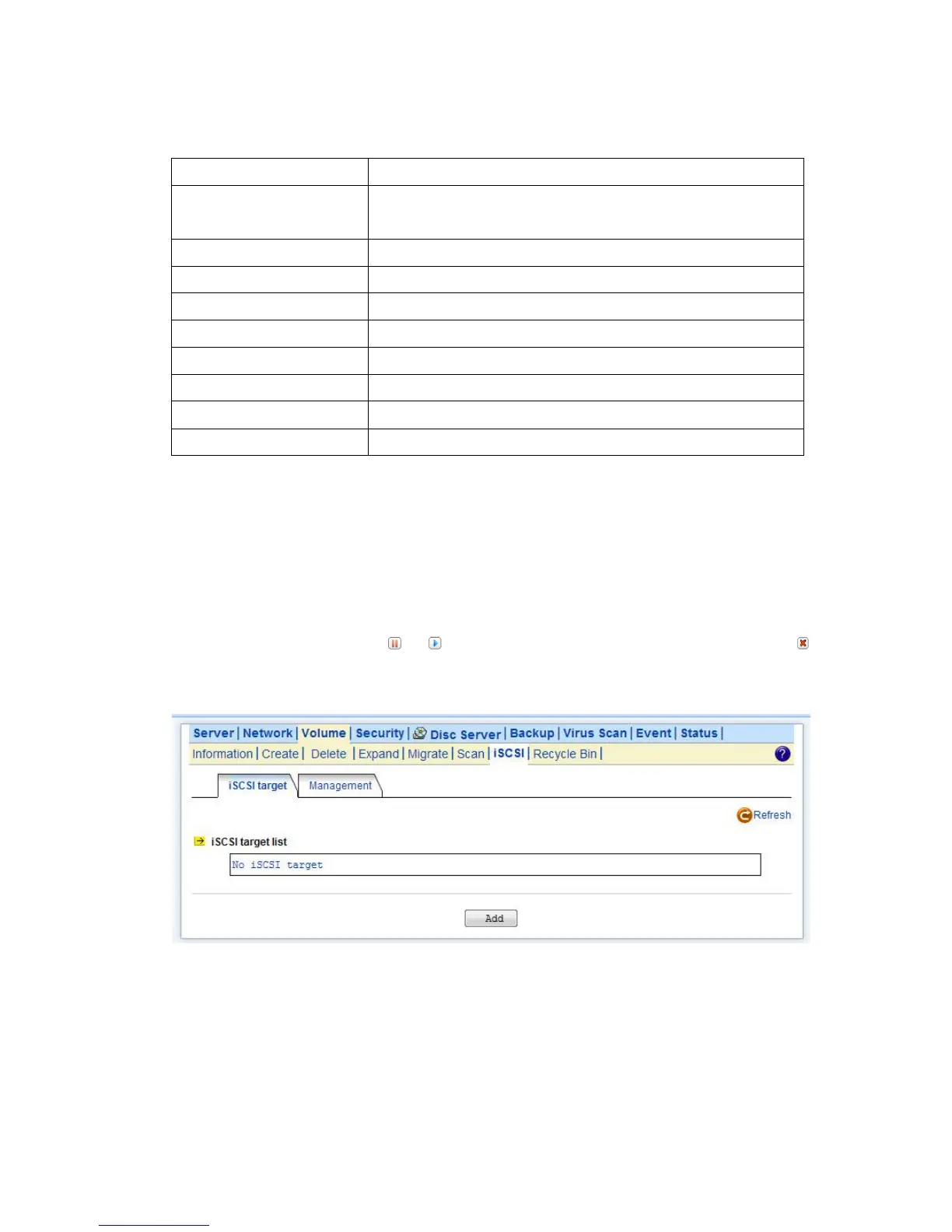
1. Click “iSCSI” tab and Click “Add” to create a iSCSI target on the NAS.
2. Enter the iSCSI target information for configuration
Select to create an iSCSI target with a mapped LUN and enter the size
of LUN
The comment for the target.
The name for target authentication
The password for target authentication
Two-way authentication mode
The name for initiator authentication
The password for initiator authentication
3. Apply the settings. Now, an iSCSI LUN is a logical volume mapped to the iSCSI target. The target
and LUN are shown on the list under the “iSCSI” tab.
Note: The NAS supports 8 iSCSI devices at maximum.
4. The LUNs created can be mapped to and unmapped from the iSCSI target anytime. You can
deactivate or activate by clicking or icon, respectively. You can delete a target by clicking
icon.



 To Next Page