55
7.4 Burning Disc Images
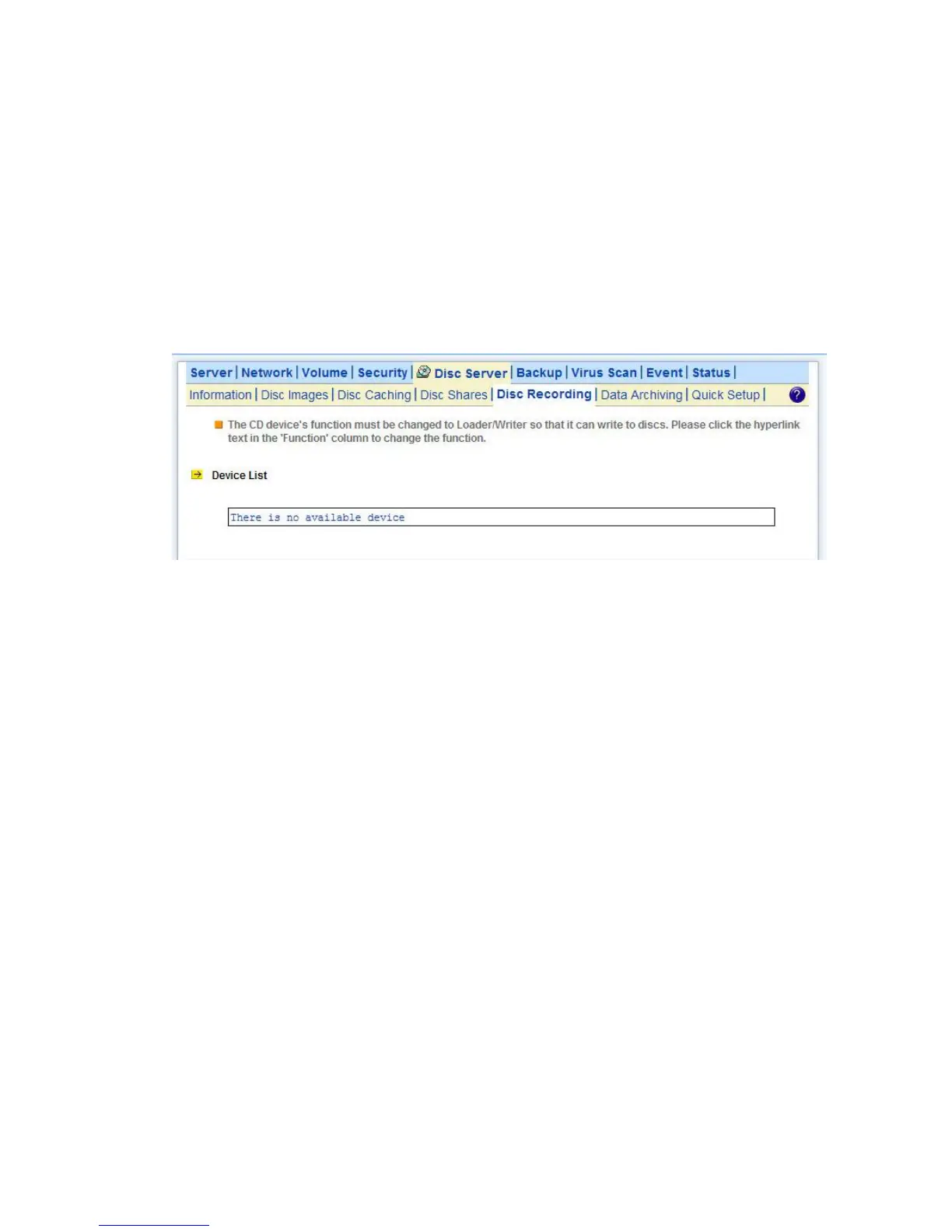
To burn an existing disc image, select Disc Recording from the Disc Server menu on the
administration page. To do disc recording, the CD function must be configured as Loader/Writer. To
change the CD function, please click the hyperlink in the Function column of the Device List table.
Next, select a disc image by clicking the Select a Disc hyperlink. After the selection is made, the disc
image information will be shown underneath, including image size, disc format and disc volume label.
Check the Erase disc before writing option if it is a rewriteable disc which contains data. Click
Apply to start the disc recording.
7.5 Archiving Data to CD/DVD Discs
Data archiving is to move or copy regularly NAS data to CD/DVD discs . Administrators can set file
filters, mostly based on file date/time, to specify what to burn. One of the applications is to move
obsolete data out of the NAS server so that disk space can be freed for future uses.
If used with the Disc Server function, the Data Archiving function becomes more versatile. You can
choose to turn some less-frequently-used files to read-only disc images first, which can be mounted
by the Disc Server function to share to network users in read-only forms. When the archived data are
not in use for a long time, you can then choose to burn them to discs, freeing the hard disk space.
The Archive Folder
During data archiving, the NAS server will first create disc images in the archive folder, which is a
disc image folder specifically for storing archived data in the form of disc images. Firstly specify the
location of the archive folder on the Disc Server→Data Archiving→Summary page before you use
the data archiving function.
Summary Logs
On the Disc Server→Data Archiving→Summary page are also shows the summary logs, which
keep track of the execution summary of the data archiving tasks.
In addition, they keep records like which disc images are created, which are burned and which are



 To Next Page