81
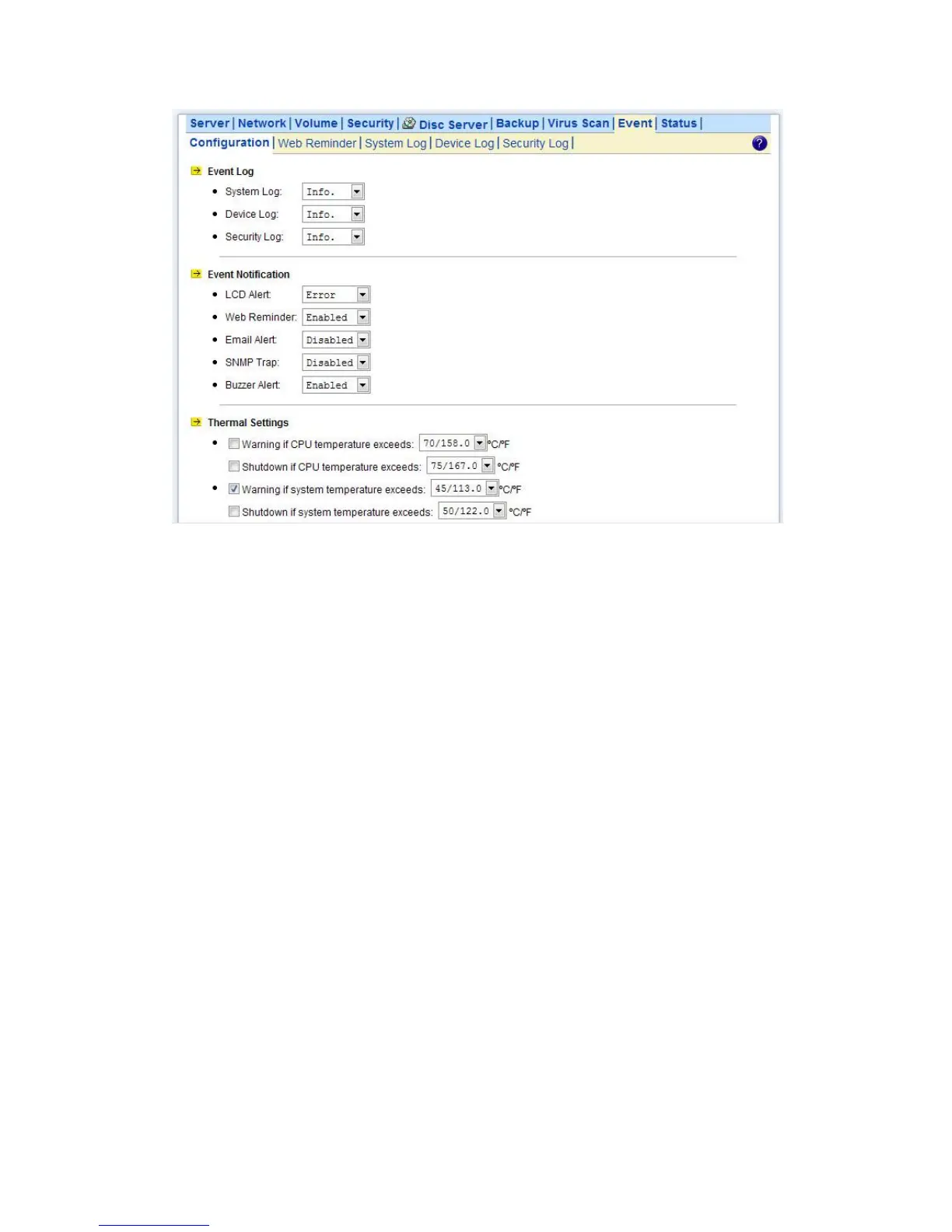
10.1 Thermal Settings
User can also define the thermal scheme of the NAS server so that NAS server can give off warning
message or shutting down when the system or CPU temperature is over a predefined threshold
temperature.
Configuring thermal settings:
1. Go to Thermal Settings in Event→Configuration menu.
2. You can set the NAS server to give off warning message or shutdown base on the CPU or System
temperature. Check the Warning and Shutdown checkboxes and select the proper temperature
from the pull down menu.
3. Click Advance button to configure the way of notification for various events.
4. Click Apply to save the setting.
The “System Fan Control” function only on 1U/2U.
The system and CPU fan would start to work over 25℃.
10.2 Checking the Event Logs
You can view a summary of all the events occurred on your
NAS server: Web Reminder, System Log, Device Log & Security Log. The severity of each event
will be determined by NAS server and displayed in different colors:
• Information = Green



 To Next Page