12
5. After you edit the last digit of the IP address, press the right button and configure the Subnet Mask
address.
6. Repeat Steps 4 to Steps 5 to configure the Subnet Mask and Gateway address.
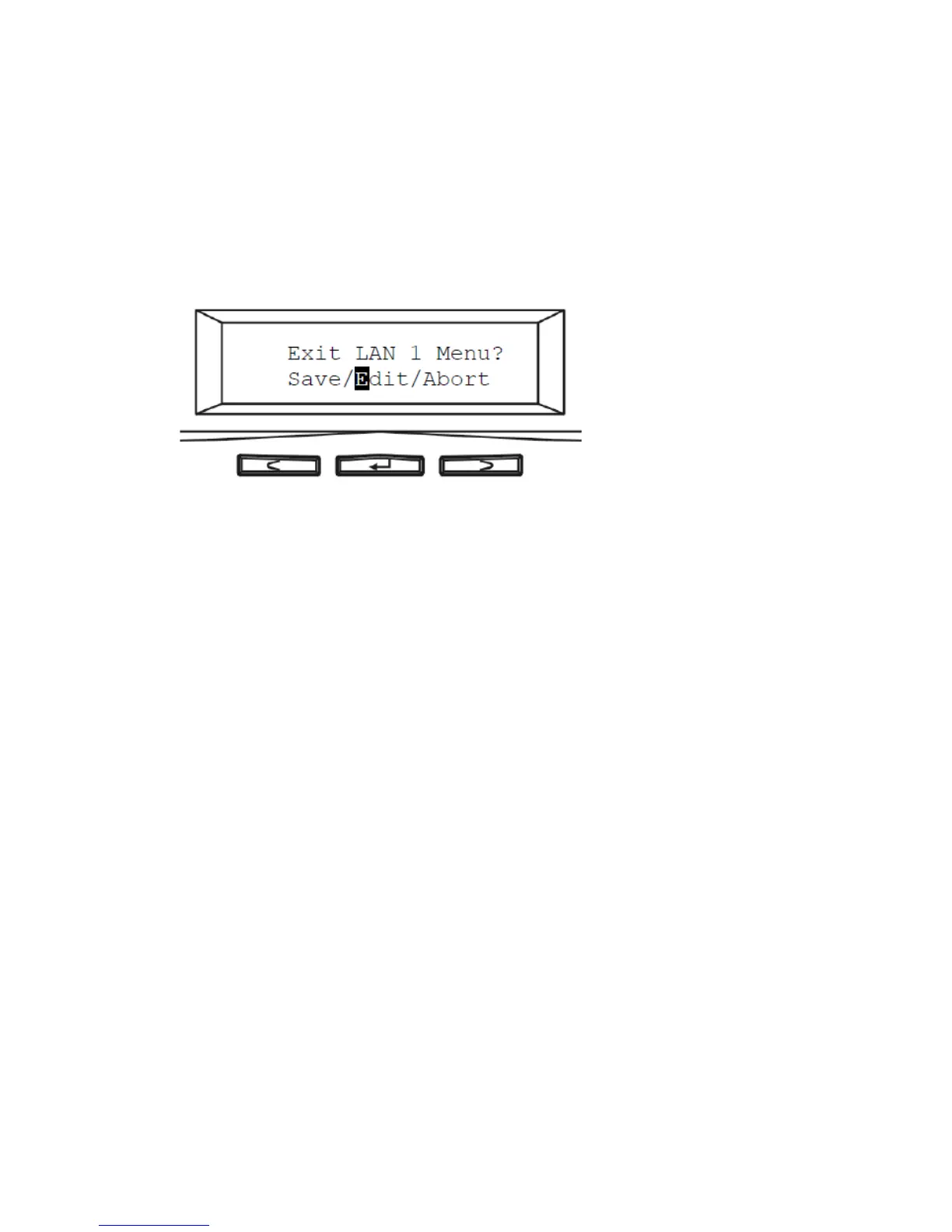
7. After you edit the last digit of the Gateway address, press the right button. Move the cursor to Save
and save the setting or Edit to repeat the above process or Abort to quit the configuration process
without saving.
8. Repeat the above process to configure the other LAN port.



 To Next Page