11
Configuring the IP addresses using the LCD console
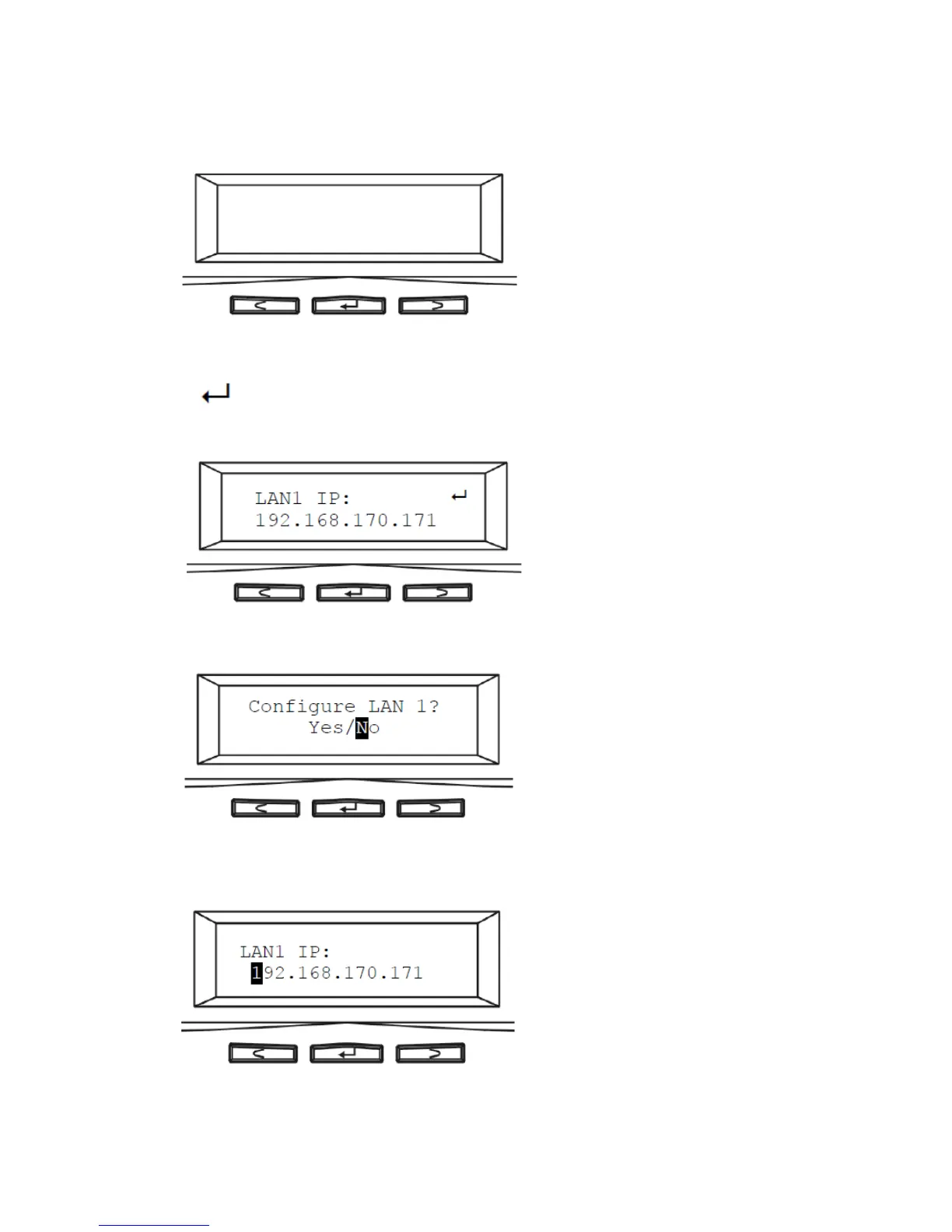
1. After NAS server is boot up, the LCD console shows System Ready. Press the right button.
2. The IP address of LAN1 is shown. Press the middle button to configure LAN1 IP address. Note that
the symbol at the right hand upper corner indicates that the IP address can be configured
using the LCD console.
3. Move the cursor to Yes by pressing the left button and then press the middle button to confirm.
4. Move the cursor to the correct position using the left or right button. Then press the middle button
to change that number.



 To Next Page