25
represent that the UID/GID is equal to the default UID/GID configured above.
7. Click Apply to save the settings
Configuring NIS settings
The NIS (network information services), formerly known as Yellow Pages, is a UNIX standard for
centralizing the management of UNIX resources. The NAS server supports the retrieval of user
accounts and their UID/GID from a NIS server.
If the NIS support is enabled, the NAS server can auto-map NIS users with local/domain users. It
matches user names and assigns the UID/GID of the matched NIS users to local/domain users. The
user auto-mapping function provides better and tighter integration between NFS clients and other
network operating systems.
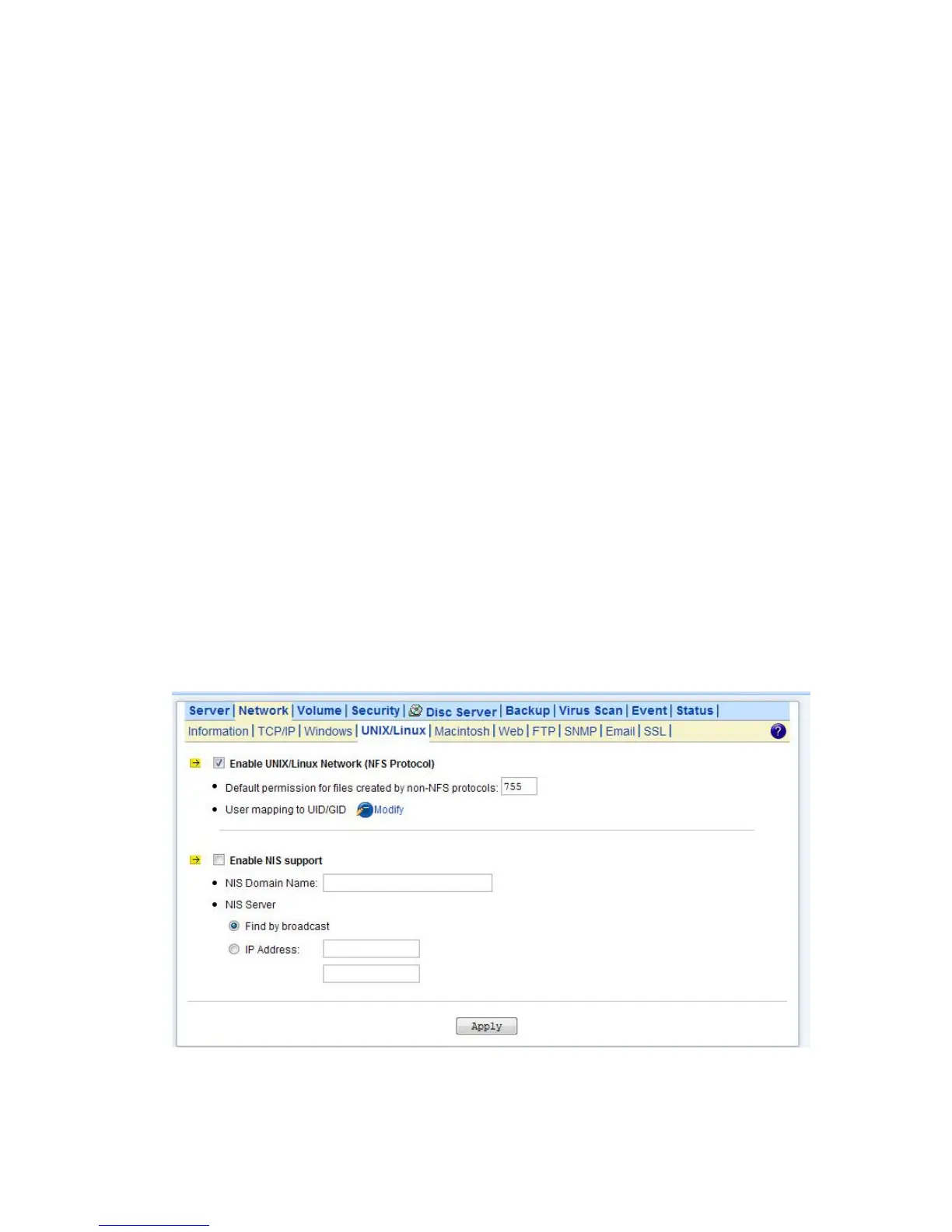
The steps of enabling NIS support are as follows:
1. Check the Enable NIS Support checkbox.
2. The NIS domain name is required. Please fill in the correct name in NIS Domain Name field.
3. If you do not know the IP address of the NIS server, please specify Find by broadcast. Otherwise,
specify the IP address in the fields.
4. After enabling the NIS support, you can auto-mapping NIS users with local/domain users. In
UNIX/Linux menu, click the Modify icon.
5. Select Map users to UID/GID as defined below to Apply.
6. Click the Auto-map with NIS users link to map with the users in the configured NIS server.



 To Next Page