Calendar with Memo
ES300_Navi_U (L/O 0208)
90
2003 ES300 Navigation from Aug. ’02 Prod. (OM33592U)
L00160
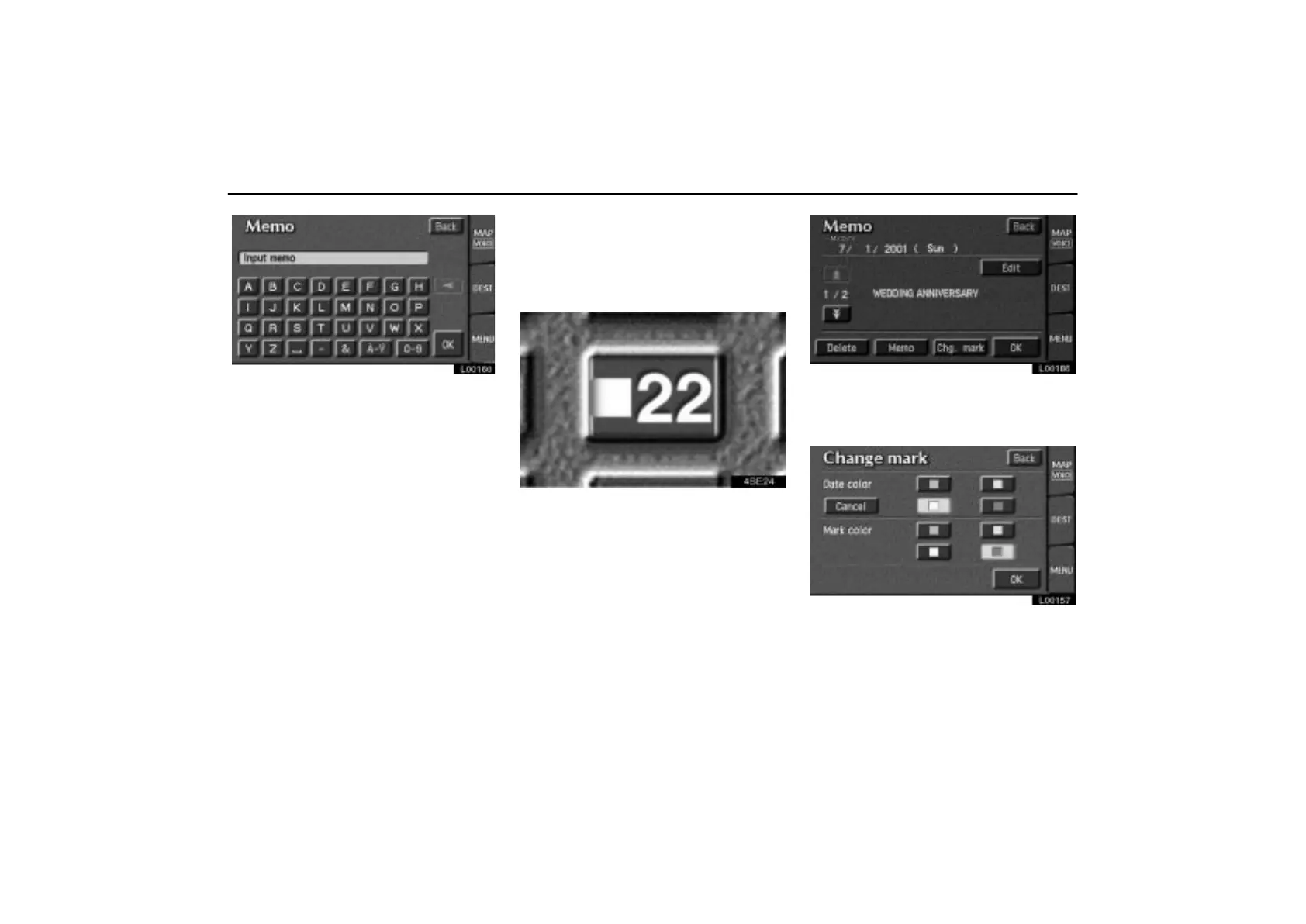
3. Touch keys directly to input a memo.
You can input up to 24 letters.
After you input the memo, touch the
“OK”
switch at the bottom right of the screen. The
previous screen will be displayed.
You can input a memo until December 31.
2020.
The date for which a memo is set is dis-
played with a mark as in the above il-
lustration. The default color of the mark
is white.
L00186
You can select your desired date and/or
mark color. Touch the
“Chg. mark”
switch.
L00157
Select your desired date or mark color. If
you want to default the date color you
chose, touch the
“Cancel” switch. Af-
ter you select the date and/or mark color,
touch the
“OK” switch to display the
previous screen.



 To Next Page