Marked Points Area to Avoid
ES300_Navi_U (L/O 0208)
71
2003 ES300 Navigation from Aug. ’02 Prod. (OM33592U)
L00117
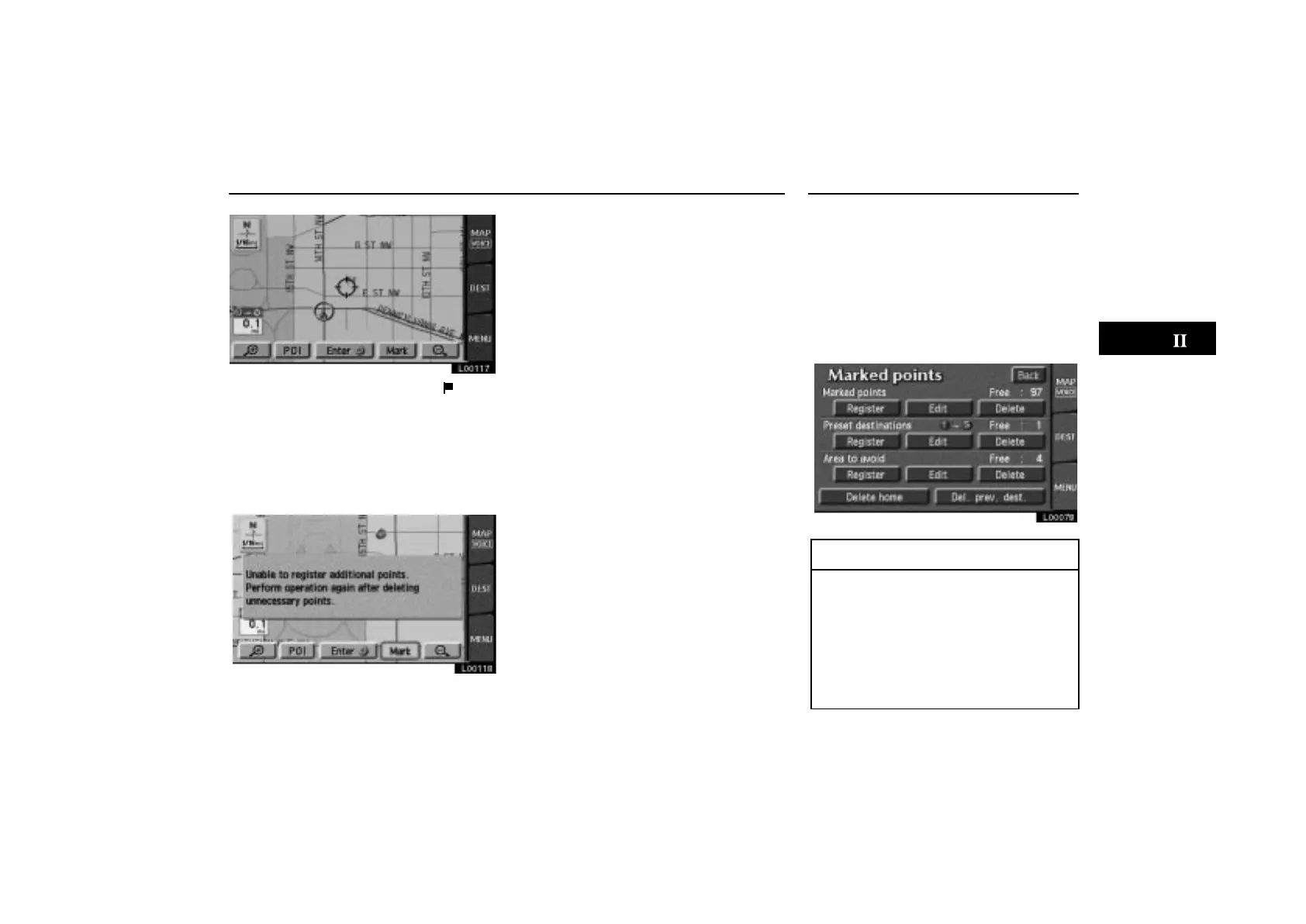
The registered point is shown by on the
map.
To change the icon or name, etc., see “(b)
Editing marked points”.
You can register up to 100 marked points. If
you attempt to register more than 100, a
message appears for confirmation.
L00118
If you want to register a new point, delete one
of the marked points. See “(c) Deleting
marked points”.
Any areas you want to avoid due to traffic
jams, construction work or other reasons
can be registered as areas to avoid.
Touch the
“MENU” tab on the screen to
display the “Menu” screen and touch the
“Marked points” switch. Touch the
“Area to avoid” switch to display the
following screen.
L00078
INFORMATION
Some areas and freeways may not
be able to be set as an avoid point.
If a destination is input in the avoid
area or the route calculation cannot
be made without running through
the avoid area, a route passing
through the avoid area may be
shown.



 To Next Page