Dealer Setting
ES300_Navi_U (L/O 0208)
88
2003 ES300 Navigation from Aug. ’02 Prod. (OM33592U)
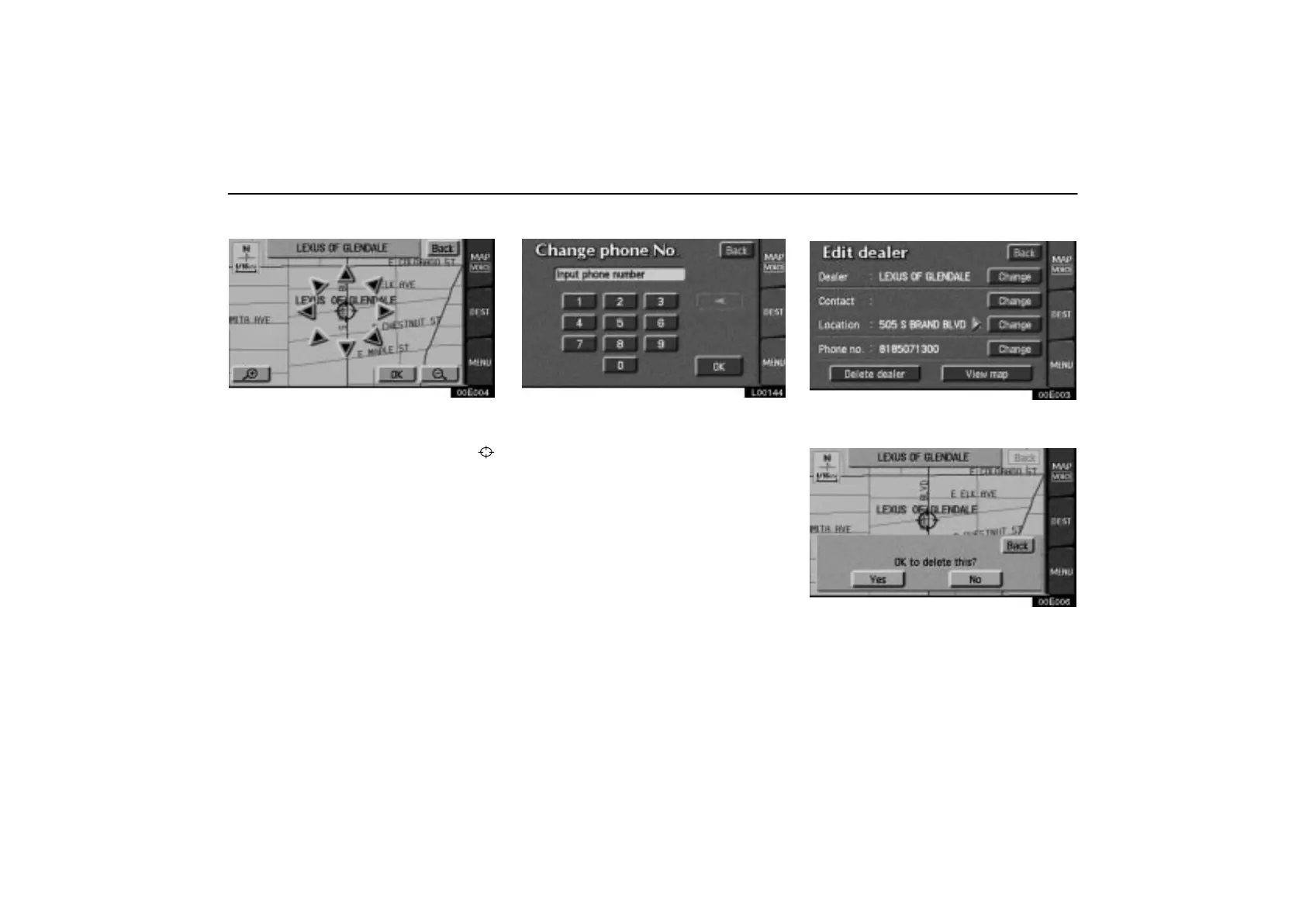
EDITING THE LOCATION
00E004
Touch the arrows to scroll to your desired
point on the map screen.
Touch the
“OK” switch when the cursor
moves to your desired point.
The previous screen will be displayed.
EDITING THE PHONE NUMBER
L00144
Touch numeral keys directly.
After you finish your entry, touch the “OK”
switch.
The previous screen will be displayed.
After you finish any editing, touch the
“Back” switch.
(c) Deleting dealer
00E003
1. Touch the “Set dealer” switch and
then touch the
“Delete dealer” switch.
00E006
2. A selected point will appear. Also, a
message will appear at the bottom of the
screen. To delete, touch the
“Yes”
switch. To cancel the deletion, touch the
“No” switch.



 To Next Page