Current Position Calibration
ES300_Navi_U (L/O 0208)
75
2003 ES300 Navigation from Aug. ’02 Prod. (OM33592U)
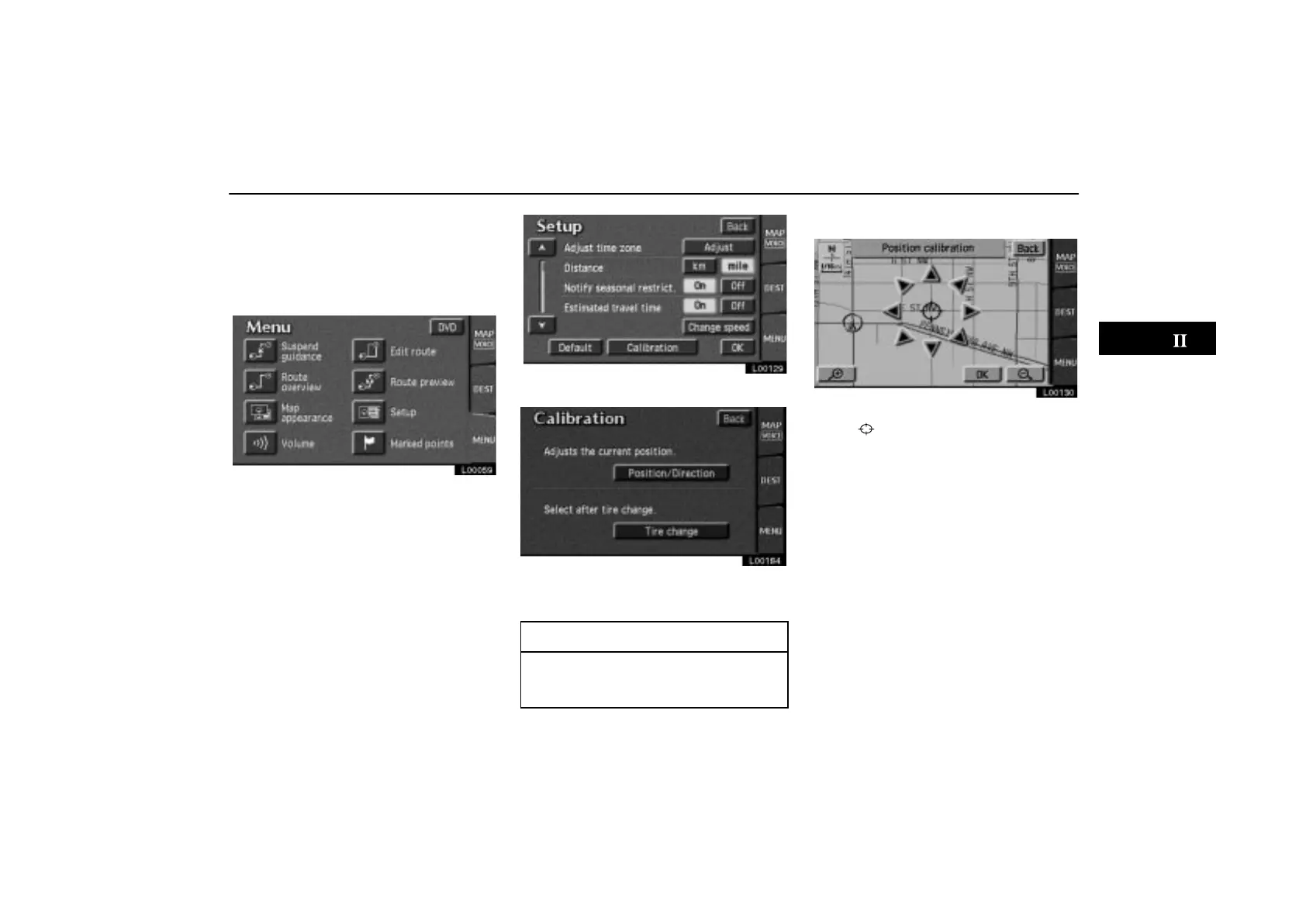
The current vehicle position mark will be
automatically corrected during driving
on reception of GPS signals. If your ve-
hicle cannot receive GPS signals, you
can correct the current position mark
manually.
L00059
1. Touch the “MENU” tab on the screen
to display the “Menu” screen, and touch
the
“Setup” switch.
L00129
2. Touch the “Calibration” switch.
L00184
3. Touch the “Position/Direction”
switch.
INFORMATION
For additional information on current
position accuracy, see “Limitations of
the Navigation System” on page 50.
POSITION/DIRECTION CALIBRATION
L00130
1. Touch the scroll arrows to move the
cursor
to your desired location.
Touch the “OK” switch.



 To Next Page