Inputting Letters and Numbers How to Move the Cursor
ES300_Navi_U (L/O 0208)
4
2003 ES300 Navigation from Aug. ’02 Prod. (OM33592U)
If appears to the right of the item
name, the complete name is too
long for the display. Touch , and
the name will scroll to the end of the
name.
Touching will scroll the name to
the beginning of the name.
L00016
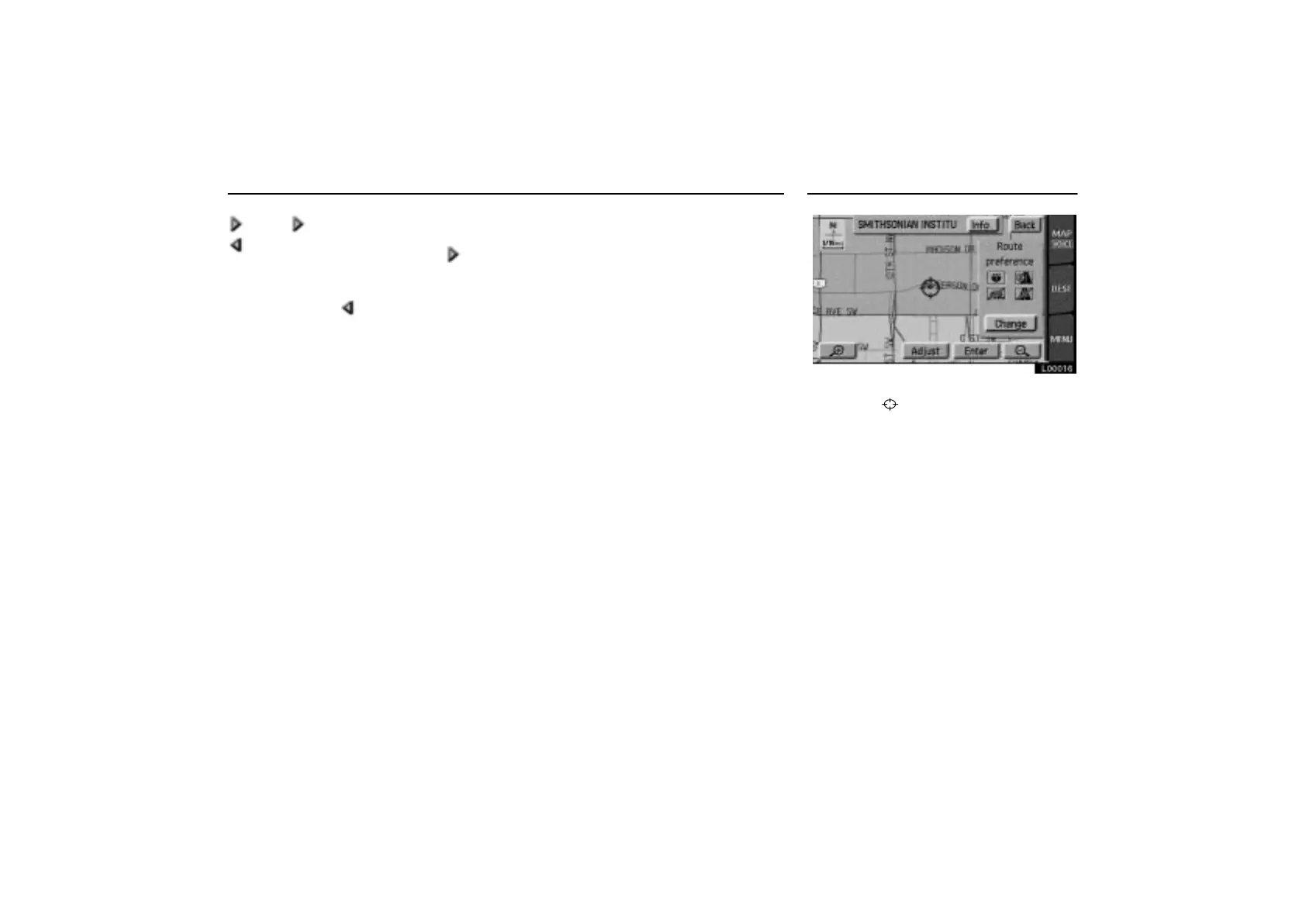
1. Touch the “Adjust” switch to move
the cursor
.



 To Next Page