Route Preview Current Position Display
ES300_Navi_U (L/O 0208)
36
2003 ES300 Navigation from Aug. ’02 Prod. (OM33592U)
To review the route to the cur
rent position in fast–forwar
mode
To indicate the current position
L00071
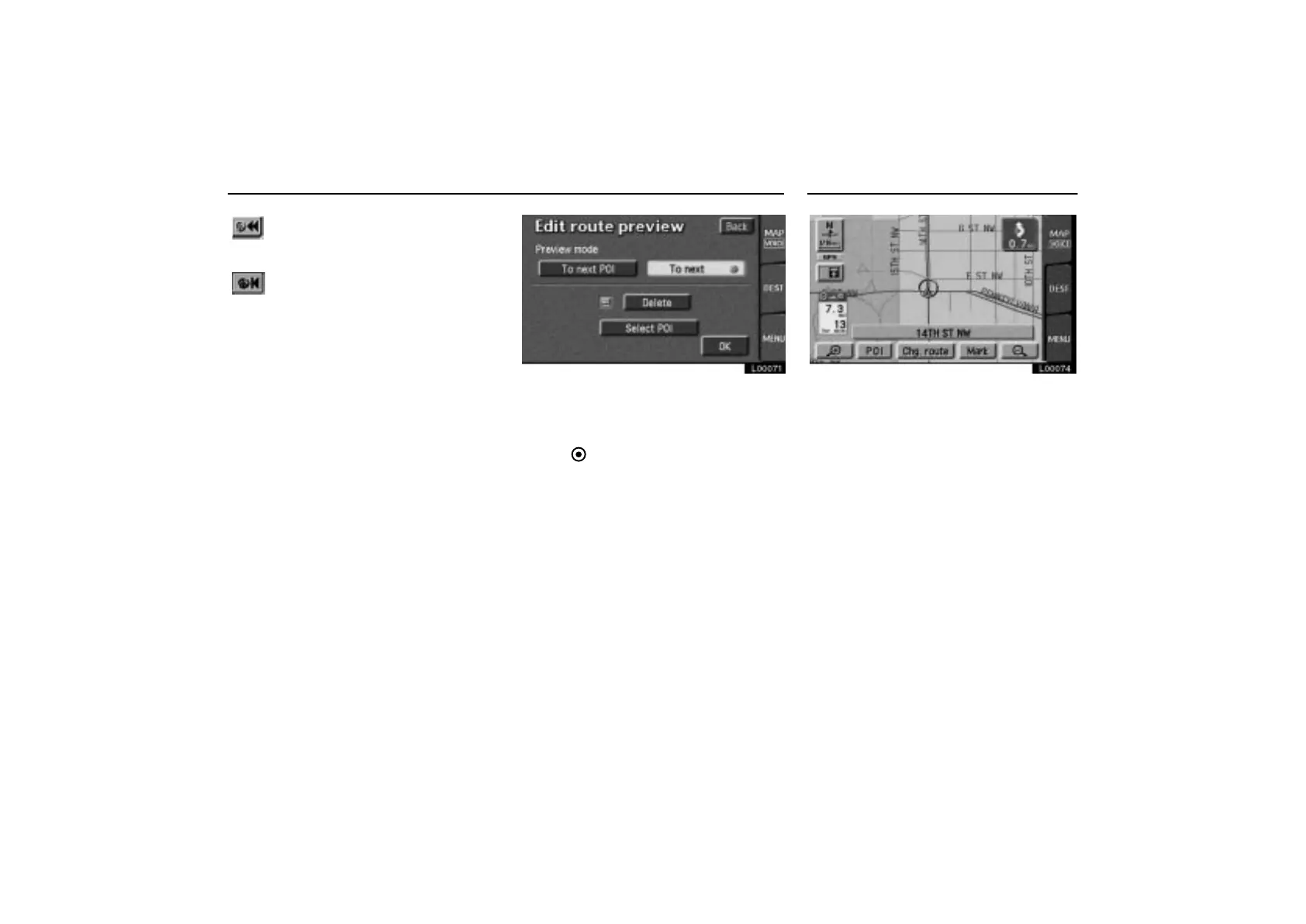
Touch the “Edit” switch to display the
“Edit route preview” screen appears.
To next POI: Preview the next POI.
To next
: Preview the next destination.
Delete: Delete the POI icon.
Select POI: Select the POI icon.
Touch the
“OK” switch after the selection.
L00074
The current vehicle position mark ap-
pears in the center of the map screen.
You can return to this map screen show-
ing your current position at any time from
any screen by touching the
“MAP/
VOICE”
tab on the screen.
During driving, the current vehicle position
mark is fixed in the center of the screen and
the map moves.
If you move the map with a “one–touch”
scroll (see page 49 for details), the current
vehicle position mark continues to track your
current location.



 To Next Page