Area to Avoid
ES300_Navi_U (L/O 0208)
73
2003 ES300 Navigation from Aug. ’02 Prod. (OM33592U)
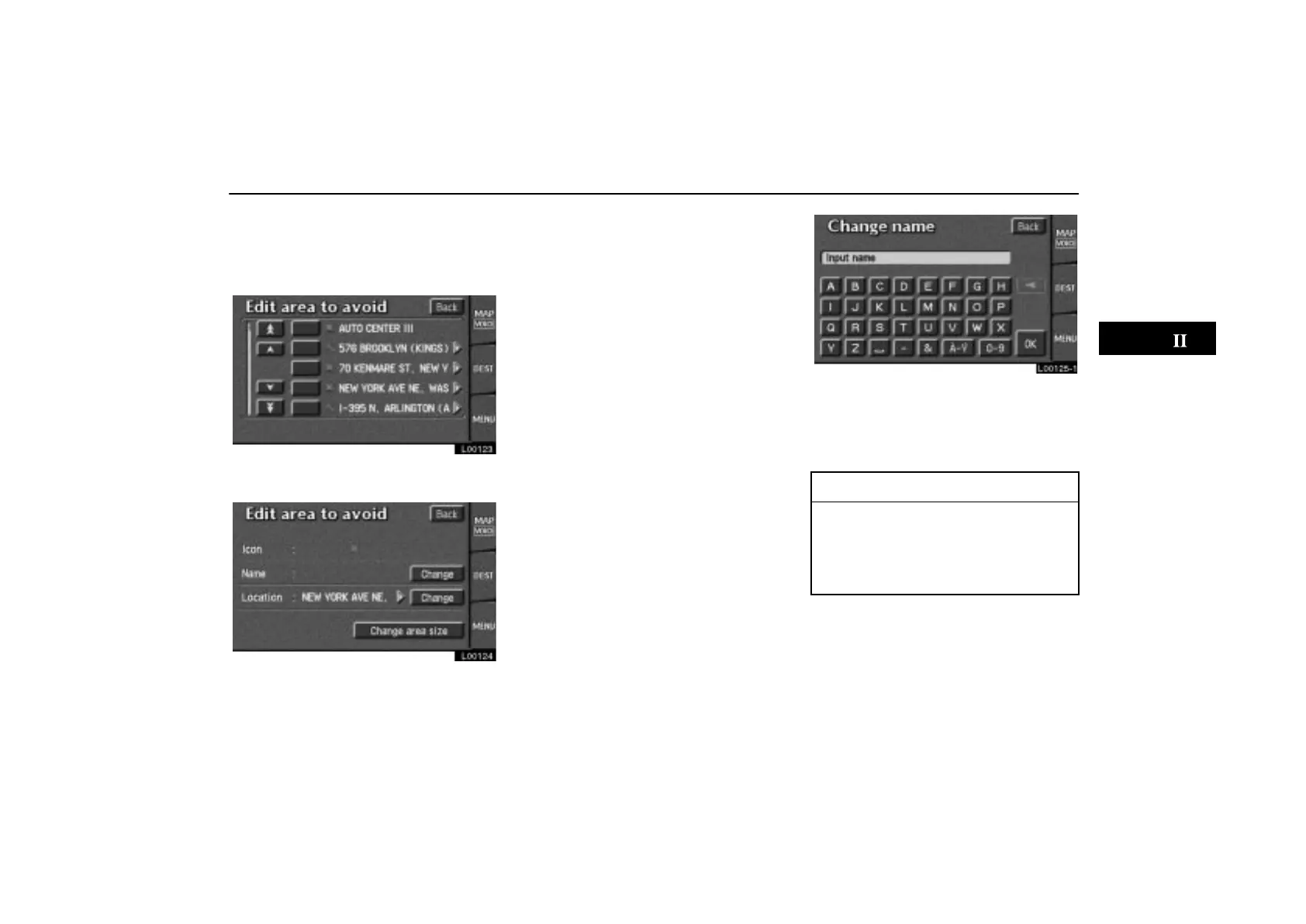
(b) Editing area to avoid
1. Touch the “Edit” switch under “Area
to avoid” to display the “Edit area to
avoid” screen.
L00123
2. Touch the point you want to edit from
the list.
L00124
You can edit the name, location and size of
the area to avoid. Touch the change switch
of any item that you want to edit.
L00125
3. Edit the name, location or size of the
area to avoid.
When editing is completed, touch the
“OK”
switch.
INFORMATION
If you try to change the map to an in-
appropriate scale, a message ap-
pears.
For magnification or reduction of the
map scale, see page 48.



 To Next Page