Marked Points
ES300_Navi_U (L/O 0208)
69
2003 ES300 Navigation from Aug. ’02 Prod. (OM33592U)
CHANGING THE POSITION
L00111
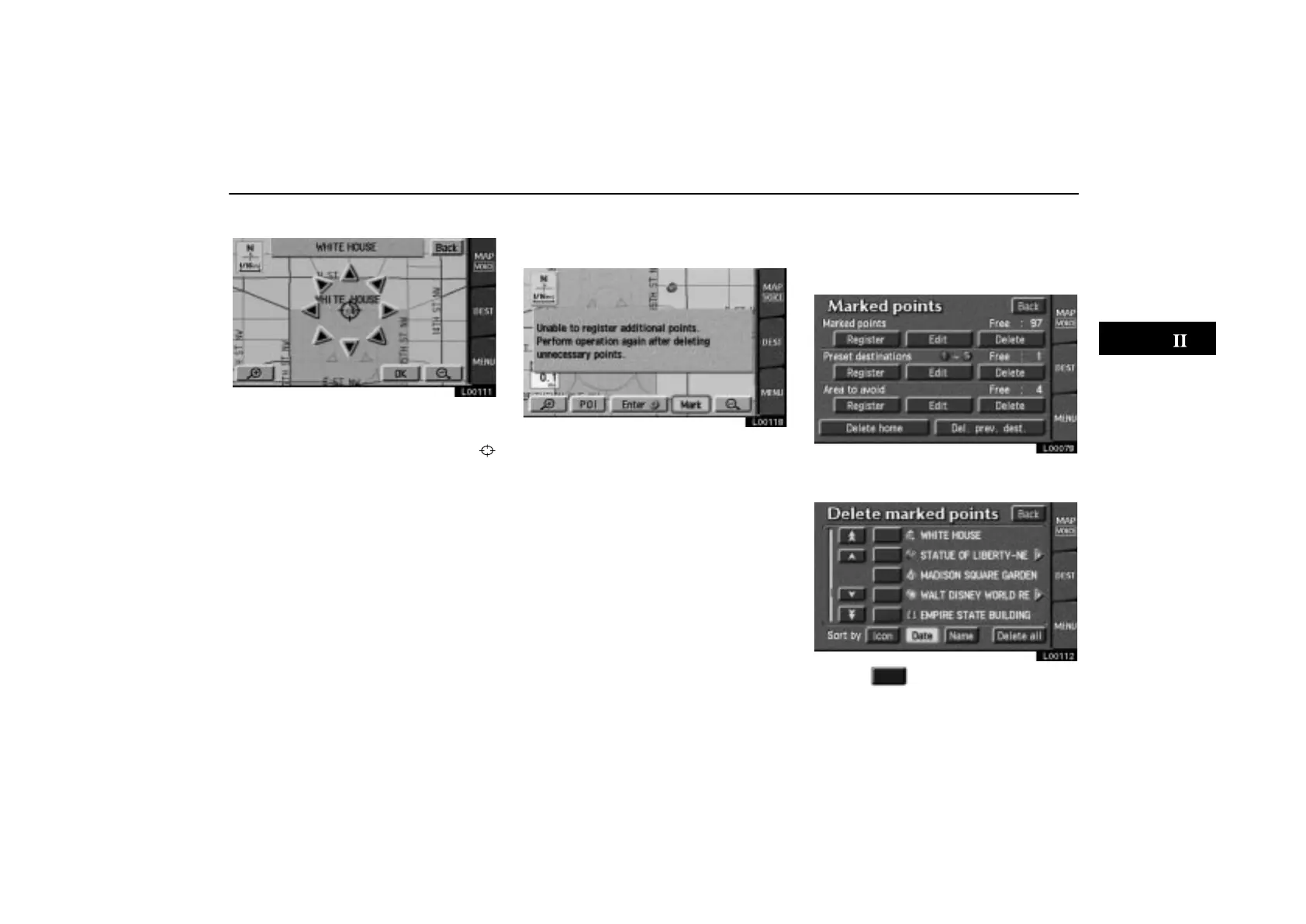
Touch the arrows to scroll to your desired
point on the map screen.
Touch the
“OK” switch when the cursor
moves to your desired point.
The previous screen will return.
After you finish any editing, touch the
“Back” switch on the first screen of
“Edit marked points”.
You can register up to 100 marked points. If
you attempt to register more than 100, a
message appears for confirmation.
L00118
If you want to register a new point, delete one
of the marked points. See “(c) Deleting
marked points”.
(c) Deleting marked points
1. Touch the “MENU” tab on the screen
to display the “Menu” screen and touch
the
“Marked points” switch.
L00078
2. Touch the “Delete” switch of the
marked point.
L00112
3. Touch of the marked point to de-
lete.



 To Next Page