Your Navigation System
ES300_Navi_U (L/O 0208)
2
2003 ES300 Navigation from Aug. ’02 Prod. (OM33592U)
NE003
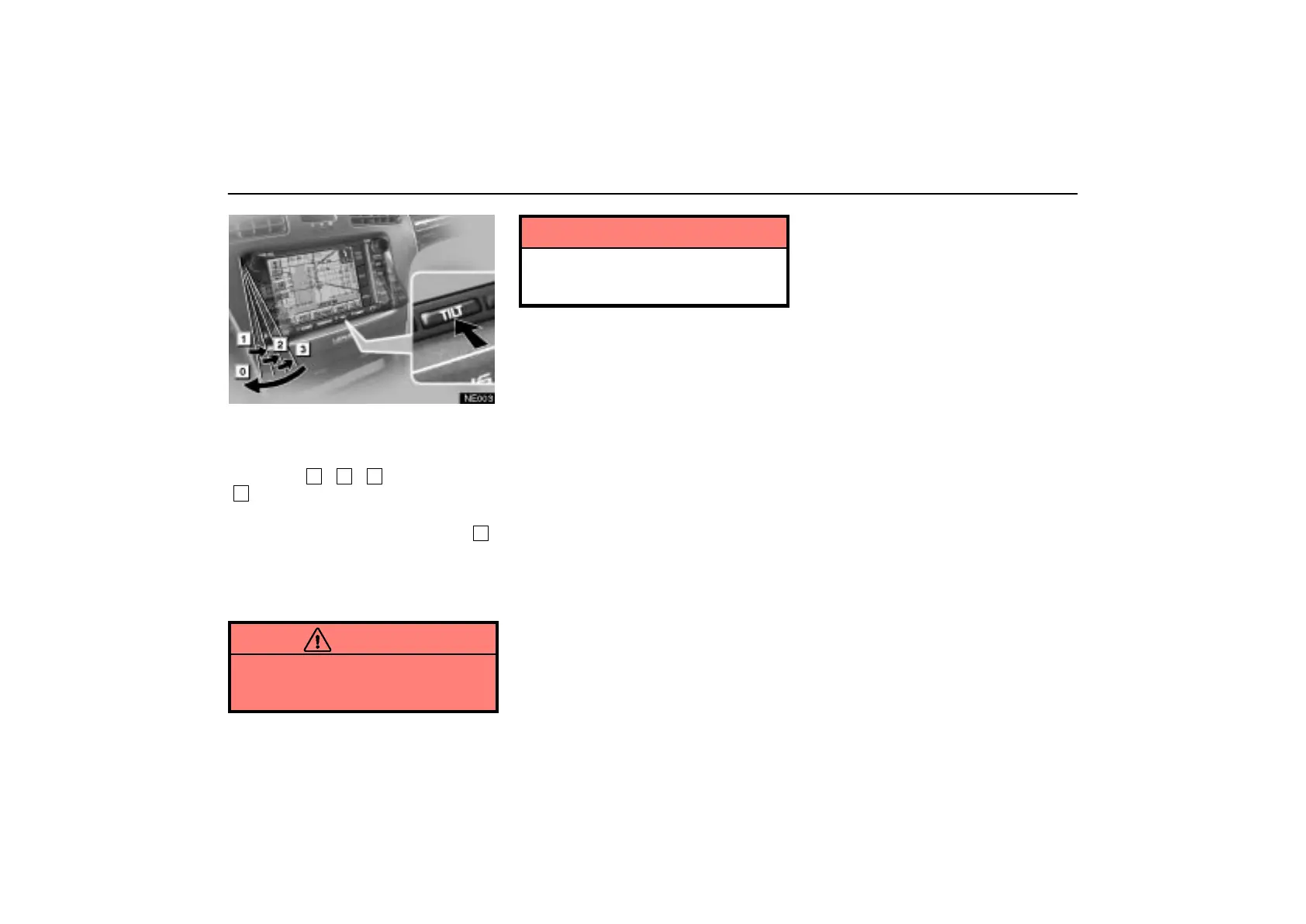
You can adjust the angle of the display by
pushing the
“TILT” button. Each push
of the
“TILT” button will tilt the display
to position
1
,
2
,
3
and then back to
0
in that order.
If you turn the ignition switch off, the display
will automatically move back to position
0
.
The display will automatically resume the
previous position you used when the ignition
switch is turned to the “ACC” or “ON” posi-
tion.
CAUTION
Take care not to jam your hand while
the display is moving. Otherwise, you
could be injured.
NOTICE
Do not obstruct the display while it is
moving. It could damage your naviga-
tion system.



 To Next Page